Question
layering in elements 15
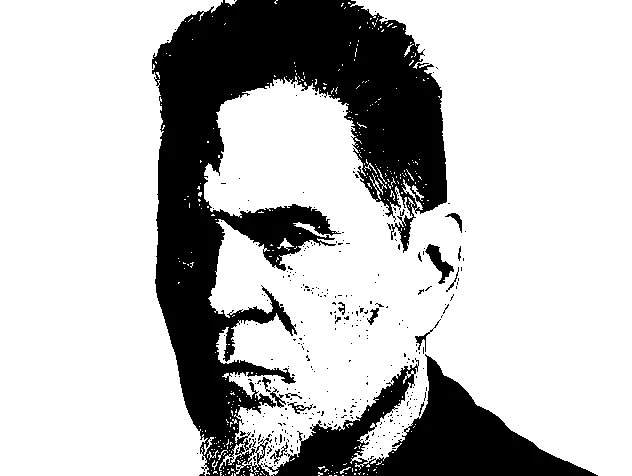 Here's my question: this is a pic of someone i want to do a scroll saw cutting of. i have the threshold where i like it except for the left side of his face. I've watched videos of layering, but i can't figure out how to select a region make it a layer so that i can lighten that area up? i've done a lot of portraits without trying to layer them, but i know once i understand how to do this my world will get a whole lot easier! lol
 AdChoices