Participant
February 16, 2019
Answered

Links in Help Menu Item!! -- PSE19

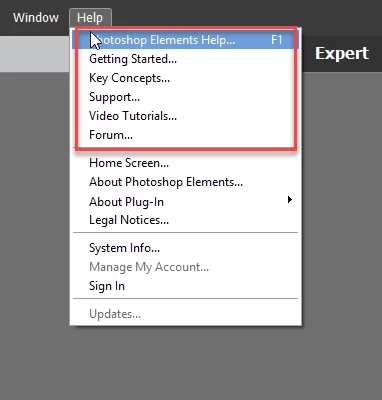
Is there any reasons why the Links in Help Menu items aren't working?  See this picture to see what I mean:
This topic is closed to new replies. Start a new post to keep the conversation going.
ex04exc01Correct answer
Participant
February 18, 2019

I found the solution.  In Windows 10 sometimes there are updates waiting to be installed so the user needs to restart the machine.  In my case I had to do it twice so that the cumulative update gets installed.  The machine was sluggish so this would have affected everything including FFox which was very slow.  Now everything works as normal so perhaps it will be ok for now until next month when new updates are released.

I have to say PSE19 is quite slow compared to PSE12 and I don't see many features that could warrant upgrading to this version.  Me thinks so anyway!!!!.

2 replies

ex04exc01AuthorCorrect answer
Participant
February 18, 2019

I found the solution.  In Windows 10 sometimes there are updates waiting to be installed so the user needs to restart the machine.  In my case I had to do it twice so that the cumulative update gets installed.  The machine was sluggish so this would have affected everything including FFox which was very slow.  Now everything works as normal so perhaps it will be ok for now until next month when new updates are released.

I have to say PSE19 is quite slow compared to PSE12 and I don't see many features that could warrant upgrading to this version.  Me thinks so anyway!!!!.

Translate
John Waller
Community Expert
Community Expert
February 17, 2019

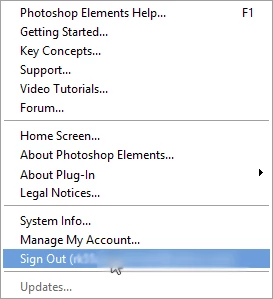
Try signing in to your Adobe account via Help > Sign In using your Adobe ID.

Translate