pattyetue
Participating Frequently
March 29, 2020
Question

Losing adjustments upon flattening

  • March 29, 2020
  • 3 replies
  • 388 views

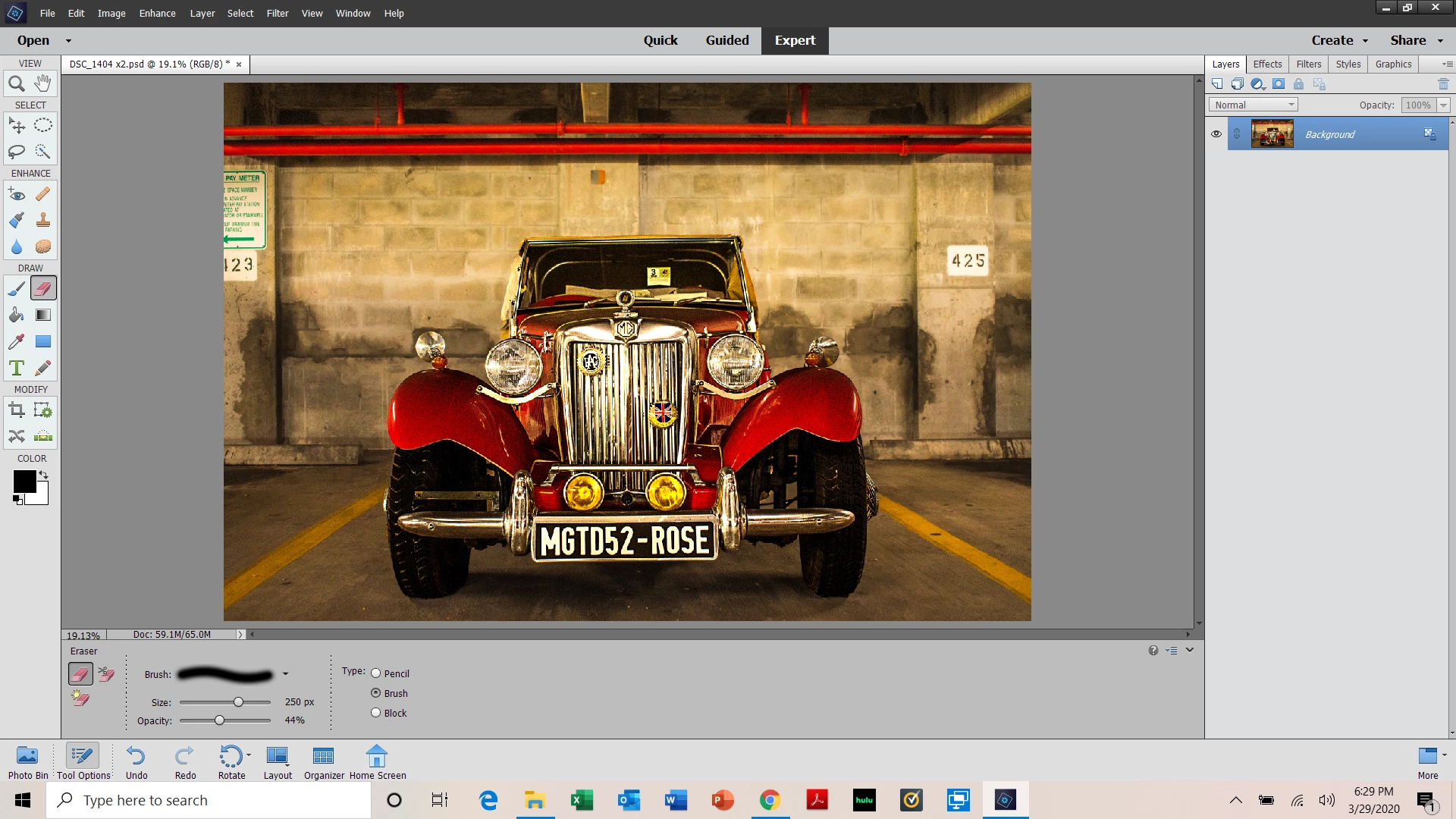
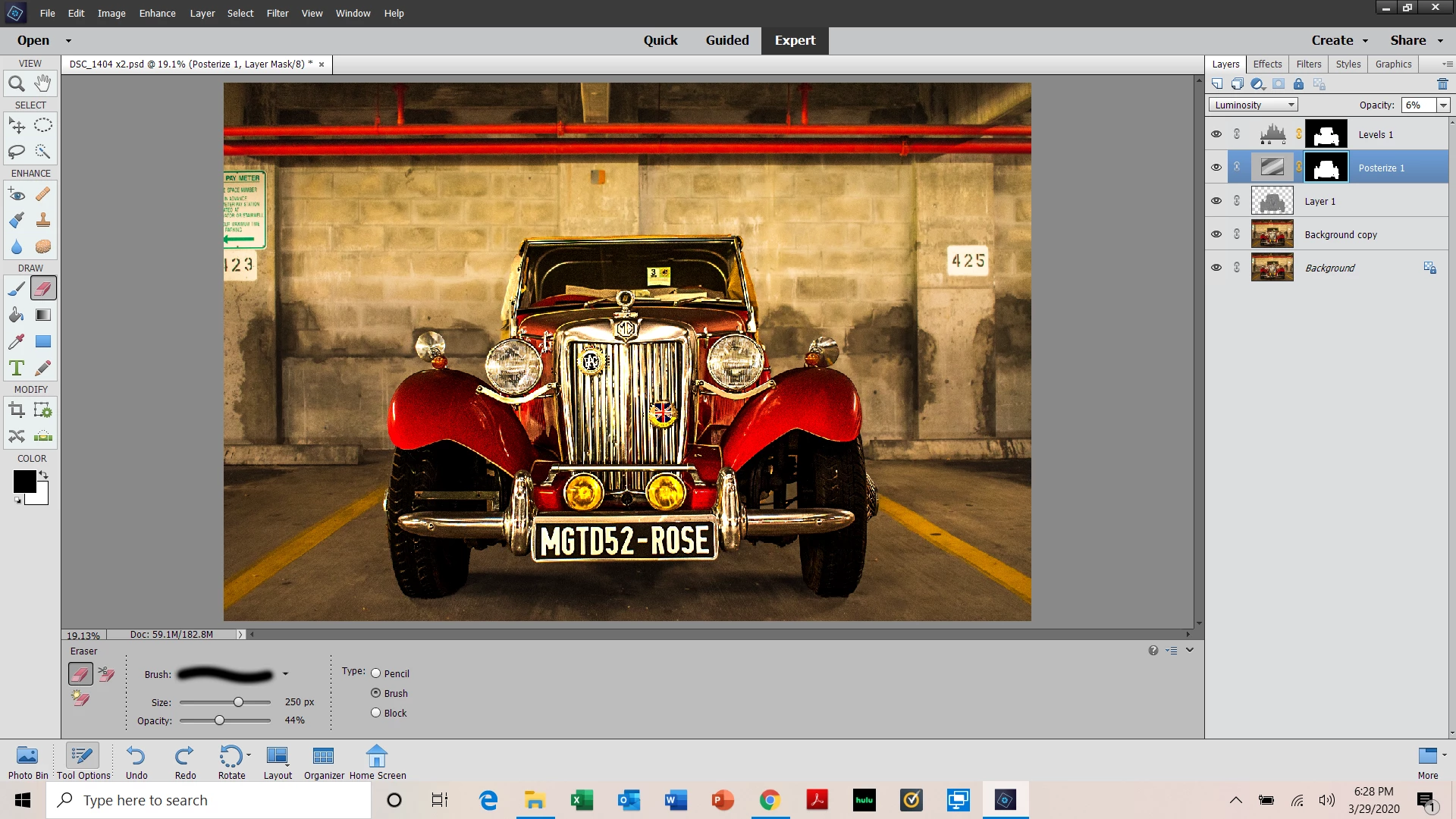
I'm playing around and something funny happened.  I made some adjustments and when I went to flatten the image, some of the adjustments diappeared.  Check it out.  Any ideas?
This topic has been closed for replies.

3 replies

Jeff Arola
Community Expert
Community Expert
April 6, 2020

Yes that is why viewing the image at 100% (actual pixels) is a good idea before flattening.

 Ideally one would just be able to see the whole image at 100% view and make the adjustments, but of course with a laptop or low resolution screen, that's really not possible.


The change your seeing occurs because at views other than 100% view photoshop elements uses interplolation to show the image which can lead to inaccuracies in the image such as your seeing particularly at views below 50%.


You might consider getting a external 4k high resolution monitor.

Jeff Arola
Community Expert
Community Expert
March 30, 2020

You don't have to do the adjustments at 100% view, just check after your done to see if the image changes.


Definitely easier said than done on laptop top screens and other lower resolution monitors.

pattyetue
pattyetueAuthor
Participating Frequently
April 6, 2020

Hi!


The change that occurs after I flatten the image is quite a change.  I see a large difference.  A lot of the shine I was trying to put on the lights, chrome and such is gone.  That is very evident at 19%.  Any ideas?


Thanks again!

Jeff Arola
Community Expert
Community Expert
March 29, 2020

That commonly happens when the view percent of the image on screen is less than

100% (actual pixels) since photoshop elements uses interpolation to show view

percents other than 100%.


In other words, viewing an image at 100% view is the only way to see what it actually looks like.


Double click on the Zoom Tool to get 100% view or go to View>Actual Pixels before

you Flatten the image.

pattyetue
pattyetueAuthor
Participating Frequently
March 29, 2020

Hi Jeff!  


Thank you for your response!  I appreciate your time.


I'm curious - this has never happened to me before and I was doing similar adjustmenets - in fact even more drastic - to other pictures last night with no problems.  They were also images of cars.


Also, if I zoom in to 100% while doing the adjustments, I wouldn't know if I liked the look of it on the image?


I'm not trying to be difficult.  I'm just an amateur who is confused.


Thanks LOADS and stay safe!