

lost connection with all pictures in PSE13
I am running PSE13 at MacOS for quite some years without any problems till a few days ago
I have more as 50k pictures in my PSE13 database.
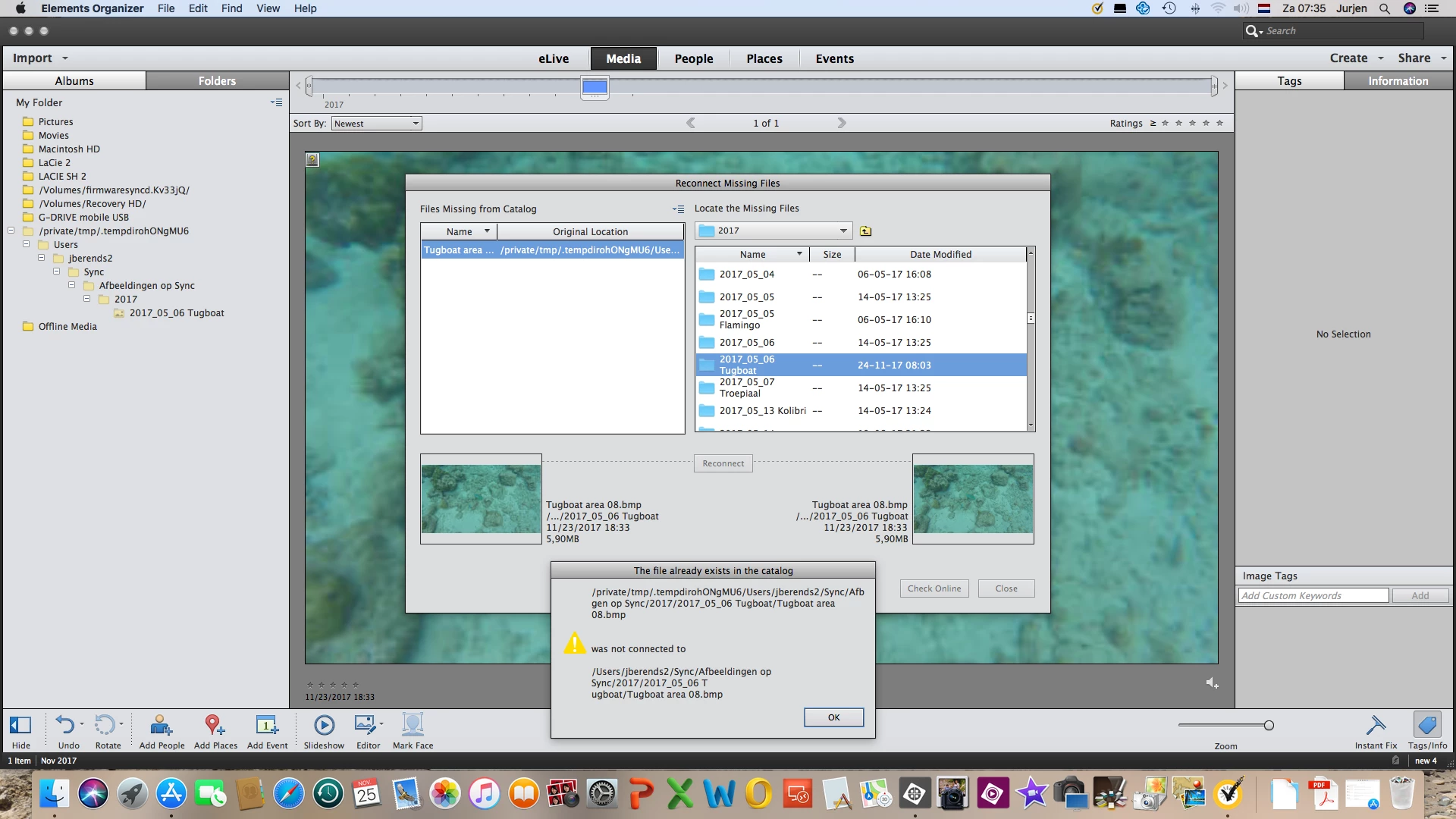
when i recently tried to import new photos, the photos could not be shown in the organiser (as asuil) and the question mark was shown to indicate that pictures needed to be re-connected (however they were just imported les as a minute before). when i tried to reconnect, i got error message that picture ' was not connected to ..'
in meantime i have restarted PSE13 many times, i have restated computer many times, i have restored old databases from 2 days ago and from 2 weeks ago, all with the same result.
when opening the folders (at left column of PSE13) all pictures are shown in a map, which does not exists !
In meantime I created new database to simulate the problem.
I import 1 picture in the new created database. see below screenshot. so far so good.
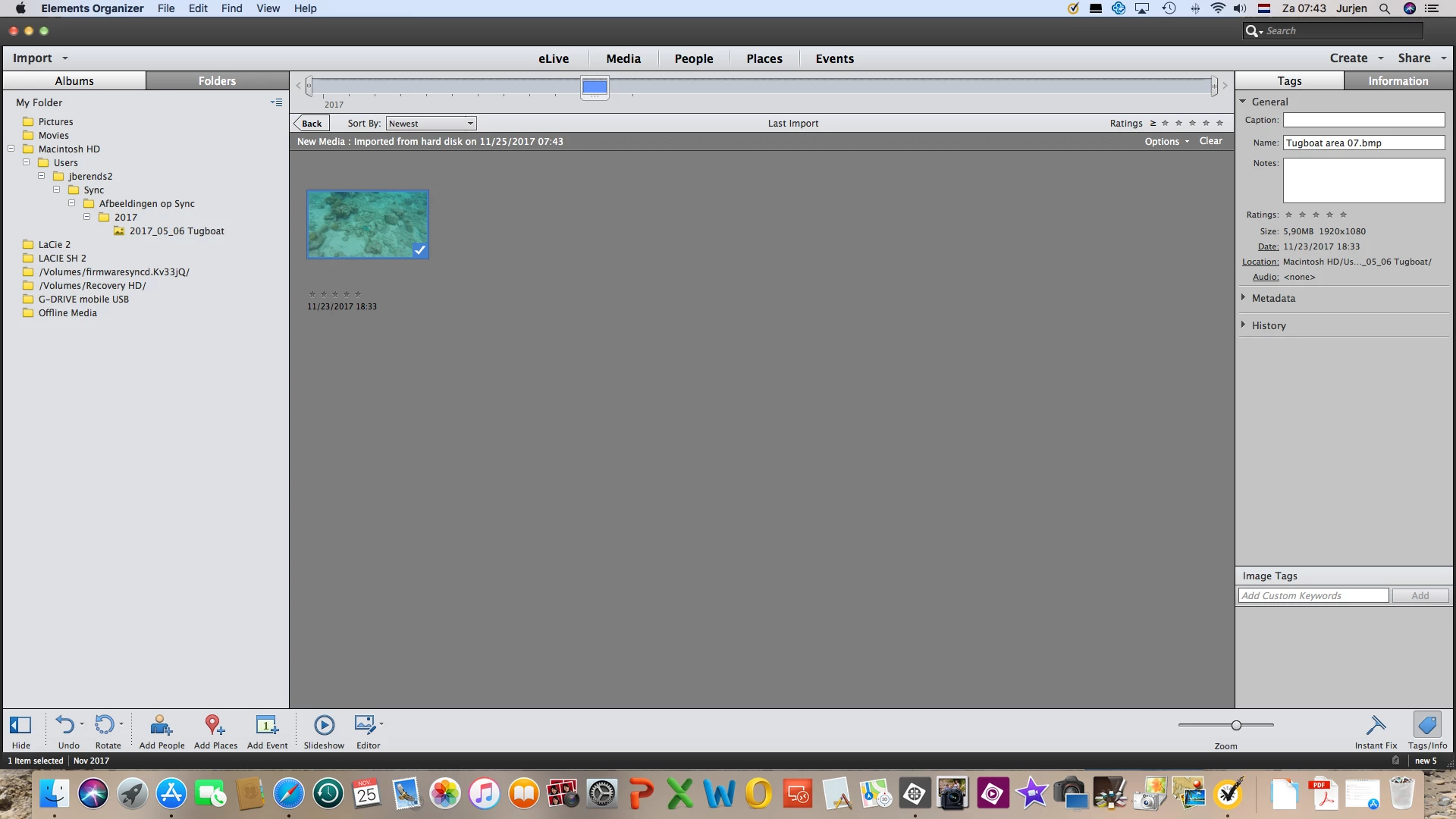
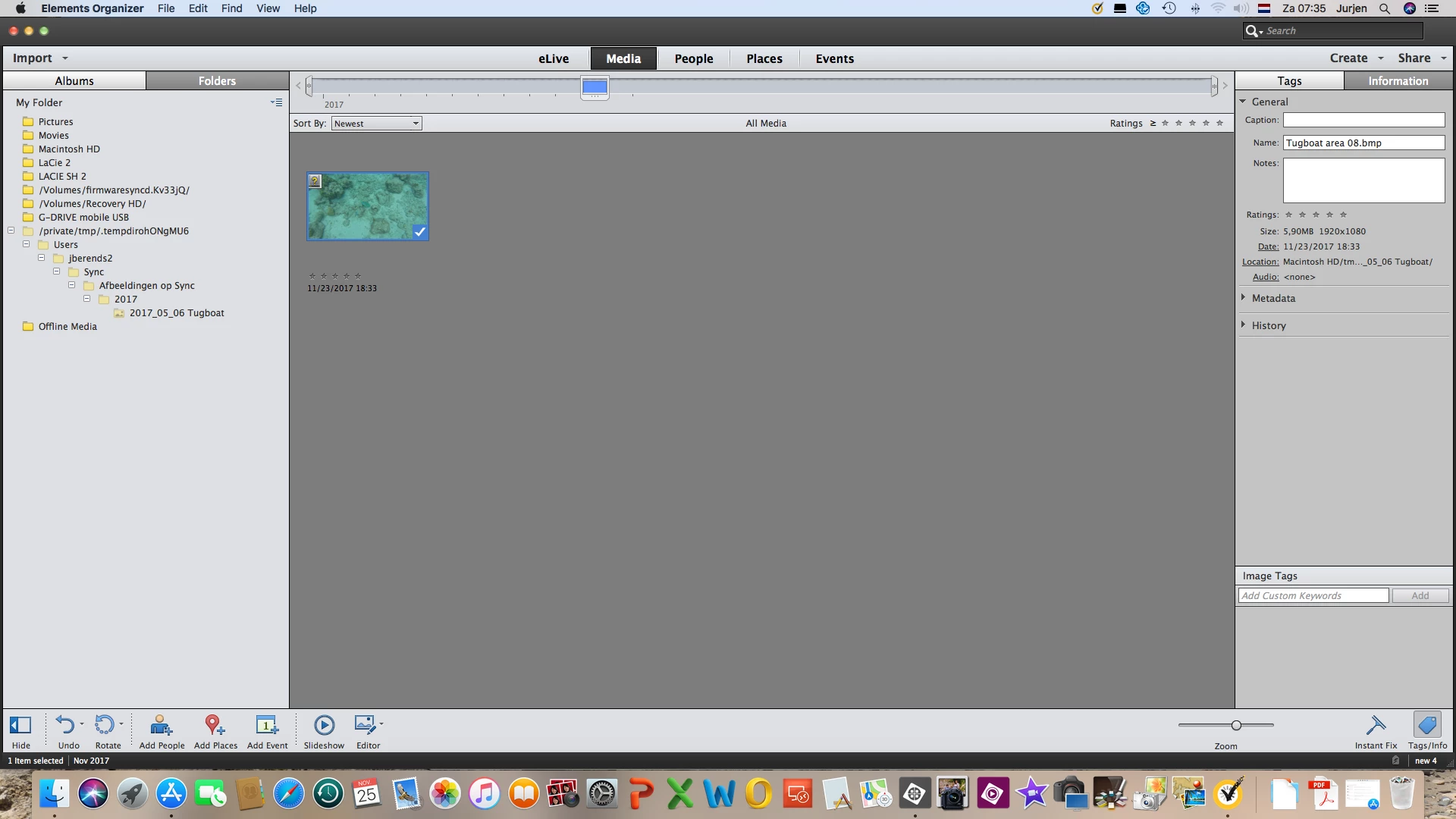
however as soon as i close PSE13, and re-open and/or change to another database, and later return to this database, the picture has been moved from the original location Macintosch HD/users/jberends2/Sync/Afbeeldingen op Sync/2017/2017_05_06 Tugboat to /private/tmp/.tempdirohONgMU6/users/..... (see below screenshot). this is a non-existing folder, and therefore PSE13 cannot connect to this picture !!??
when i try to re-connect i get error that picture was not connected to ... (although it was just imported from same location).
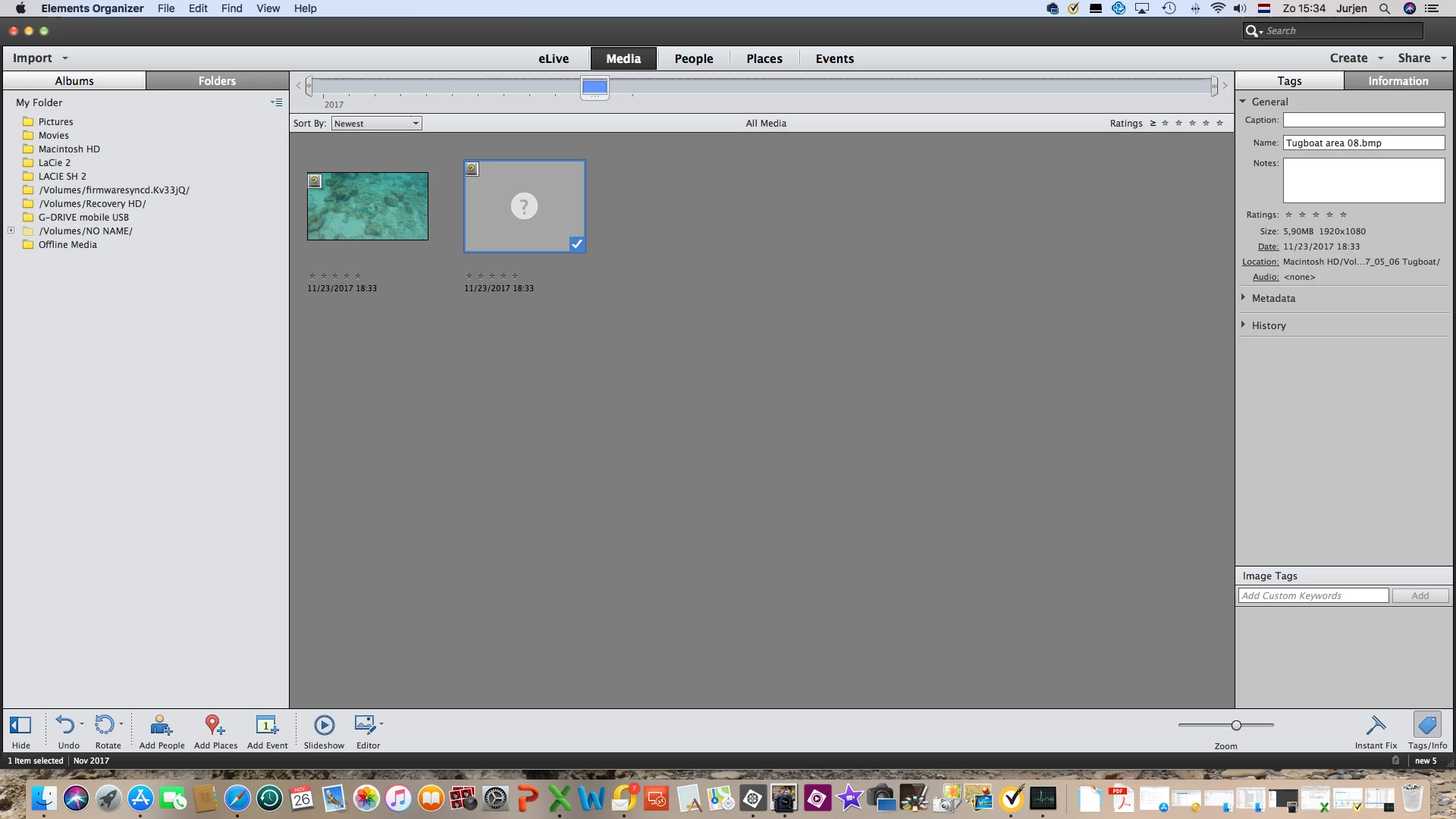
even when i will import a second photo in this database it will not be shown at all (see below screenshot)
anybody any idea how this can happen ?
and what i can do to solve this ?
Jurjen
 AdChoices