


Missing File prevents Reconnect Action
I would appreciate finding a solution to deleting a missing file that prevents the ' Reconnect All Missing Files ' action from completion. I am working with PSE 2024 on a Windows 11 PC desktop which is new and updated. When I initiate Reconnect All Missing Files ' , it quickly identifies all the photos except one. It is the top half (orange roof) of the desktop icon for the Window Home folder. I think it represent a file that is so large that PPSE cannot generate a thumbnail in the left side. Since there is no thumbnail, I cannot reconnect the 'HOME' icon. I cant find it i the catalog and cant delete it. Interesting enough, this one missing file does not prevent backing up the catalog. I have no idea about how the icon got into the catalog.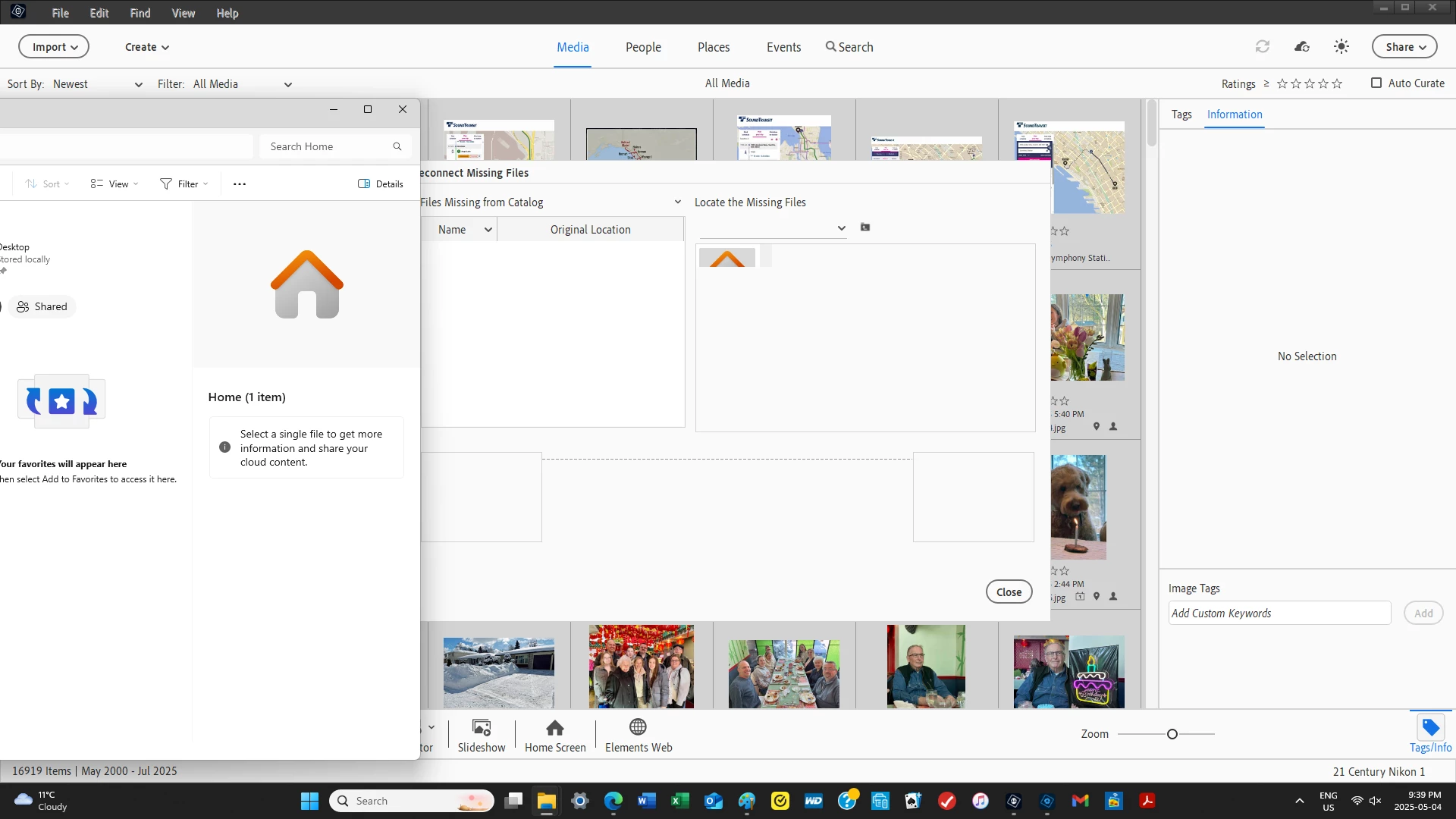
 AdChoices