
Question
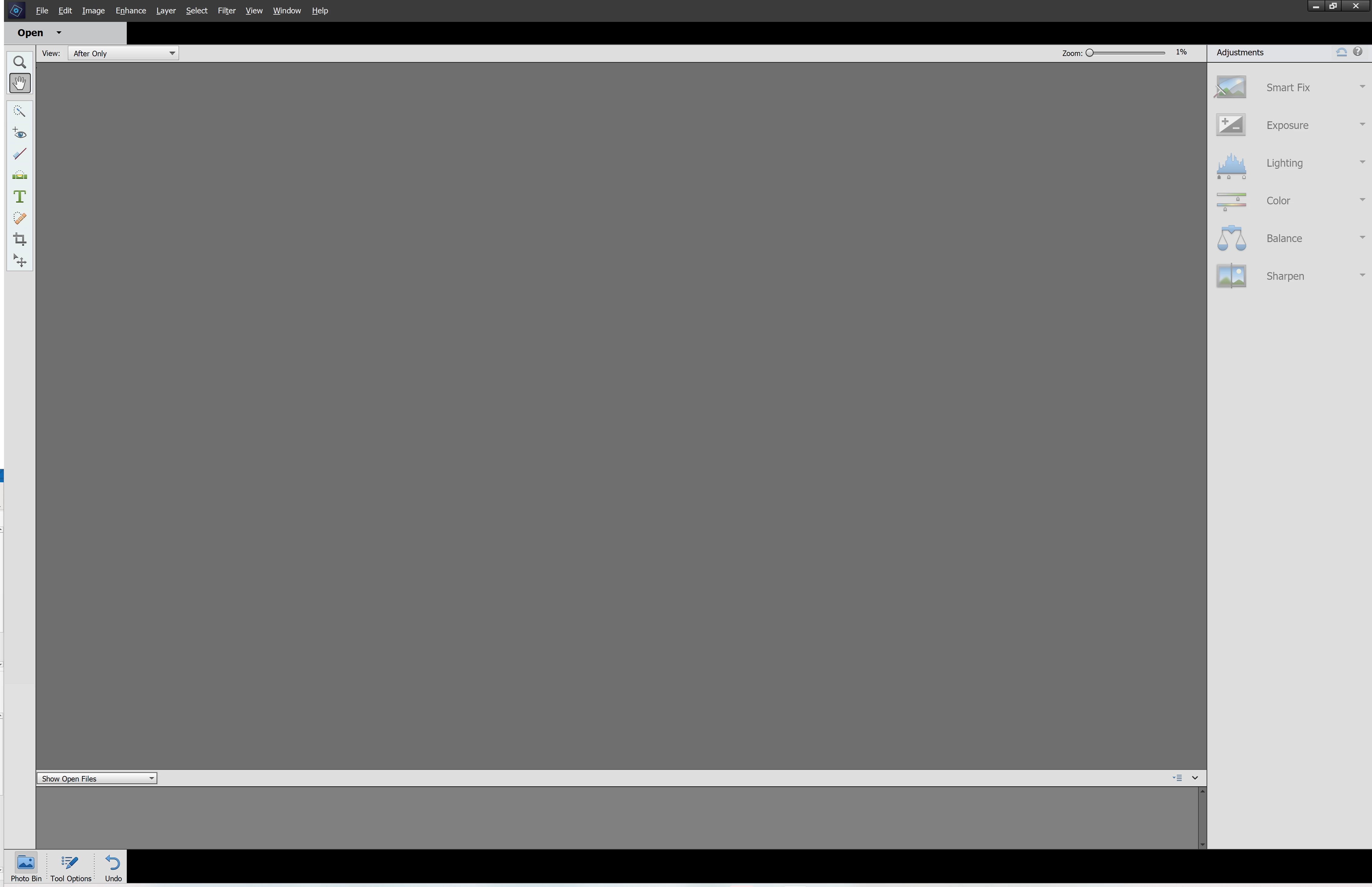
Missing Quick Guided Expert
I am missing the Quick Guided Expert options at the top middle of the screen. I am stuck in quick mode. I tried resetting panels, resetting preference son next launch, reinstalling the program.
I am on Windows 11 22H2.
Photoshop Elements 2021 v19.3
Any thoughts on how to fix this?
thanks,


 AdChoices