


Answered
Monochrome filters: red, green, orange, yellow are missing in Camera Raw after reinstallation
After a Windows 10 recovery I had to reinstall Photoshop Elements 13.
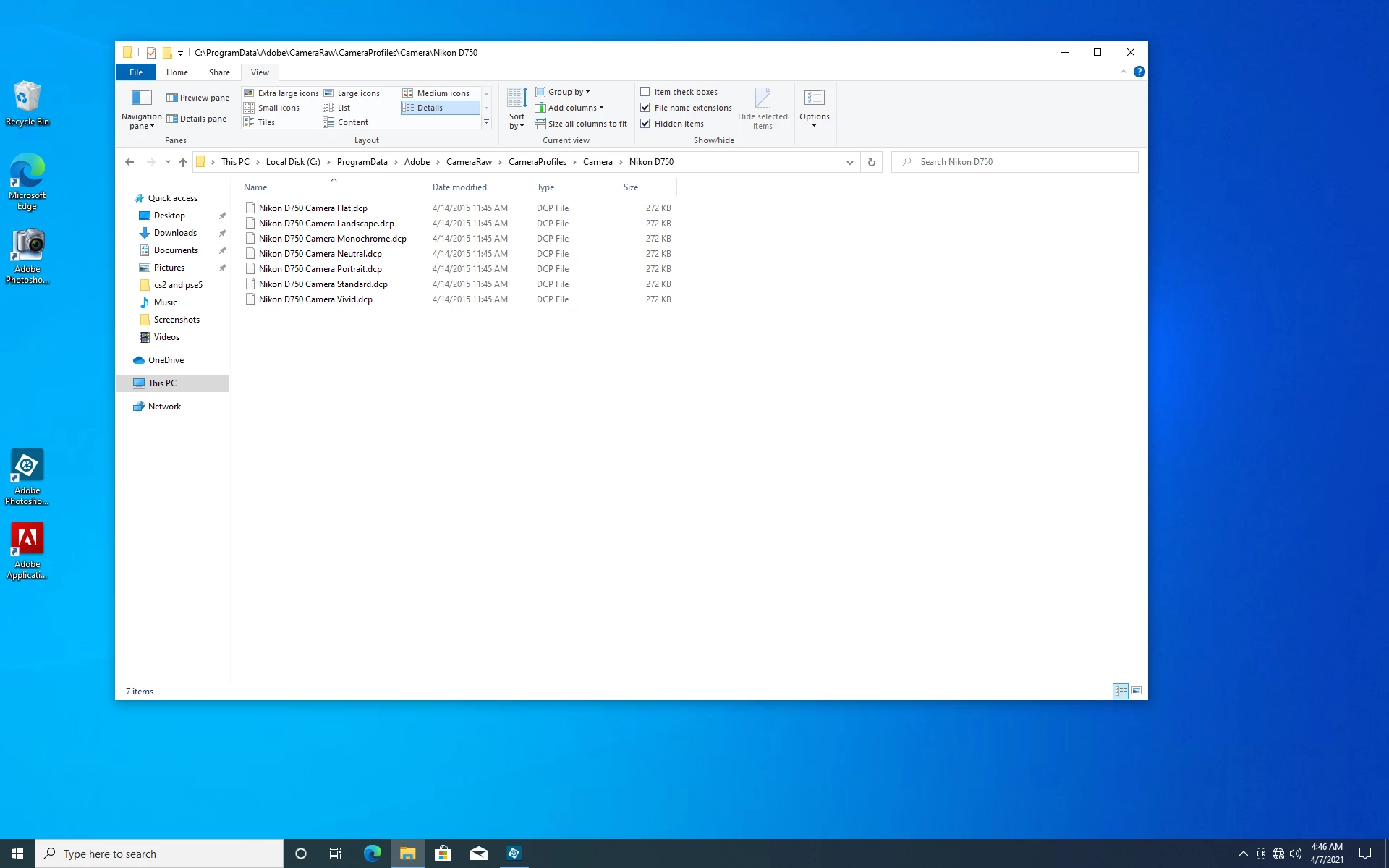
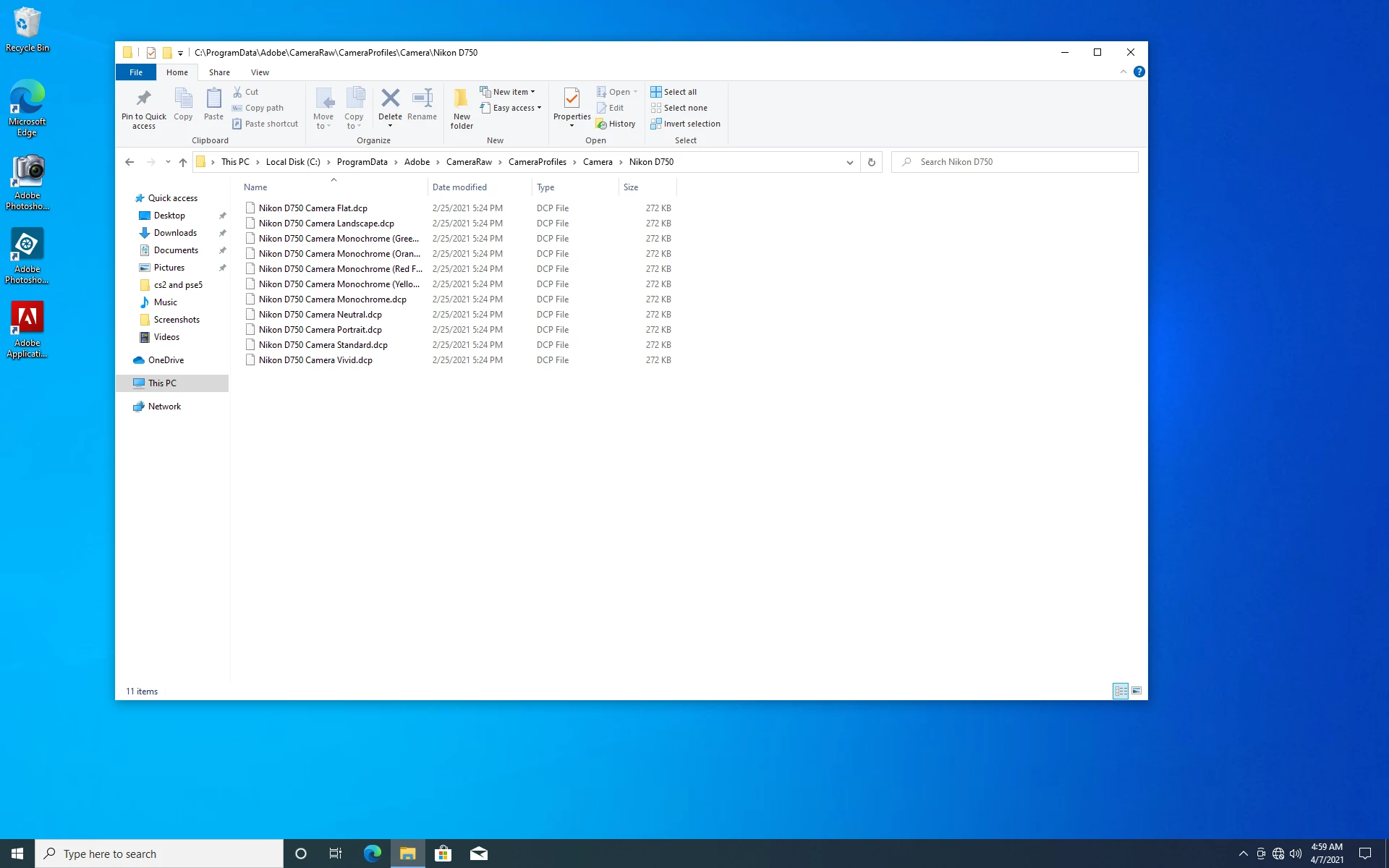
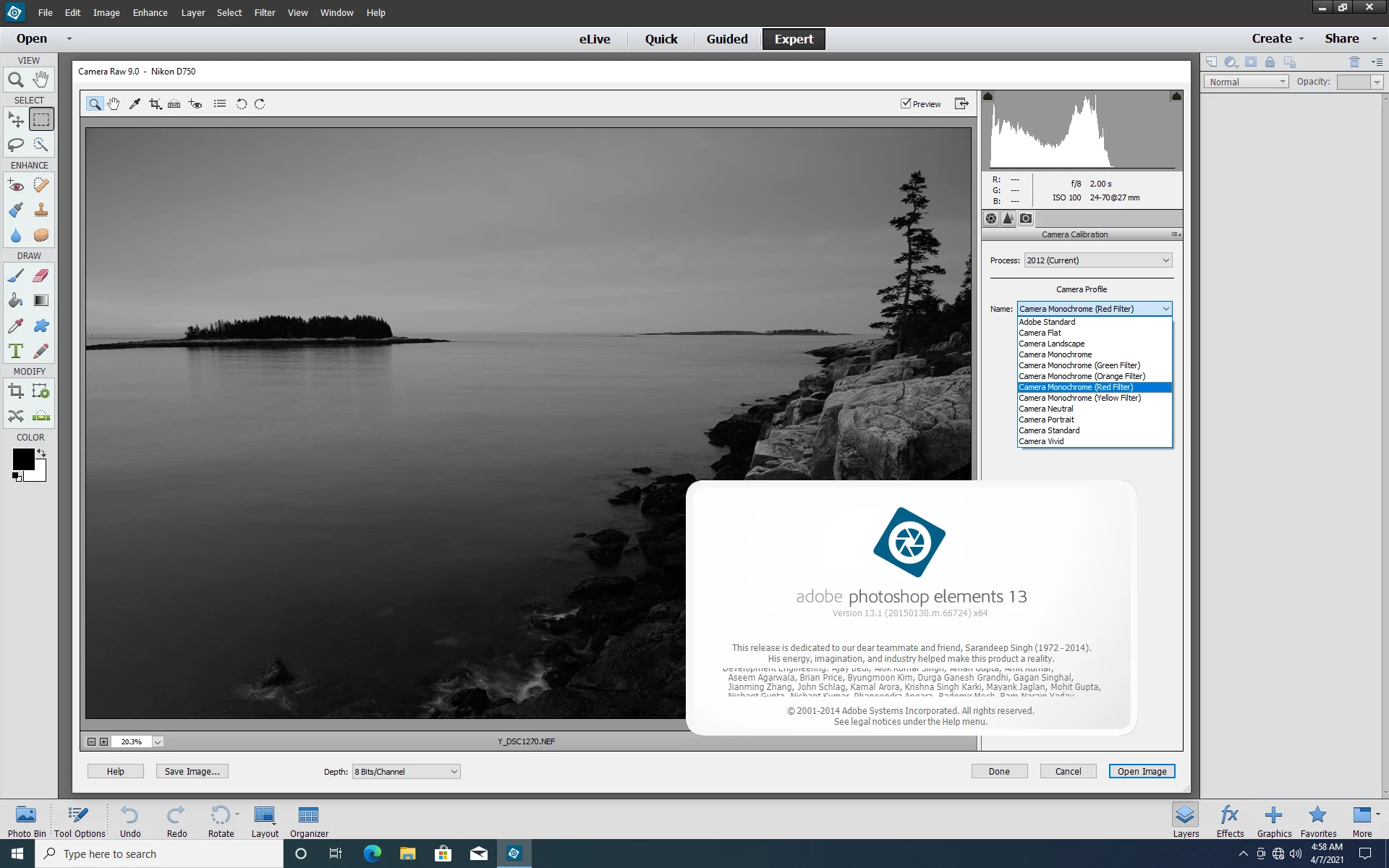
Since then the camera profiles: monochrome yellow, monochrome orange, monochrome red, monochrome green are missing in the Camera Raw dialog box. I am 100% positive Camera Raw did support these files for my Camera before I reinstalled Photoshop Elements 13.
All updates have been performed, it is running the Adobe Photoshop Camera Raw plug-in version 9.0.0.414.
I wonder what is causing the issue and how can it be fixed.
Thanks in advance,
Tinzi

 AdChoices