

Question
Move Tool Position Popup
When using the Move Tool (PE 12), a popup appears showing current position that is in the way and often obscures visual placement (see image). 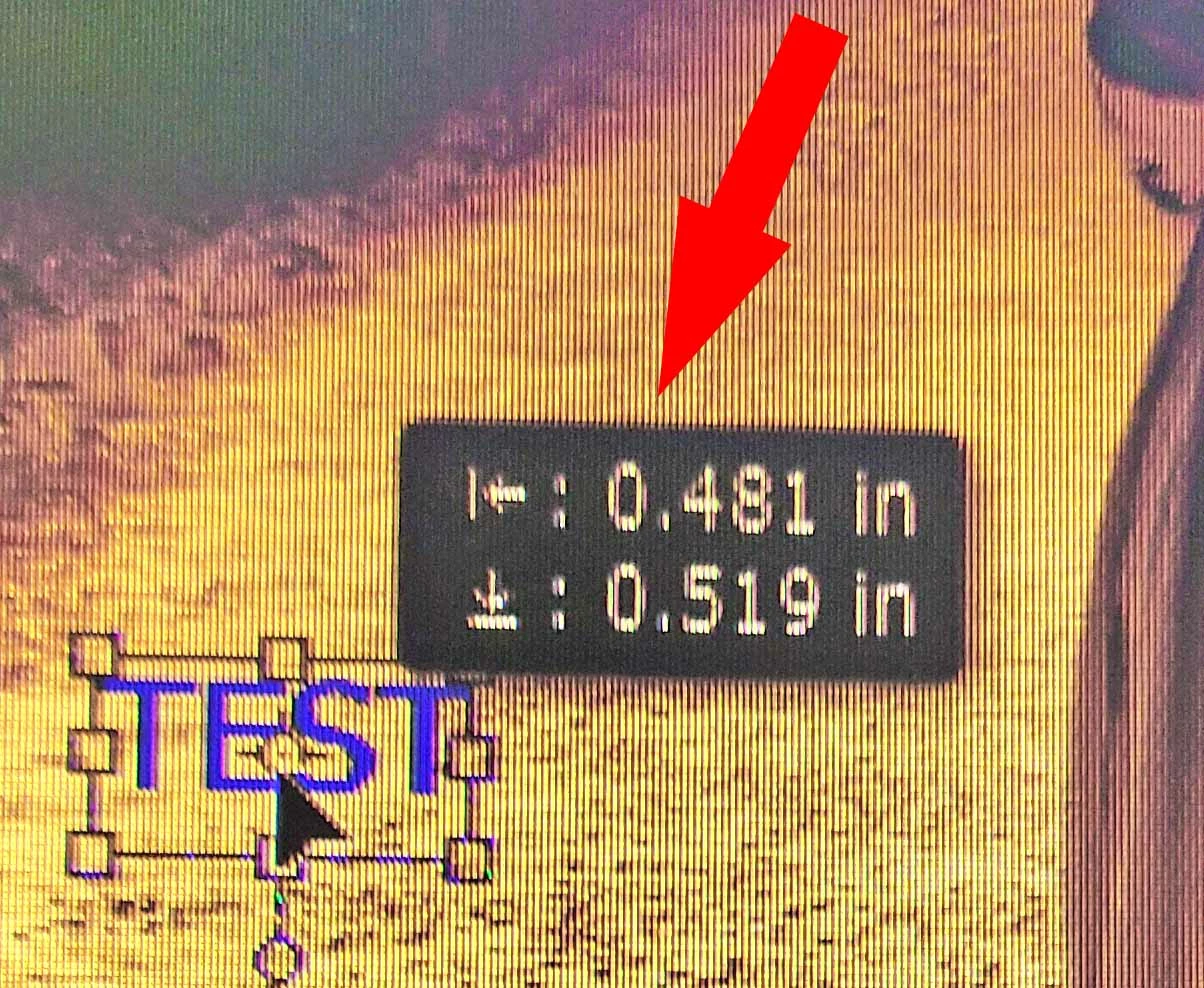 I cannot find a place to turn that off! Advice, please?

When using the Move Tool (PE 12), a popup appears showing current position that is in the way and often obscures visual placement (see image). I cannot find a place to turn that off! Advice, please?
Already have an account? Login
Enter your E-mail address. We'll send you an e-mail with instructions to reset your password.
 AdChoices