
Participant
August 17, 2024
Question

Need help to convert a catalog from my 2020 to 2024 Photoshop Elements

  • August 17, 2024
  • 2 replies
  • 216 views

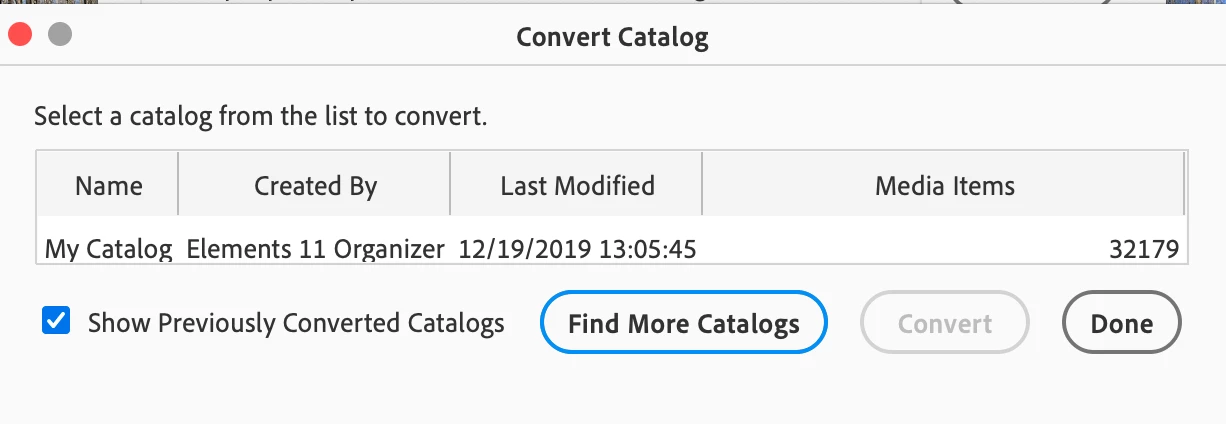
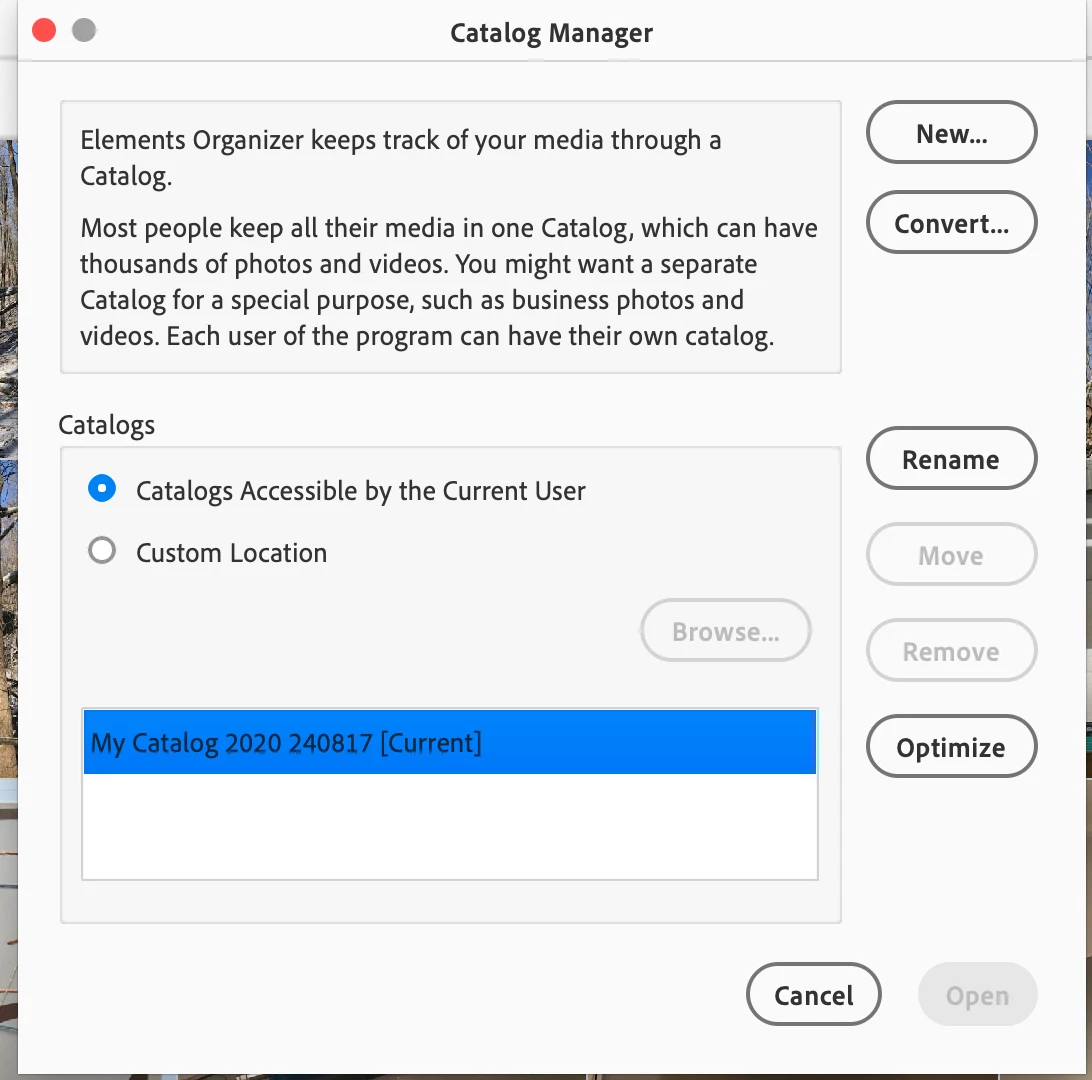
I have followed instructions given by a chat agent yesterday to back up my current 2020 catalog and then, in the 2024 version, convert to that catalog per screen shot below. While the file I converted is correctly named, the actual convert only included photos through 2019. When I looked to see what was listed that was already converted, it was an old catalog from photoshop 11. I can't spot any way to locate the current 2020 catalog so I can convert it. Hoping someone can help.


See screen shots below--again, even though the 2020 catalog name matches that in my 2020 Elements, the conversion picks up the old Elements 11 catalog.
 

This topic has been closed for replies.

2 replies

Greg_S.
Community Expert
Community Expert
September 21, 2024

They couldn't afford me.  😁

Greg_S.
Community Expert
Community Expert
September 21, 2024

If you have Elements 2020 with the complete catalog still installed, open it and click on Help>System Info.  It may take a while to open up a dialog.  The dialog will show you the exact path to the open catalog.


In Elements 2024, go to File>Manage Catalogs and click on the Convert button.  If the correct catalog is not displayed, click on the Find More Catalogs button and you will then be able to navigate to the correct folder. 

Participant
September 21, 2024

Thank you. Adobe should hire you.