

mike23551318
Known Participant
November 22, 2018
Answered

NEED KEYSTROKE COMMANDS FOR CINTIQ PRO 24 EXPRESS KEY REMOTE

  • November 22, 2018
  • 1 reply
  • 1222 views

Hi. I could really use some help with getting the correct TWO keystrokes to program one of the express key remote buttons for "Increasing" and another for "Decreasing" brush size. 
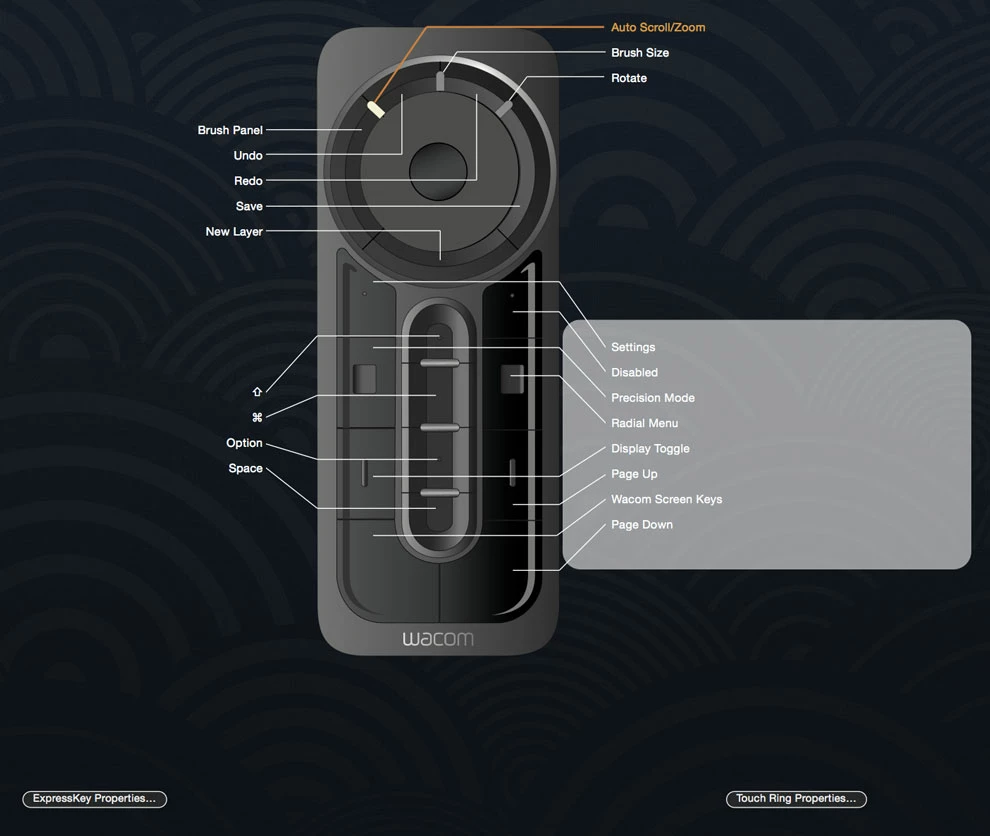
And I also need the the correct TWO keystrokes to "Increase" and "Decrease" the size of the eraser. The remote is to a Cintiq Pro 24. I would greatly appreciate your help with this.

Best,

-Mark

    This topic has been closed for replies.
    Correct answer Jeff Arola

    Here is the list of photoshop elements keyboard shortcuts.

    Not every single shortcut is listed, but the most popular ones are like for Brush Sizing.

    https://helpx.adobe.com/photoshop-elements/using/keys-painting-brushes.html

    https://helpx.adobe.com/photoshop-elements/user-guide.html

    Topics>Keyboard Shortcuts

    1 reply

    Jeff Arola
    Community Expert
    Jeff ArolaCommunity ExpertCorrect answer
    Community Expert
    November 22, 2018

    Here is the list of photoshop elements keyboard shortcuts.

    Not every single shortcut is listed, but the most popular ones are like for Brush Sizing.

    https://helpx.adobe.com/photoshop-elements/using/keys-painting-brushes.html

    https://helpx.adobe.com/photoshop-elements/user-guide.html

    Topics>Keyboard Shortcuts

    mike23551318
    Known Participant
    November 22, 2018

    This is perfect.  Thank you so much for your help. 

    mike23551318
    Known Participant
    November 22, 2018

    I'm having some trouble. I programmed the brush size & softness commands into the remote. But it's not responding properly. Any suggestions on what to check on what I might be doing wrong?