Answered
no pixels selected
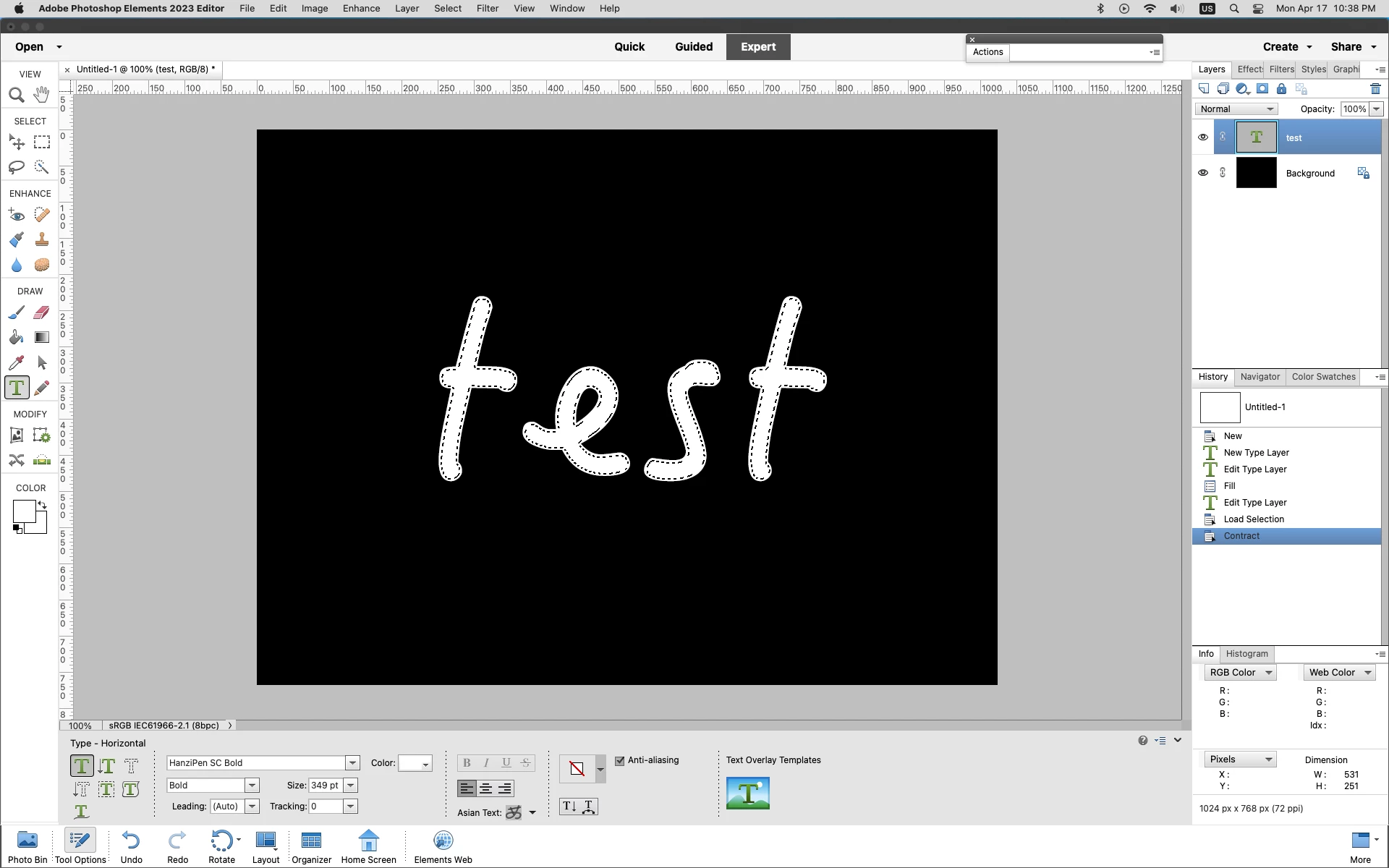
I created a text layer above a dark background. I selected the text by clicking the thumbnail but when I go to modify>contract, it says no pixels selected. I don't know why.

I created a text layer above a dark background. I selected the text by clicking the thumbnail but when I go to modify>contract, it says no pixels selected. I don't know why.
Can you post a screenshot of the photoshop elements interface that includes your document and the layers panel.
When i try your method of Ctrl/Cmd clicking on the Text layer thumbnail to load a selection of the text and then go to Select>Modify>Contract, it does work here.
So maybe your text is very small or your trying to contract too many pixels.
Already have an account? Login
Enter your E-mail address. We'll send you an e-mail with instructions to reset your password.


 AdChoices