Valentina ♡
Inspiring
August 26, 2023
Answered

oil paint filter that I can adjust the strokes?

  • August 26, 2023
  • 3 replies
  • 1426 views

Hello... I'm testing pse but it seems there's no  oil painting filter (I'm following an youtube tutorial and it says 😞

Go to Stylize and "Oil Painting". But pse don't have this option. I know there's a sort of oil paint effect but that's  can't be adjusted the strokes and other factors. It  gives just  painting effect by change the canvas texture, but the oil painting effect I need is like this (sorry quality of image, anyway, the effect it should be like painting strokes the photo itself not the canvas texture):
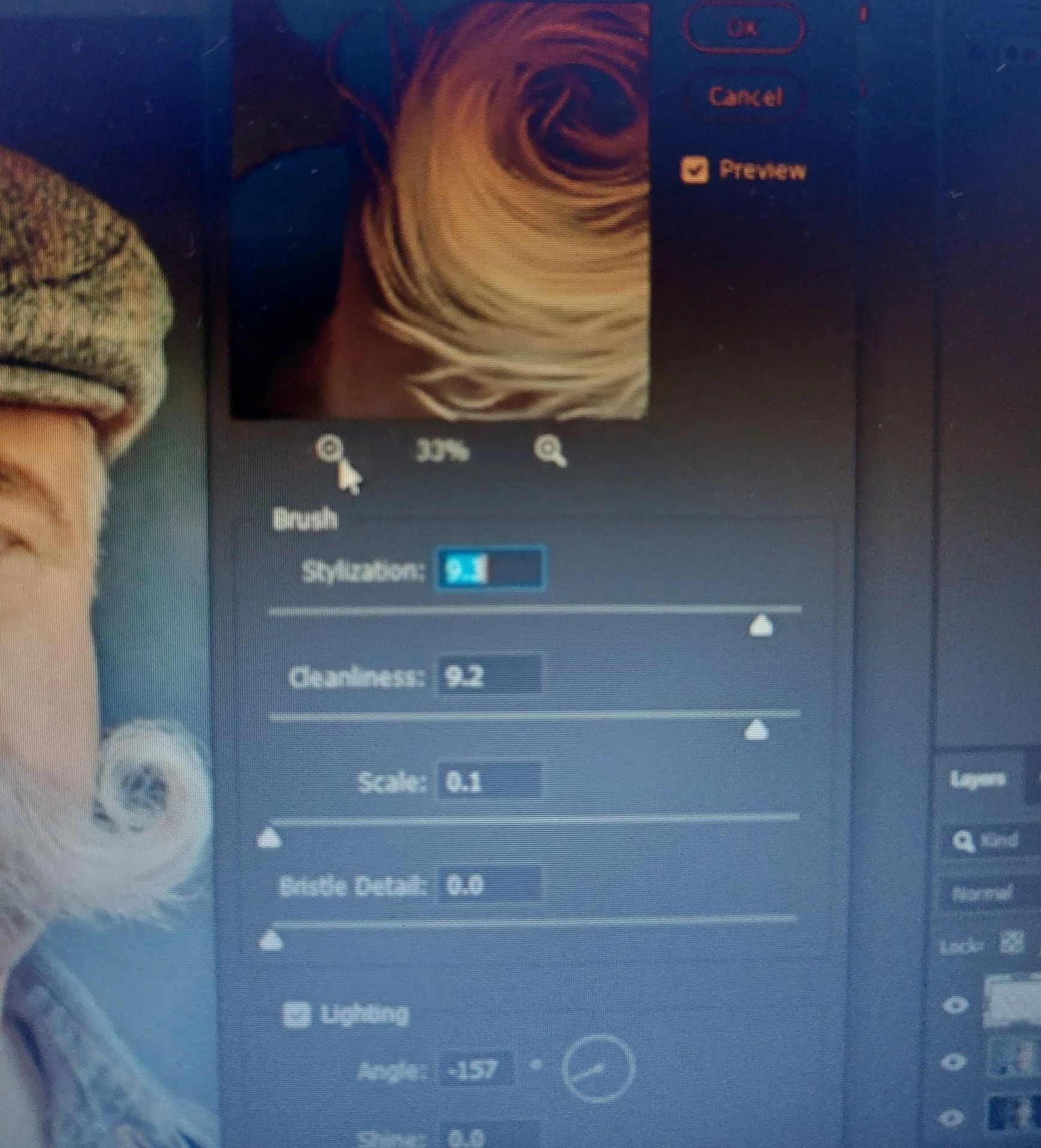


Where we can contact Adobe official team and ask   to add this style some day and request this feature?


For the tutorial I m following , there's need a oil painting stylize option or I can't make the same result...
 Maybe there's actions that give the possibility to adjust the photos and give the oil painting effect?

Thanks in advance for help!
This topic has been closed for replies.
Correct answer Jeff Arola

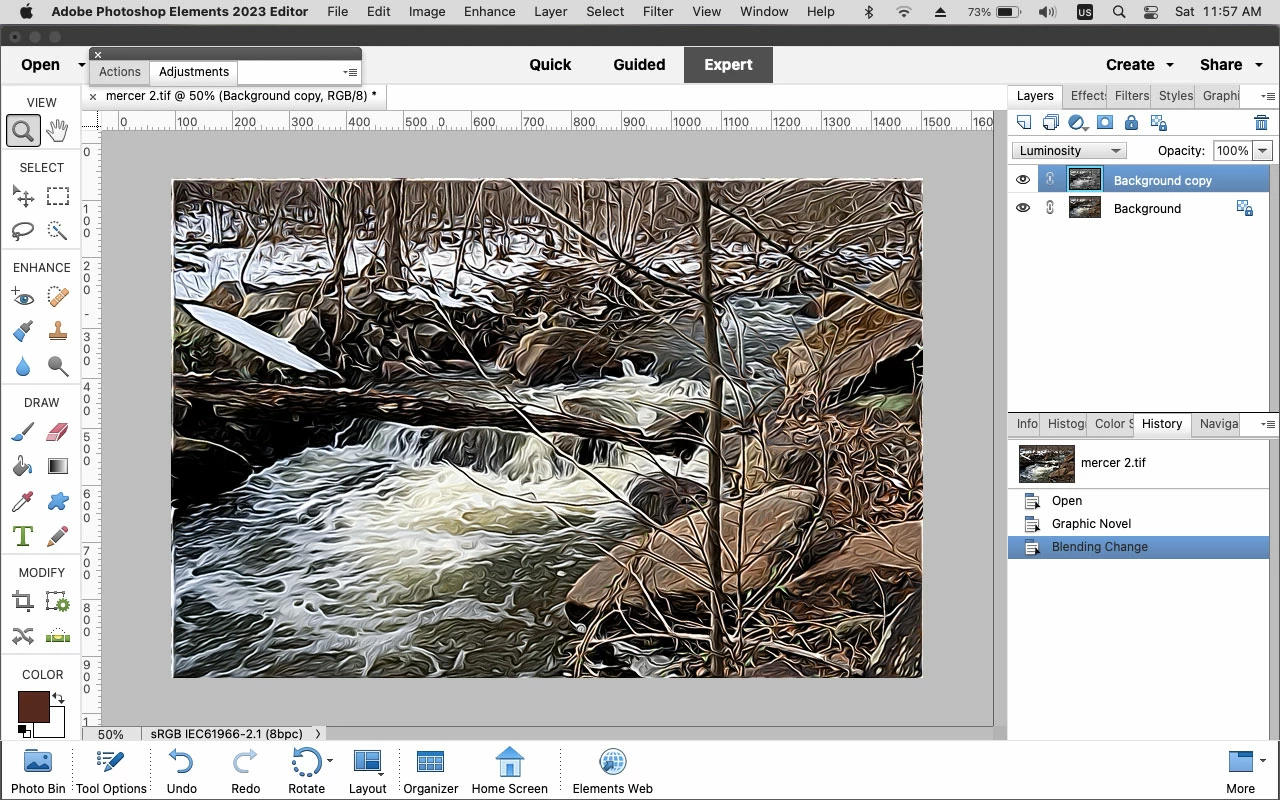
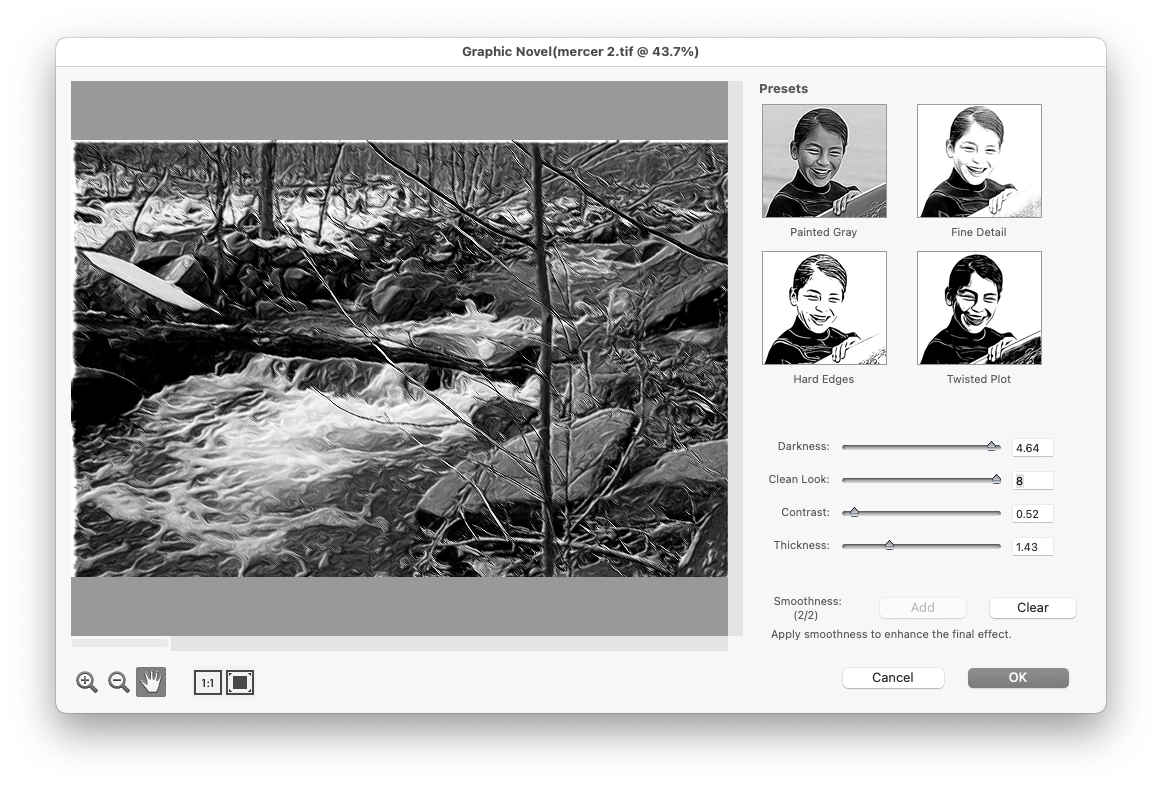
You can try Filter>Sketch>Graphic Novel and play with the settings for Painted Gray.


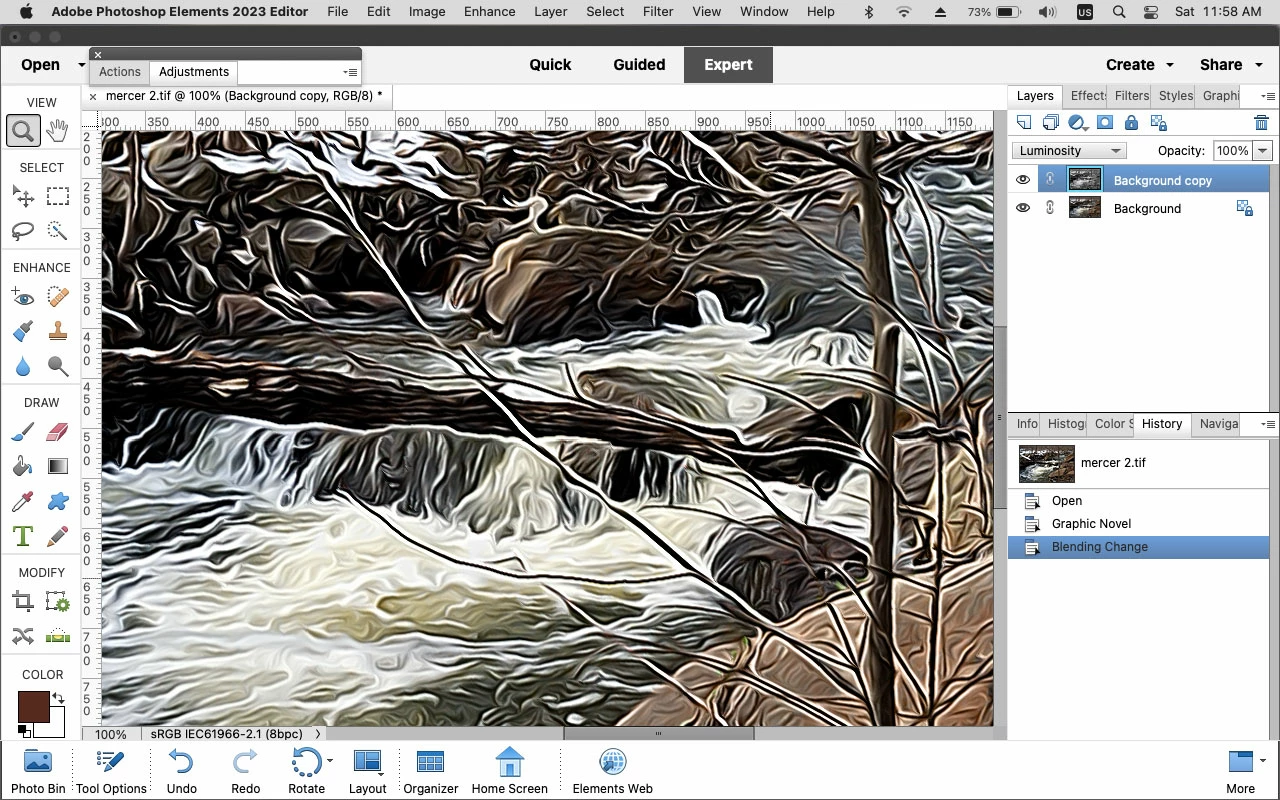
First dulplicate your layer, use Filter>Sketch>Graphic Novel then change the Layer Blending Mode to Luminosity.


3 replies

Jeff Arola
Community Expert
Jeff ArolaCommunity ExpertCorrect answer
Community Expert
August 26, 2023

You can try Filter>Sketch>Graphic Novel and play with the settings for Painted Gray.


First dulplicate your layer, use Filter>Sketch>Graphic Novel then change the Layer Blending Mode to Luminosity.


Jeff Arola
Community Expert
Community Expert
August 26, 2023

What version of photoshop elements and operating system are you using?

Valentina ♡
Inspiring
August 26, 2023

Thanks for the infos,
I have this photoshop elements (from Microsoft store):  (for windows 10):


I see photoshop  elements have actions, but Adobe says

"A set of actions is available in Photoshop Elements, in the Actions panel (Window > Actions). You can play one or more of these actions on a photograph. Action files cannot be created in Photoshop Elements. However, you can load more action files (.atn files) that have been created in Adobe Photoshop."
but also inform this: "Note:  
Photoshop actions that contain steps that are unsupported in Photoshop Elements will fail to play. Not all action that are created in Photoshop can be played in Photoshop Elements."


"https://helpx.adobe.com/photoshop-elements/using/using-actions-process-photos.html#:~:text=A%20set%20of%20actions%20is,can%20load%20more%20action%20files%20(.


But since it's trial version, I think there's no folder of actions...

I will try the tutorial above to see if the effect will be easy enough or fast to make !

Thank you for the help!

Glenn 8675309
Legend
August 26, 2023

You are watching a video about Photoshop.  This forum is about "Photoshop elements".

Below is a screenshot from Photoshop.


Go here, and select a product (it's near the bottom left of the web page) to make a suggestion:

https://www.adobe.com/products/wishform.html

Actions are made in photoshop.  Quite often you can try an action thatsays "photoshop only" and it will work, up to a point, then just stop because PSE doesn't have the ability that photoshop does.