This topic has been closed for replies.
Correct answer Jeff Arola

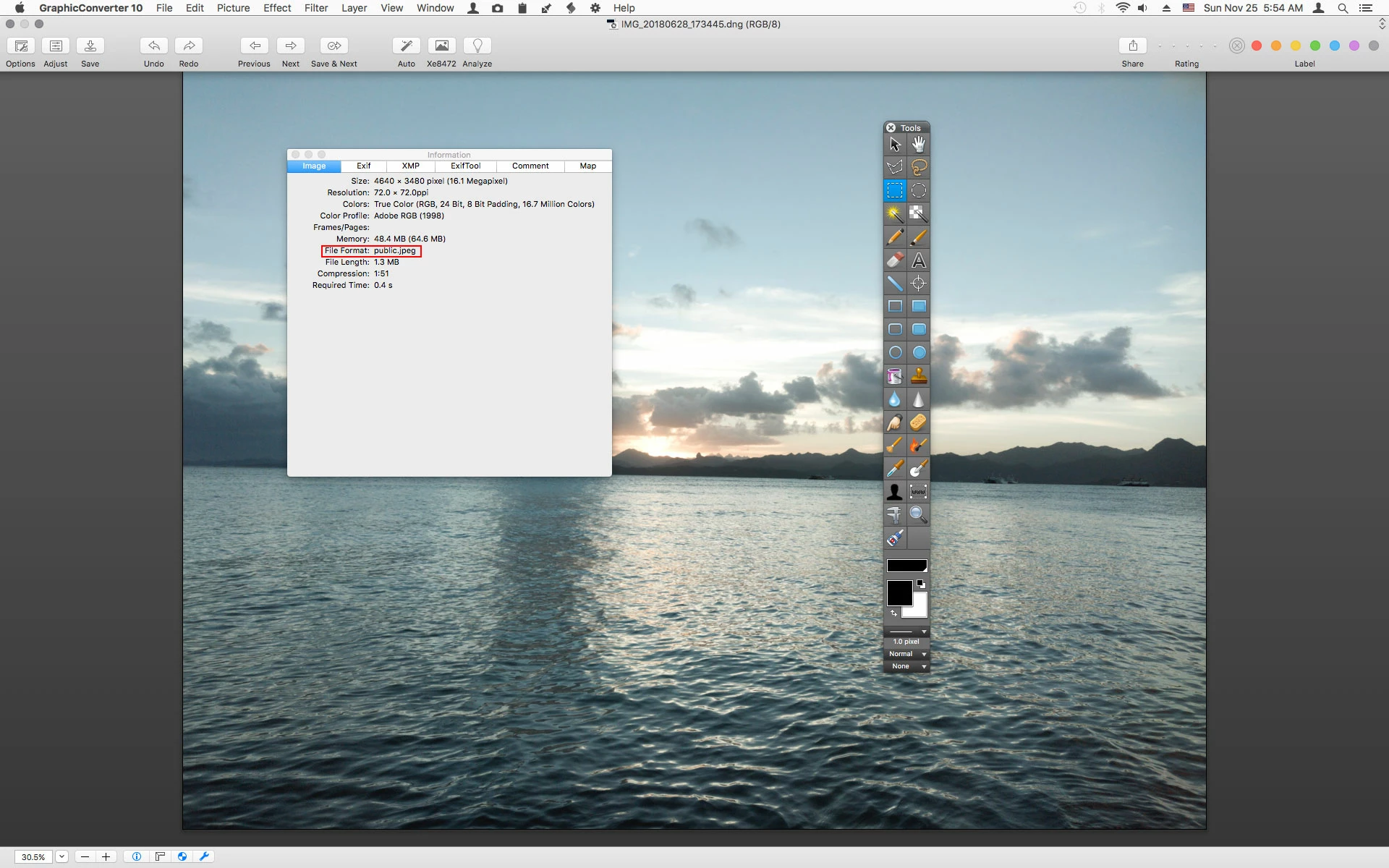
After more study it seems the image is a JPEG not a DNG file.

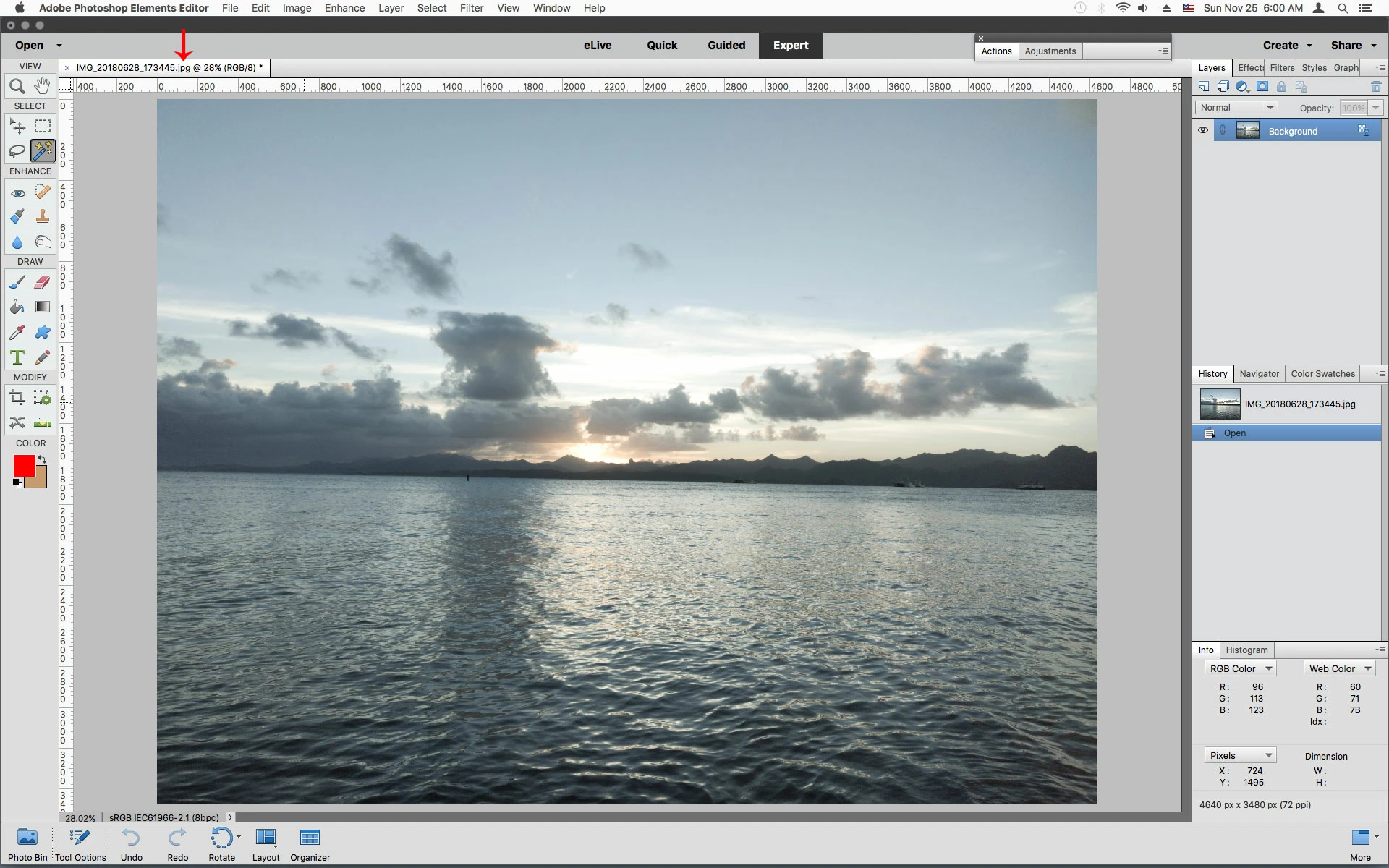
If you change the the file extension from .dng to .jpg then photoshop elements should open it.

2 replies

melbnzAuthor
Participating Frequently
November 26, 2018

Thanks for looking at this Jeff, and pointing me in the right direction.  For those who may make a similar mistake... I was taking / viewing the image from my sync google drive, which compresses all images for 'free' storage option, and must convert to jpg.  I should have twigged when the DNG was only a MB in size!

I've now used the correct folder copied from phone and the DNG are a respectable size 30MB+, i was even working off inferior JPG via google drive.

Appreciate the time you spent on this Jeff, hopefully someone else will avoid this silly mistake!

Elements 19 btw

Jeff Arola
Community Expert
Community Expert
November 25, 2018

What version of photoshop elements do you have?

Jeff Arola
Community Expert
Jeff ArolaCommunity ExpertCorrect answer
Community Expert
November 25, 2018

After more study it seems the image is a JPEG not a DNG file.

If you change the the file extension from .dng to .jpg then photoshop elements should open it.