
Organizer chaos with case-insensitive SMB filesystem
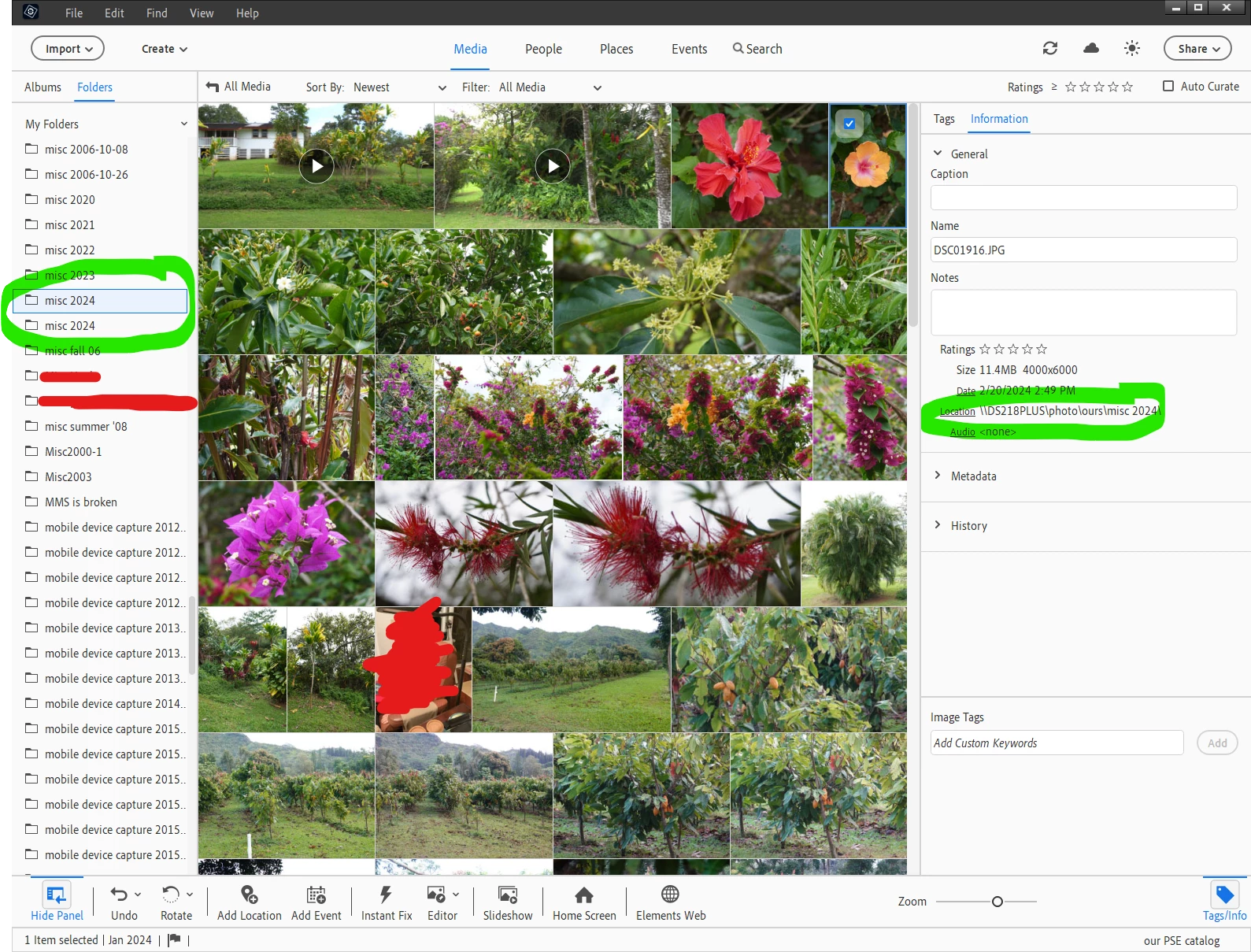
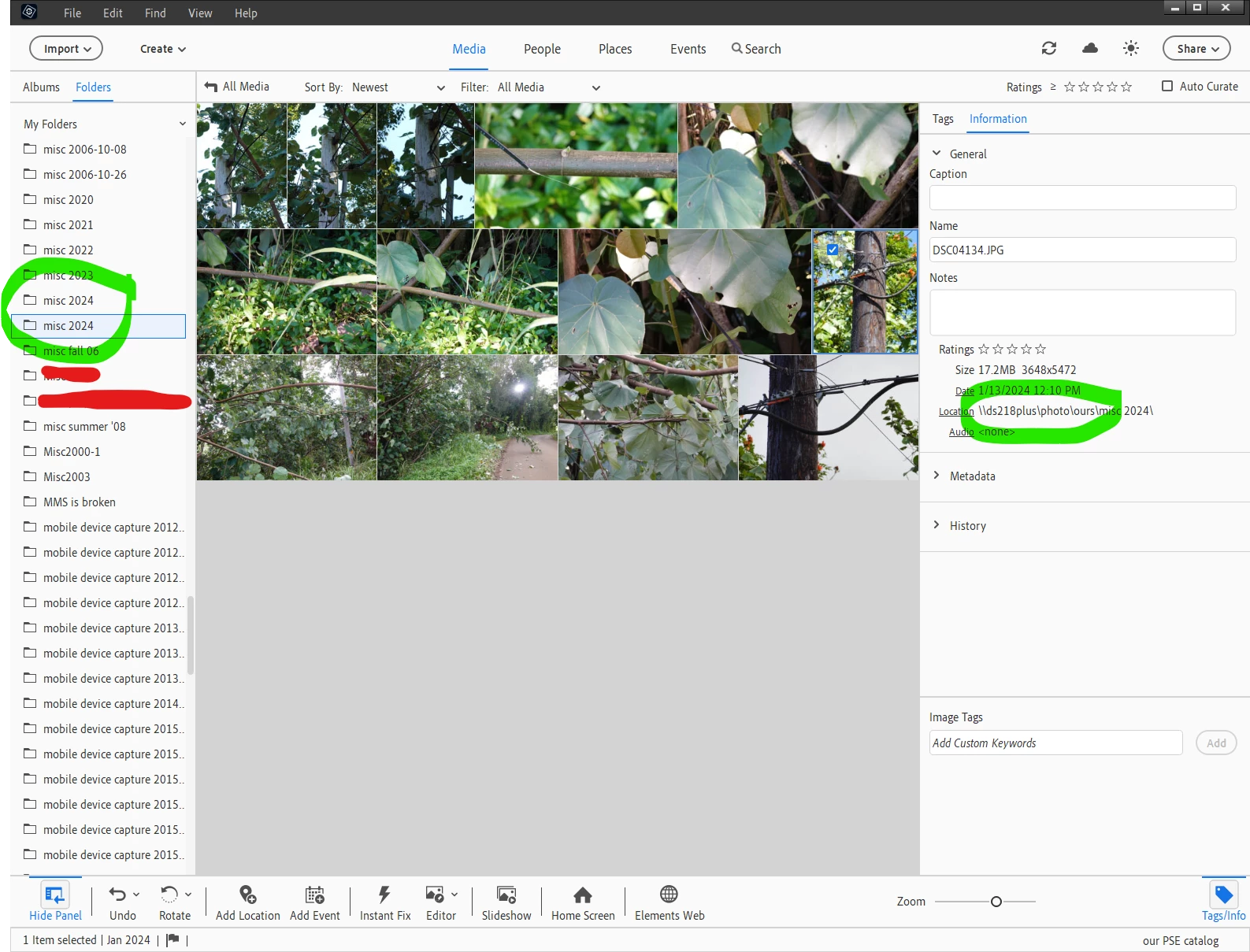
Somehow, Organizer thinks the same NAS folder(s) is (are) multiple different folders depending on case variations (UPPER, lower, Mixed) of the path. Somehow, apparently depending on (something I still don't recognize so am still not able to avoid) about how/when they got added, images are getting different case(s) (as in UPPER/lower/Mixed) of the path and Organizer is too dumb to recognize that the SMB filesystems are case insensitive. Folders "View as list" shows all of them. Folders "View as tree" only shows one of them. This problem has existed in Organizer for years/many Organizer versions and I've never found a good workaround/fix. I've complained about it in every pop-up "Would you recommend Photoshop Elements to a friend?" survey for probably a decade now. Just dragging the images from one folder to the "other" in Organizer causes more chaos because the image is already in the destination folder (hint to Adobe: it's the same file/same folder) so it creates a copy. Many years ago, I fixed one round of this by spelunking in the catalog with SQLlite. Yuck. There has to be a bettter way, right? Bueller? Anyone?
One of the versions of the same folder (via Folder "View as list") with a subset of the cataloged images:
Another version of the exact same folder (also via Folder "View as list") with a different subset of the cataloged images:
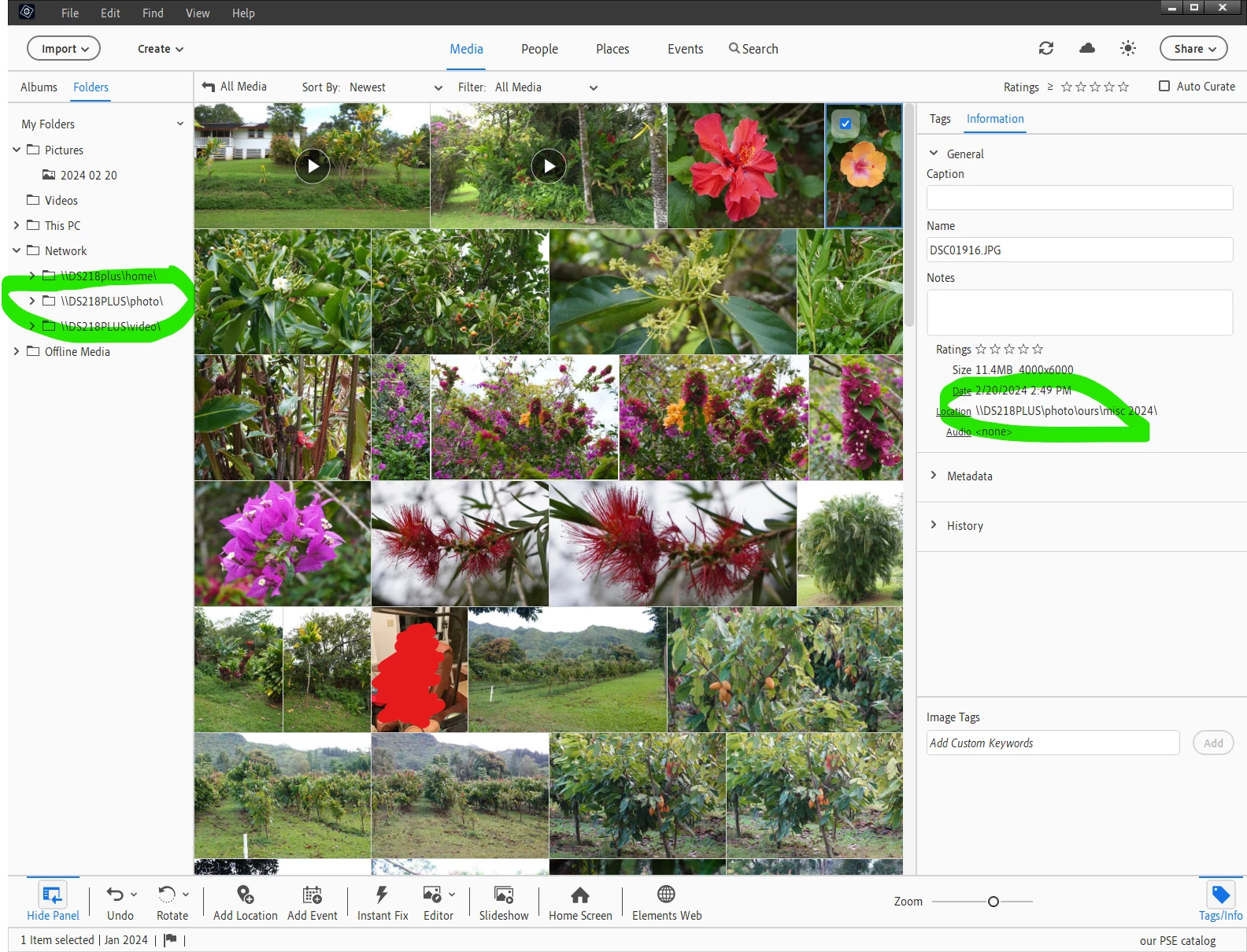
Here's the root of all Folders "View as tree":
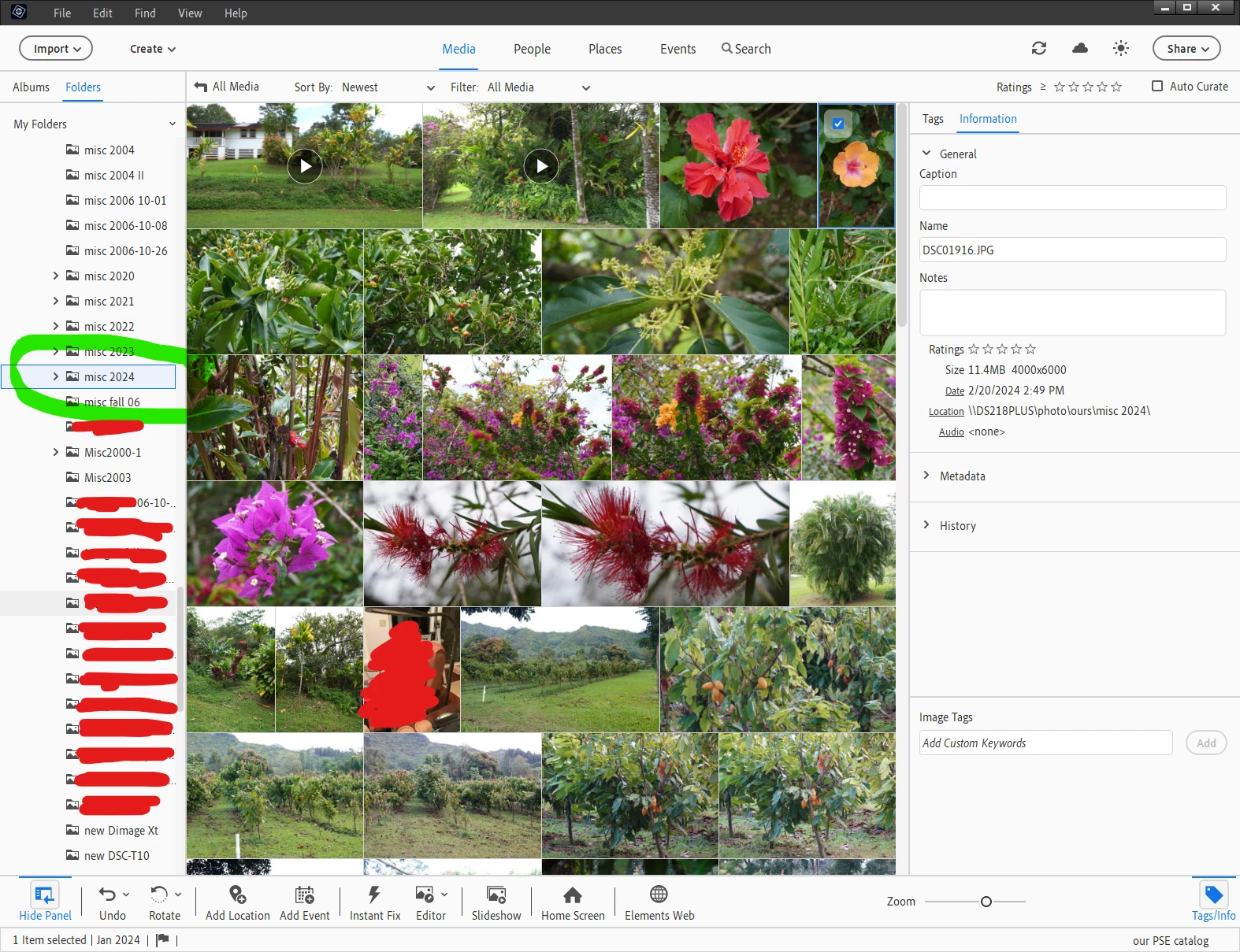
And when I drill down in Folders "View as tree", there is only one "misc 2024" folder and it doesn't have the images from the "other" path to the exact same folder shown above and offers no way via "View as tree" to get to them:


 AdChoices