Answered
Organizer instant slide show - can't reposition photos
how to move, resize, scale, & rotate photos in photoshop 2023 instant slideshow

how to move, resize, scale, & rotate photos in photoshop 2023 instant slideshow
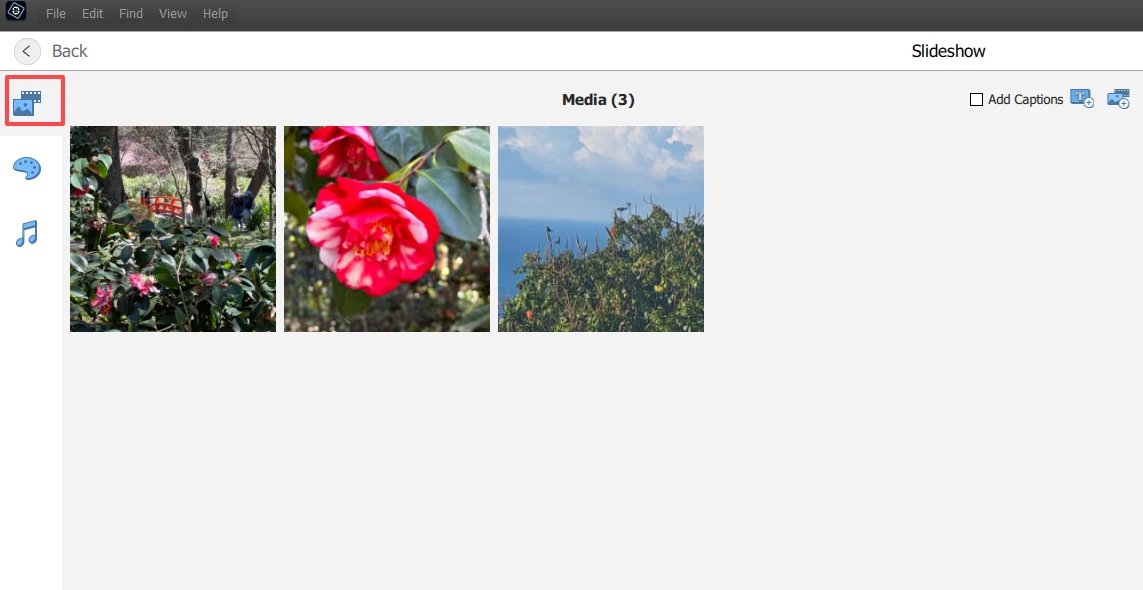
. . . If you are talking about changing the order of the photos in the Slideshow, you can do that in the Editor under the Media tab, by using click-and-drag to move the thumbnails.
Already have an account? Login
Enter your E-mail address. We'll send you an e-mail with instructions to reset your password.


 AdChoices