Yes, they asked for my serial number which they didn't get, and language and OS version. So I guess that's what they were after.
Thanks for the suggestion to post the troublesome images.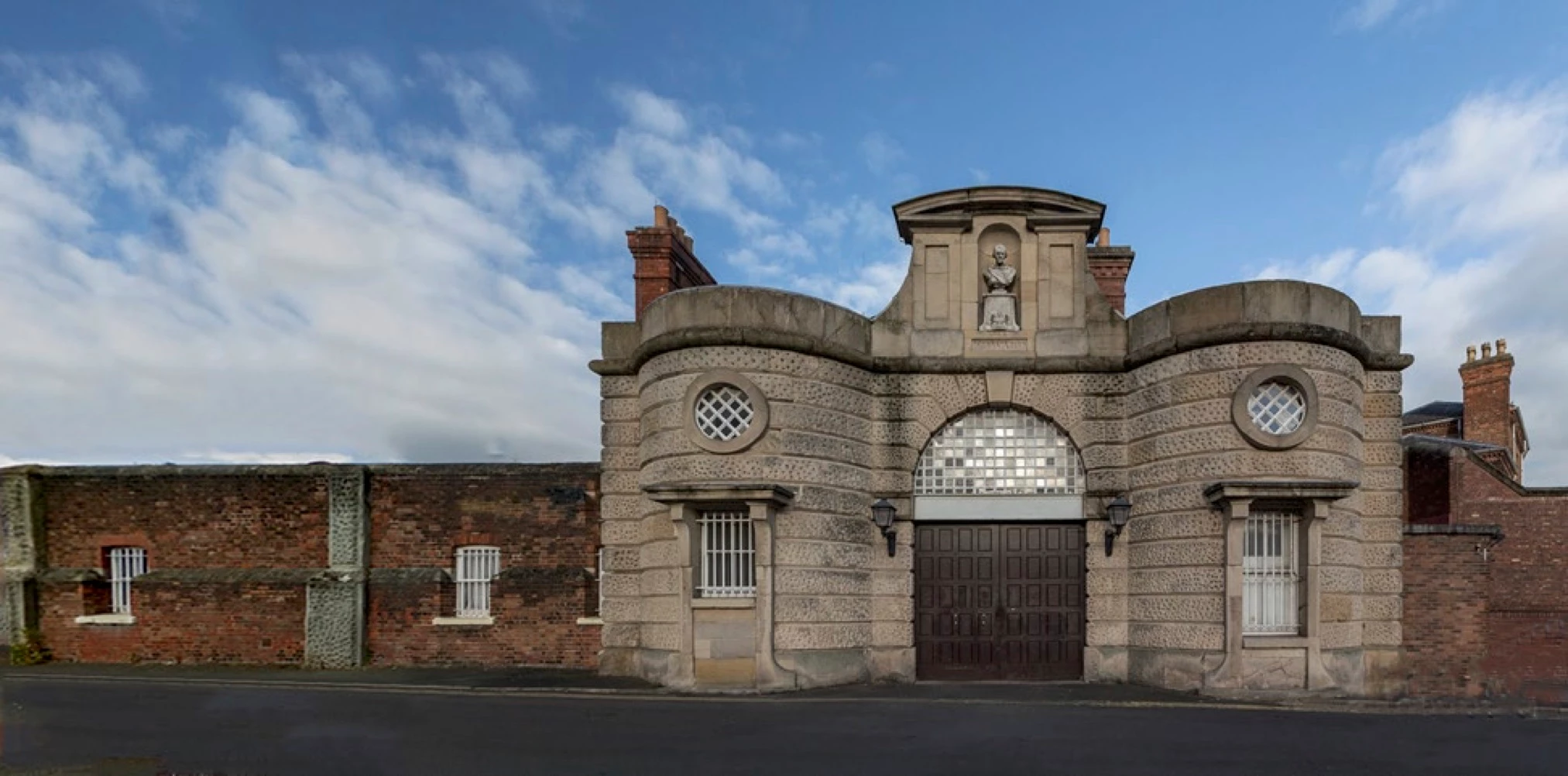
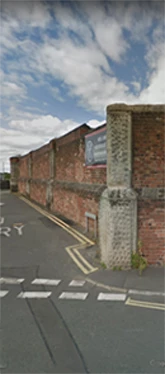
As you can see, the pictures came from different sources, and they cover different amounts of the image. The small image with rhe corner pillar and road sign goes to the left of the bigger image. And, curiously, the big picture is the result of an earlier merge which worked, but I have no idea how it happened, and I certainly can't seem to do it again. I believe that the Panorama Merge can add sky once merged, so the size difference might no be an issue. And I'm not looking for great resolution or precise merging, as the result will just be background to something else I am doing.
As I said, I'm new at this, and don't know the parameters that are required to enable a merge to be successful. I would like to understand this a bit more, and also would appreciate any techniques to adjust either picture (even at the expense of fidelity) to encourage the merge to work. And unfortunately, re-visiting the site to take better pictures is out of the question as the subject is over 3,000 miles away.
Thanks for any help or pointers.
Paul.
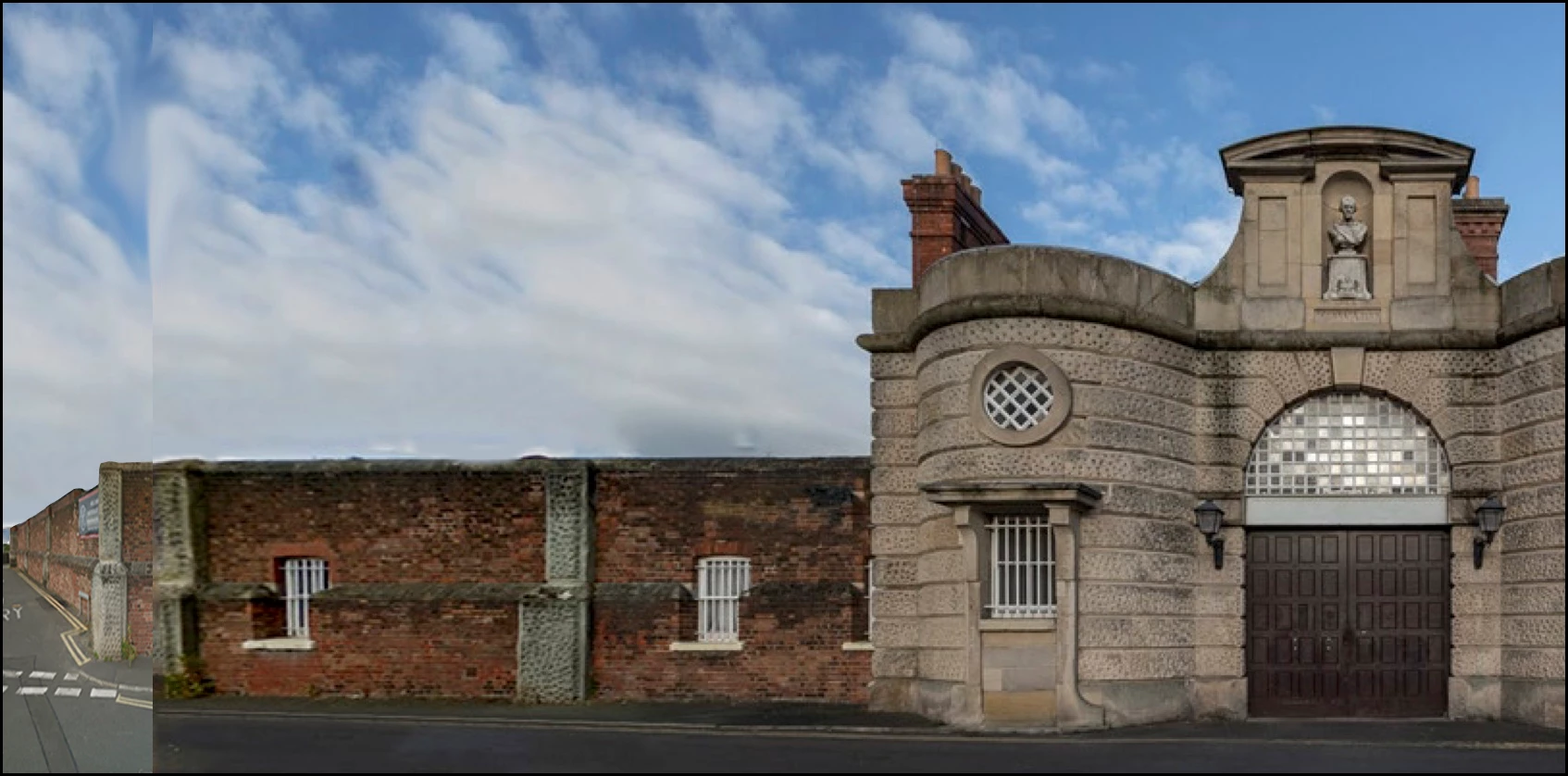
I have done this manually.
1. Open the main picture and the small image
2, Duplicate the backgound layer of the main image, and work on the Background copy layer
3. Shut off the visibility of the Backgound layer
4. Drag the small image to the work area from the photobin
5. Use the magnetic lasso tool to select the sky on the small image, then hit delete on the keyboard
6. Open a new, blank layer at the top of the stack of layers and press CTRL+SHIFT+ALT+E to create a stamp visible layer - - this will combine all the layers. Shut off the visibility of all the layers below the stamp visible layer. We don't need them any longer.
7. With the Lasso tool. make a generous selection of sky from the main picture and place
it on its own layer (Layer>new>layer via copy)
8. Drag the sky layer below the stamp visible layer. Activate the move tool and position the sky appropriately.

 AdChoices