
Answered
Permanently Adding/Deleting Individual Brushes in a Set
I am using a desktop PC w/Windows 10 and Elements 2019. I would like to know how to permanently add and/or delete an individual or a group of brushes
to an existing brush set.

I am using a desktop PC w/Windows 10 and Elements 2019. I would like to know how to permanently add and/or delete an individual or a group of brushes
to an existing brush set.
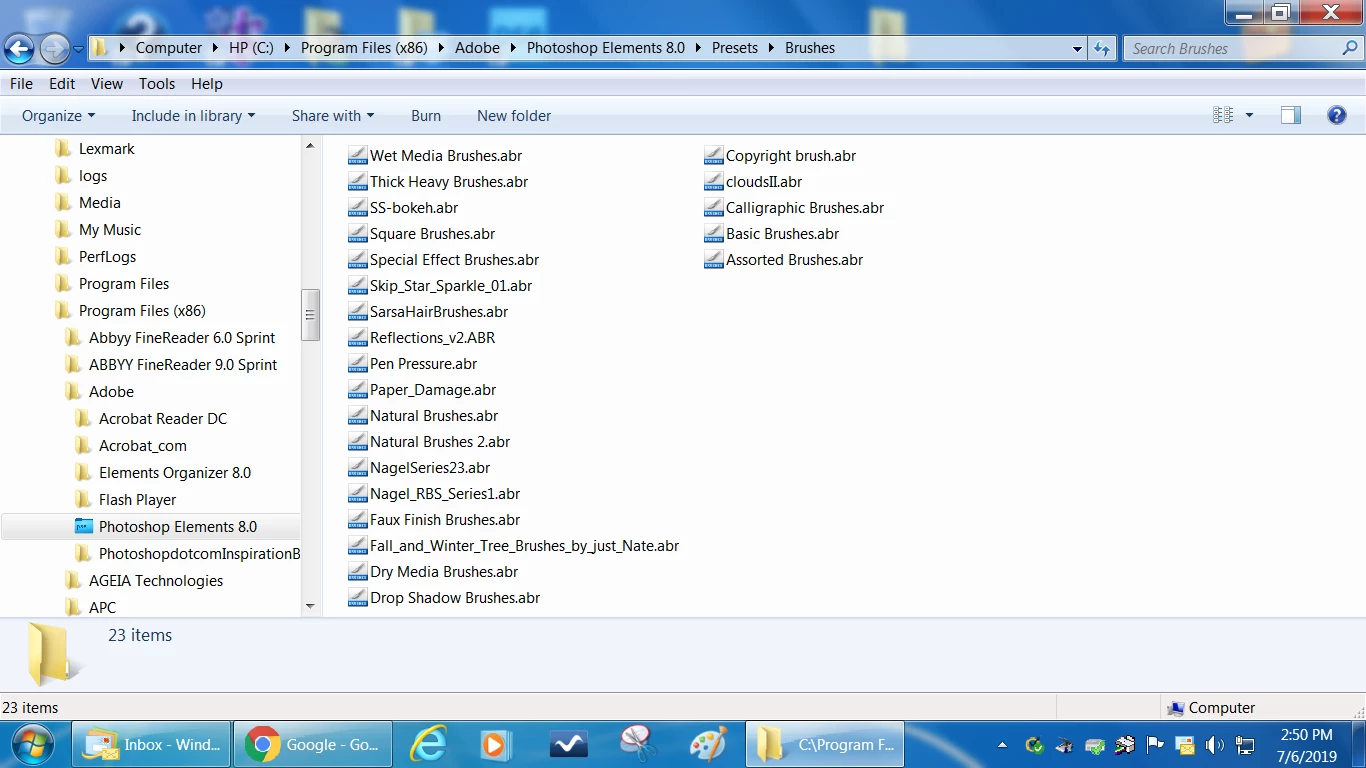
I don't have Win10, but if above does not work for you, look on your hard drive for the preset folder containing the brush .abr files.
Already have an account? Login
Enter your E-mail address. We'll send you an e-mail with instructions to reset your password.
 AdChoices