Lesha333
Participant
July 7, 2020
Question

photos not showing when importing
  • July 7, 2020
  • 3 replies
  • 547 views

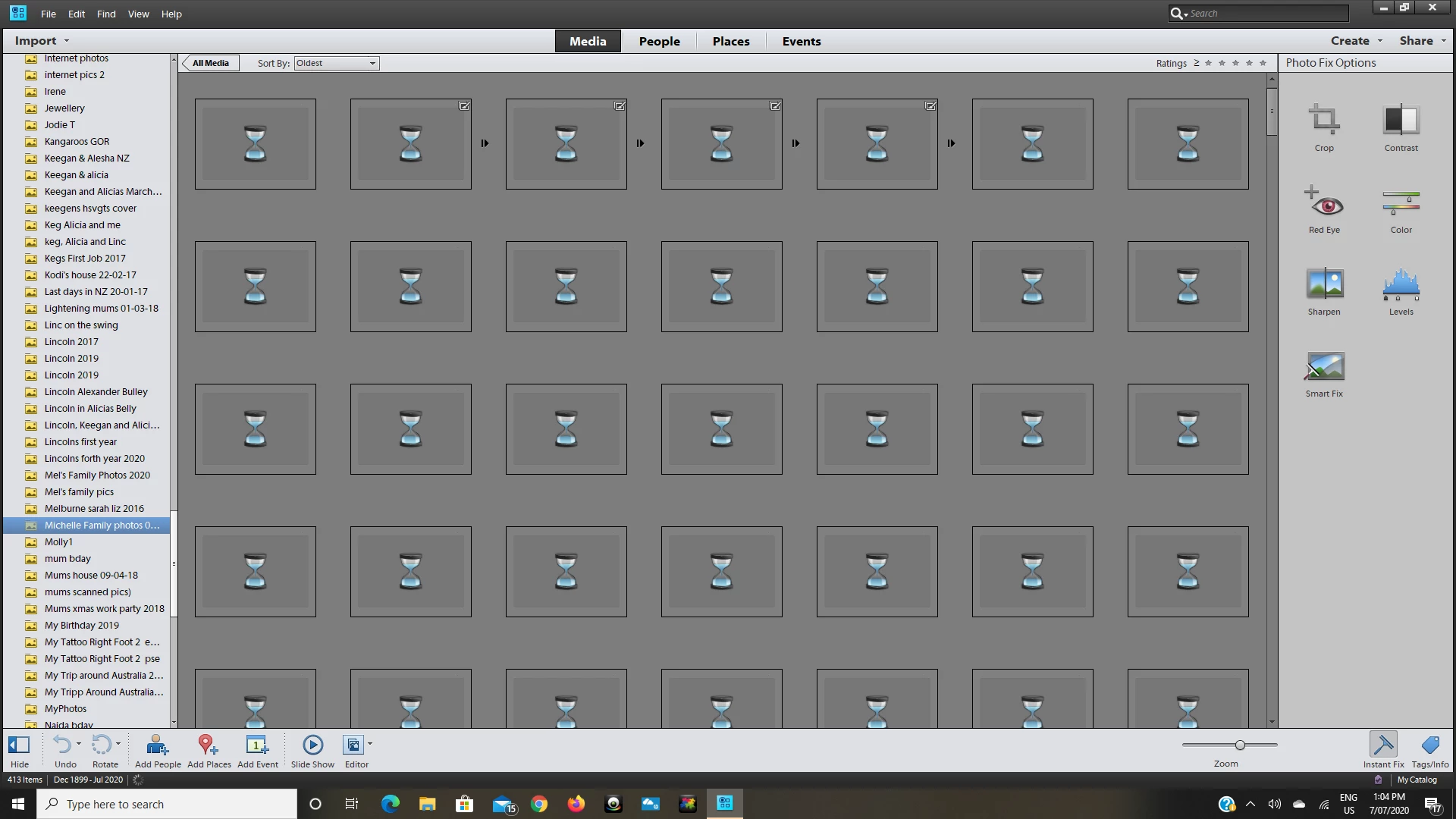
Hello, this is a screenshot of my problem. When i import my photos they are not showing, this problem has just started? I can open the photo and see it. Can anyone help me?

This topic has been closed for replies.

3 replies

MichelBParis
Legend
July 10, 2020

Your screenshot shows that the thumbnails are currently being rebuilt.
That takes time, especially for raw or very big files. A thumbnail has to display the latest version with all your edits. That implies opening, converting from raw, and saving a reduced size thumbnail. This is a background task which should be applied in priority to the currently selected files or subfolders. Normally, you only have to wait a little and you can browse at a reasonable pace and work in the organizer while the process is running.

If the building of thumbnail does not start immediately, select a few items, right click and choose 'update thumbnail'.

To be sure all thumbnails are rebuilt, use the menu to manage catalogs and choose 'optimize', this can require one or more hours for very big libraries.


davescm
Community Expert
Community Expert
July 7, 2020

That does not look like Photoshop. Can you confirm what application and version you are using, is it PS Elements? I will then move your post to the appropriate forum.

Dave

Lesha333
Lesha333Author
Participant
July 9, 2020

PHOTOSHOP ELEMENTS 11

July 7, 2020

Hi

Is this Photoshop Elements you're using, if so I'll move the thread to the appropriate forum