


Participant
Feb 12, 2020 4:33 AM UTC
Answered

Photoshop 2020 Elements will not install

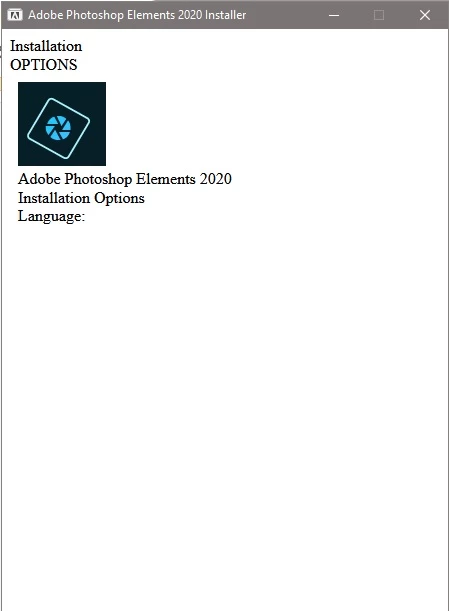
I've removed all traces of any previous Photoshop files, cleaned junk files off the computer, rebooted several times, but when I try running the Photoshop 2020 Elements install, it opens a window (see screen capture below) and just stops.  Nothing happens.  This is ONLY happening on my main desktop computer.  It's a fast computer with plenty of RAM, more than meeting the spec requirements.  I've also rebooted to Safe Mode and tried installing, but that doesn't work either.  However, I was able to successfully install PS 2020 Elements on two laptops with no problems.


Anyone have a cure for this issue?  Please, anyone with advice or suggestions would be apprecited.


When I run the install, all I get is this pop up window:
 

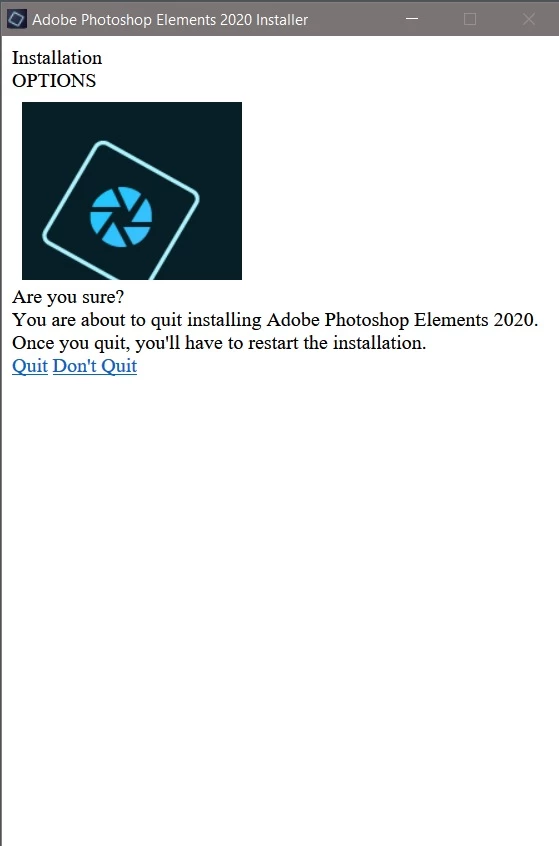
If I click on the X to close the window, the window changes to this:
This topic is closed to new replies. Start a new post to keep the conversation going.
PhochiefCorrect answer
Participant
Feb 12, 2020 10:41 PM UTC

SOLVED!   After contacting Adobe support via their email address, the tech told me that when the window comes up in the installer, to press the Tab button twice.  I tried that, but actually had to press it 4 times, which brought up a "continue" button.  I clicked on continue and it intalled PSE 2020.  I suggested that the Adobe tech might want to mention the Tab trick in the PSE 2020 Troubleshooting page.

11 replies

Participant
Nov 8, 2022 2:38 AM UTC

Had a similar problem and it worked a treat. I had spent three weeks tring to install my version 2020 and Adobie tech department were no good with help at all but taping the TAB key severak times worked thanks for you helpyou saved the day.

Translate
Participant
Nov 9, 2022 6:01 PM UTC

this was the the drop down menue that I had that locked ans was sorted by pressing the TAB key.

Translate
Participant
Dec 30, 2020 1:13 PM UTC

Thanks, that worked for me too.  I even reinstalled 2014 version thinking it may have have checked for an old version before installing.


Adobe need to fix this!

Translate
Participating Frequently
Aug 27, 2020 8:29 PM UTC

Thank you so much for posting this! It worked for me.

Translate
Participant
Aug 19, 2020 5:24 AM UTC

Worked for me. Thanks alot

Translate
PhochiefAuthorCorrect answer
Participant
Feb 12, 2020 10:41 PM UTC

SOLVED!   After contacting Adobe support via their email address, the tech told me that when the window comes up in the installer, to press the Tab button twice.  I tried that, but actually had to press it 4 times, which brought up a "continue" button.  I clicked on continue and it intalled PSE 2020.  I suggested that the Adobe tech might want to mention the Tab trick in the PSE 2020 Troubleshooting page.

Translate
Participant
Aug 22, 2020 2:17 AM UTC

Thanks. Worked for me

Translate
99jon
Legend
Feb 12, 2020 1:09 PM UTC

Try signing-out from the Editor help menu on one of the laptops.


You could also try a different installer:

https://99jon.blogspot.com/2019/10/how-to-install-photoshop-elements-2020.html

Translate
PhochiefAuthor
Participant
Feb 12, 2020 9:08 PM UTC

99jon....I've done that, but it still doesn't work.  I've downloaded the trial version - didn't install.  I've tried installing directly from Adobe site - didn't work.  I signed out from both laptops - didn't work.  I only installed on two different laptops to confirm that it would install on a different PC.  Something about the desktop PC that's stopping it. I've turned off all virus protection and booted with Safe mode (network) - didn't work.  I actually removed all references to "photoshop" using Regedit to make sure nothing remained from my original Photoshop CC, but didn't help.  


I've run all Windows 10 Updates too.  Dead-end until Adobe helps me.  Thanks for the suggestions.

Translate