

Participant
June 14, 2021
Answered

Photoshop element 15.0 not compatible with Big Sur: HELP!
  • June 14, 2021
  • 2 replies
  • 453 views

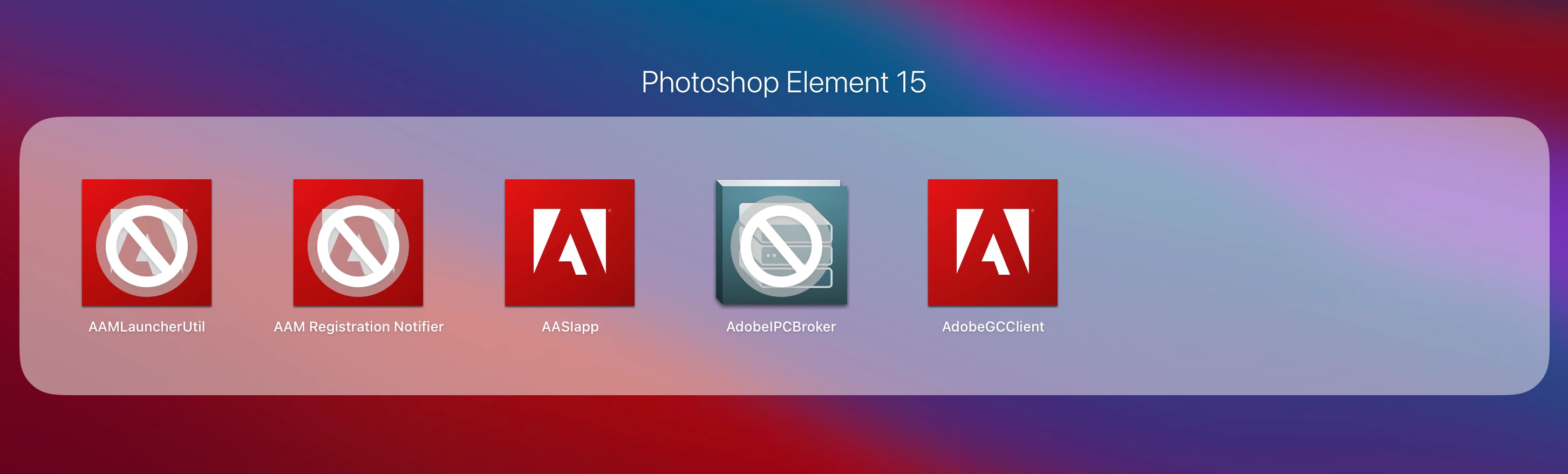
Impossible to use PE 15.0 with Big Sur. Someone has the answer ?

    This topic has been closed for replies.
    Correct answer Nancy OShea

    [Moderator moved from Using the Community (forums) to PS Elements.]


    You already know the answer.  They are not compatible.  You need new software that is compatible with that radically new Big Sur OS.  There is no other solution.  Do you have an old computer lying around that you can use with PSE15?


    Photoshop Elements 2021
    https://www.adobe.com/products/photoshop-elements.html


    2 replies

    Phil Pickering
    Legend
    June 15, 2021

    If Adobe Photoshop Elements 15 plays a major part in your everyday computer life, and if you're not willing to upgrade to the current version of Photoshop Elements, I'd seriously consider going back to using an older version of macOS:


    How To Downgrade macOS Big Sur To Catalina Or Older

    Participant
    December 20, 2021

    I am using photoshop elements 15 on a system upgraded to Big Sur without problem!  (Big Sur requires 64 bit) But when I went to install PS elements 15 on a new computer with Monterey (or Big Sur) it said the installer needs to be updated.  I assume this means the application is 64 bit but the installer in 32 bit.  In other words it looks like it can't be reinstalled or moved to a new computer.  


    Obviously this is a disconnect in the software package.  Computers do mess up and reinstalling purchased software is an expected option to address various trobleshooting issues. 


    Does anyone know of a work around?

    Nancy OShea
    Community Expert
    Community Expert
    December 20, 2021

    OPTION 1: Revert to Mojave if possible which supports Elements 2015.


    OPTION 2:  Get Elements 2022 which is certified Monterey compatible. 

    https://www.adobe.com/products/photoshop-elements.html


    Known Issues on Monterey:

    https://helpx.adobe.com/download-install/kb/macos12-monterey-known-issues.html


    Adobe apps on Apple Silicon M1 chip:

    https://helpx.adobe.com/download-install/kb/apple-silicon-m1-chip.html


    Happy holidays.


    Nancy O'Shea— Product User & Community Expert
    Nancy OShea
    Community Expert
    Nancy OSheaCommunity ExpertCorrect answer
    Community Expert
    June 14, 2021

    [Moderator moved from Using the Community (forums) to PS Elements.]


    You already know the answer.  They are not compatible.  You need new software that is compatible with that radically new Big Sur OS.  There is no other solution.  Do you have an old computer lying around that you can use with PSE15?


    Photoshop Elements 2021
    https://www.adobe.com/products/photoshop-elements.html


    Nancy O'Shea— Product User & Community Expert
