
Answered
Photoshop element 2022 organizer stops to backup dialog
Hi,
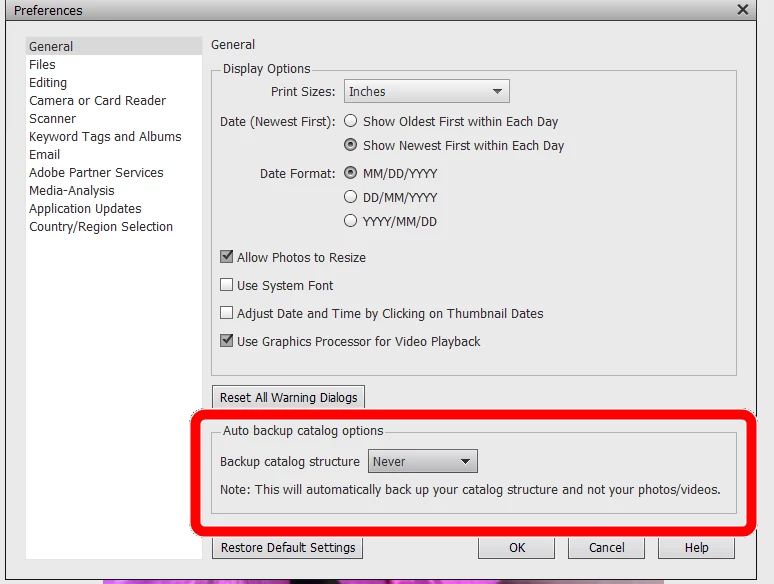
I just purchased and installed Photoshop elements 2022. When I start the organizer, it opens up a backup dialog in the background, which stucks the organizer so that any of the menus won't work, and I can't do anything in there. Backup-dialog is not visible in task manager or program list with ALT-tab.
When I close the organiser, the backup-dialog becomes visible, but whatever selection you make, it just crashes the organizer. How to get rid of this dialog? Organizer is absolutely useless now.
I have Windows 11 laptop.
BR, Ulla



 AdChoices