

Photoshop Elements 10 Editor
I recently downloaded my Elements 10 Editor from back in 2012 and when it was installed and I launched it, this was the message it displayed:
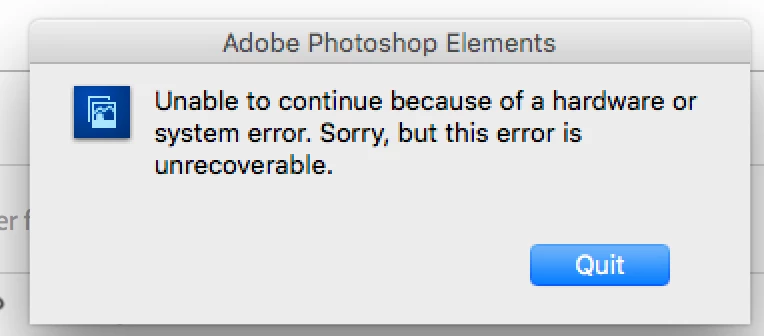
I tried troubleshooting the issue and the main solution appeared to be pressing Ctrl + Alt + Shift keys while launching the app. When I tried that this is the message that appeared:
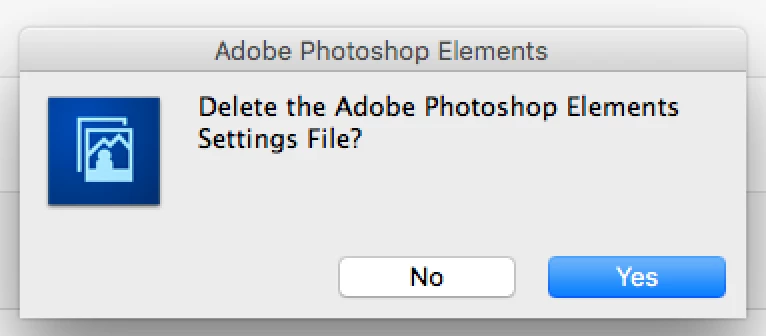
I pressed yes and still had no luck. I don't think I've restarted the Preferences yet; I could not locate the exact file in my library because I'm unsure of which one I should be looking for. It seemed if you pressed those three keys that it would reset the preferences but I guess I only deleted the settings file. I'm currently using a 2016 MacBook Pro (Touchbar model) if that's any help. I did purchase this application via the Apple app store. Is there any way to get this to work?
 AdChoices