Photoshop Elements 13 Launching Issues
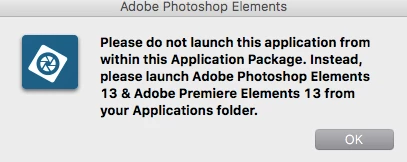
It seems that I have been having problems with the application launching. The only app that works when opened is the photo organizer. The photo editing and video editing software does not launch upon selection. It asks to physically open the application via the application folder and when I go to look into it, nothing is there. Back to square one again. I have macOS Sierra updated and have tried to uninstall and reinstall and I still have the same problems as before. Here are a few screen shots:

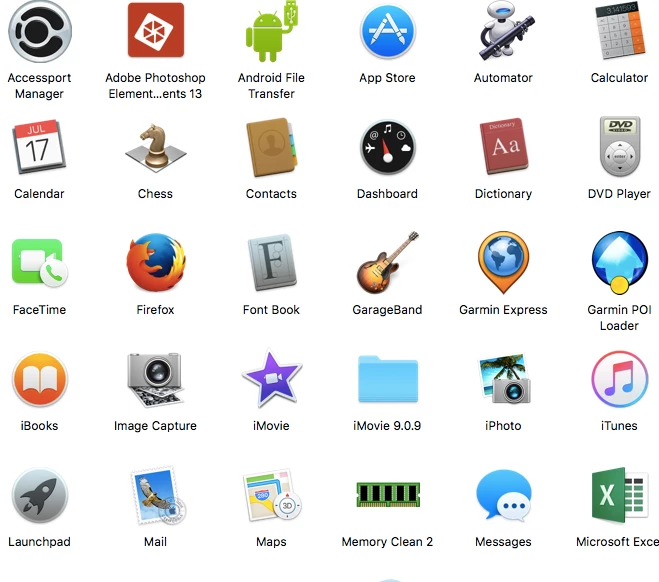
This is my applications folder(still does the same thing when selected, prompts for the above):
I have contacted both Adobe and Apple and I get get in return is the run around. Here I am, $149.99 down the drain and in hopes someone can help me with the issues I have on a forum since Adobe does not have phone/chat support for the issues.
Thank you in advance.
 AdChoices