
Question
photoshop elements 14 How to adjust blank space round images when printing photos
My computer is Win10, 64 bit. PSE is in Expert mode.
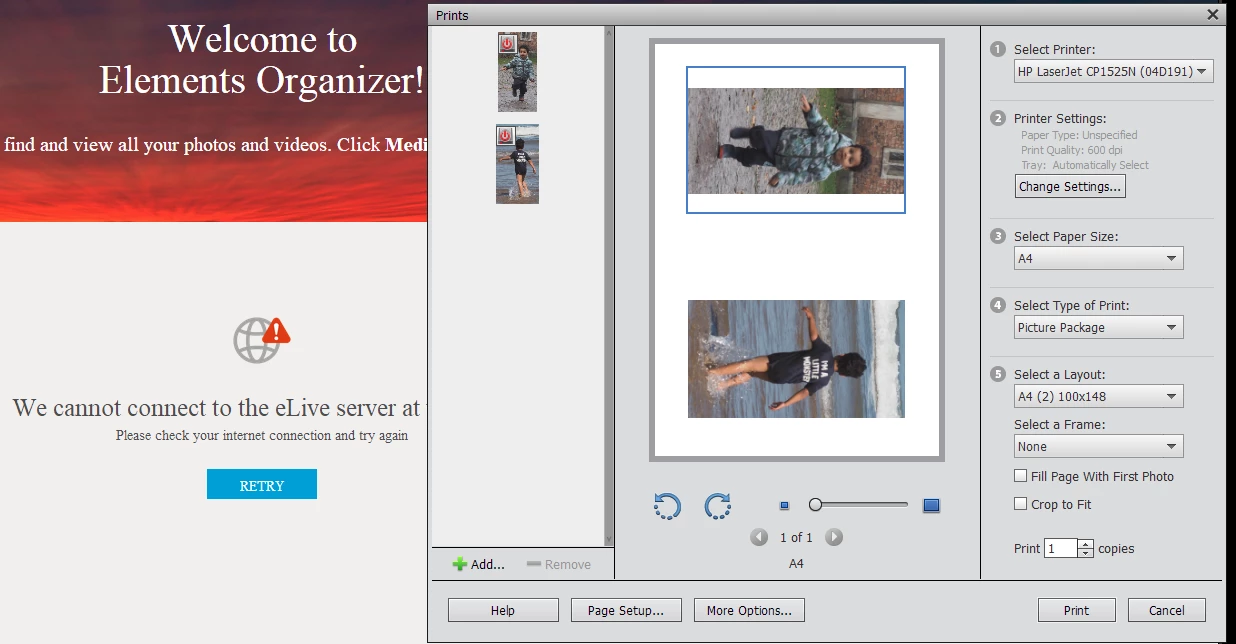
I want to print these 2 photos on one sheet. But PSE has added too much white space.
How can I increase the height of the photos to fit inside the printer's margins?
How can I reduce the vertical space between them?
And when I tried to print what appears on the screen capture, the dialog changed to "Individul Prints", and nothing was printed.
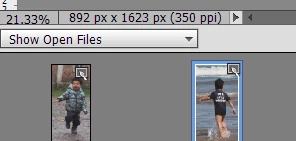
On the editing screen the 2 photos are shown
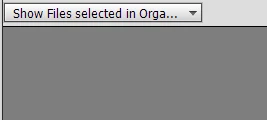
When I change the setting, neither are shown.
I cannot find any way to select both the photos simultaneously.
I also cannot find a way to create a new layer on one of the photos, then put the image of the other in the new layer.
Thank you.


 AdChoices