burkhardw96289336
Participant
April 10, 2017
Question

Photoshop Elements 15 error

  • April 10, 2017
  • 1 reply
  • 351 views

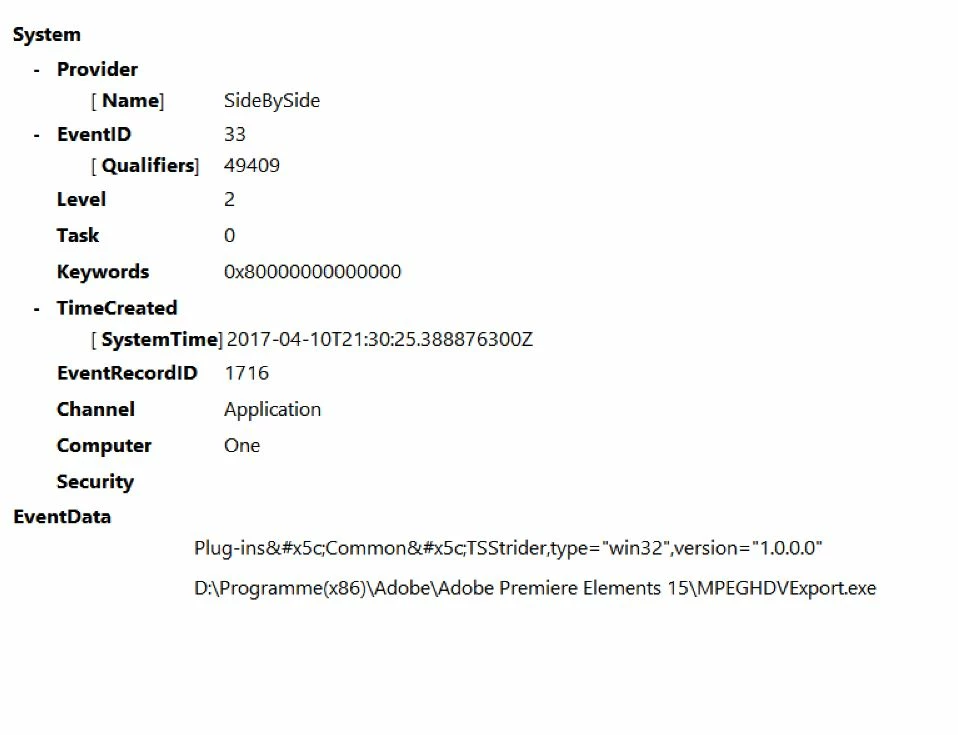
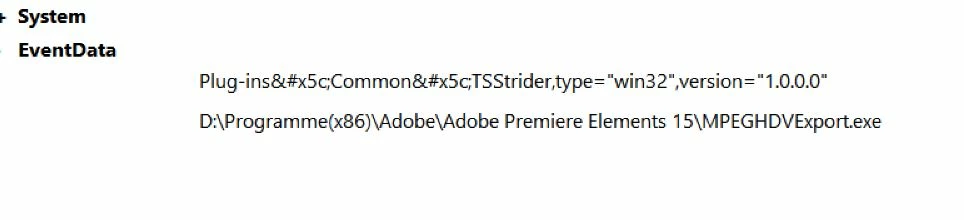
I see the following messages in the Windows (10) event display

Error generating the activation context for "D: \ Program Files \ Adobe Premiere Elements 15 \ MPEGHDVExport.exe"
The dependent assembly "Plug-ins" could not be found
    This topic has been closed for replies.

    1 reply

    Participating Frequently
    April 11, 2017

    Hi burkhardw,

    Thanks for posting on Adobe forums.

    As I understand you are not able to use Adobe Premiere Elements 15.

    Could you please provide the following information so that we can help you out?

    - What is the OS version?

    - Is this a 32 Bit / 64 Bit?

    - For how long are you facing this?

    - Could you please give me the exact error?

    I can see it is installed on a D drive, Could you please try to install it on the C: Drive (the default location).

    Regards,

    Neeraj

    burkhardw96289336
    Participant
    April 12, 2017

    Do not see any problems when I start the program. I see this error only in the Windows event display! Browse Windows ( magnifying glass ) typing on the       event display   And open this  after Windows Pro logs to applications

    Win10 64bit. Since the update on Windows to 1703 Build 15063.13

    To c: \ I install unwanted programs because it is an SSD