
Answered
Photoshop Elements 15 missing preset folders in finder
Hi all,
Im running Photoshop Elements 15 on Mac Catalina 10.15.2
I'm looking to start using presets to add to my work but struggling to add any into Photoshop itself.
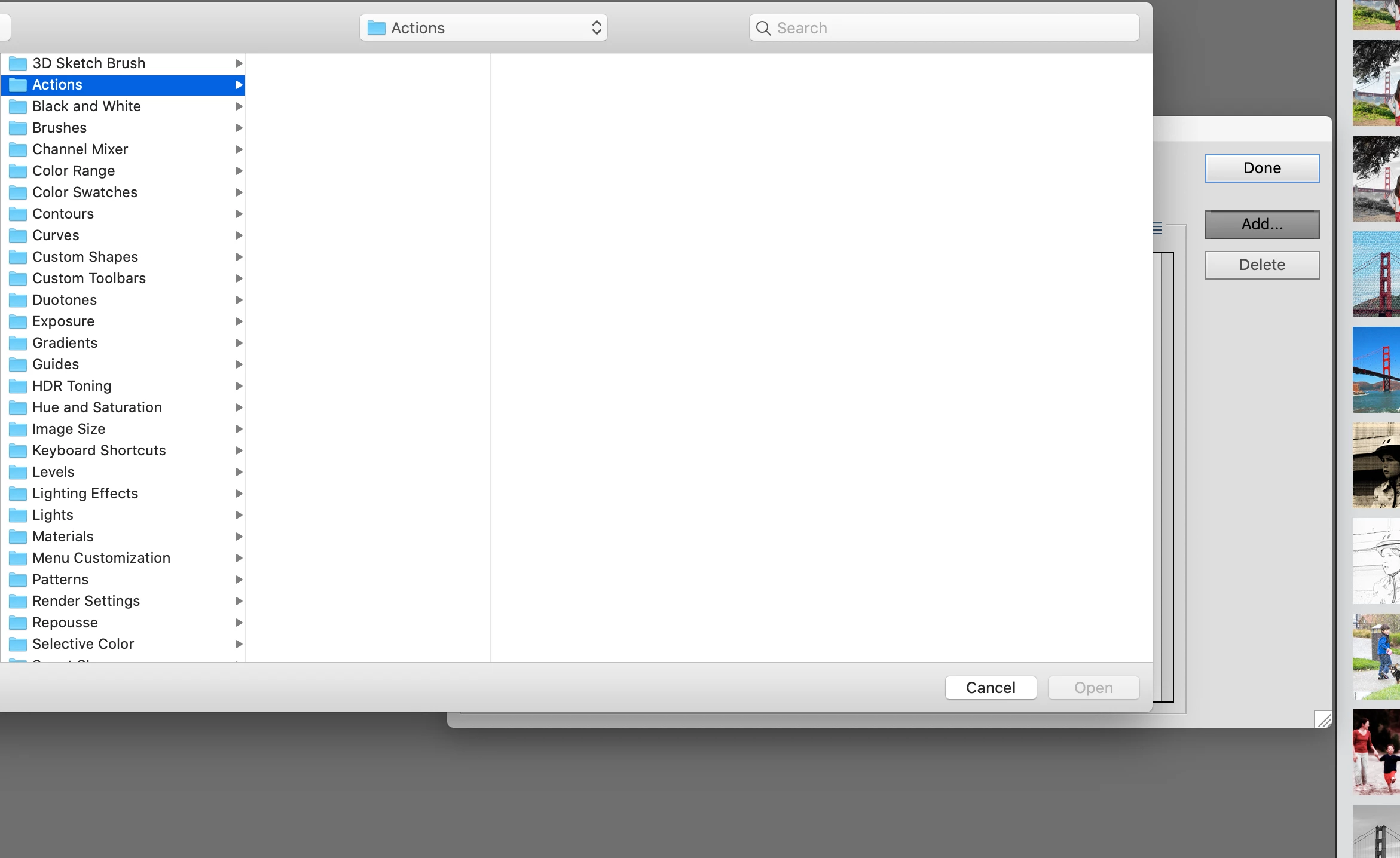
I've gone into the finder files (see below) where the default preset folders are stored and I can see some folders are missing. For example the 'Actions ' folder isn't being displayed. However, when in the preset manager within photoshop it displays a file called 'Actions' (see below). Can anyone advise on this please and point me in the right direction?
Many thanks,
Josh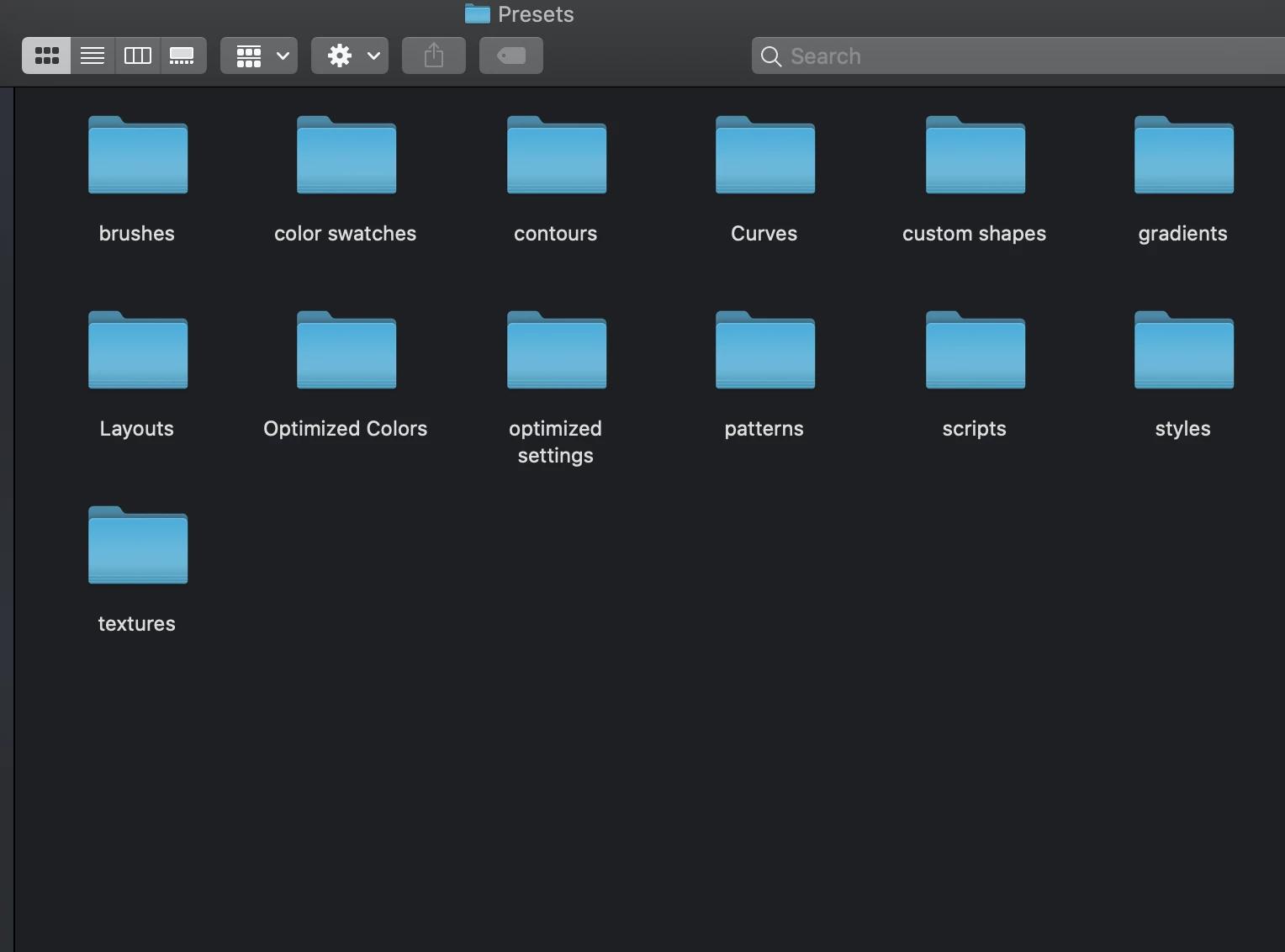
 AdChoices