Answered
Photoshop elements 15 pop-up prevents me from using the applcation
I recently bought Photoshop Elements 15 and every time I open a photo in the raw, a notice pops up prompting me to use Lightroom CC. My only option is to click it and when I do, it takes me to the website to make a purchase. I cannot remove this annoying popup and cannot edit my photos once it has appeared and have to force quit the application just to do other things on my computer. I have attached a screen shot of what is happening.
I purchased this application about 3 months ago and it does not expire for several more years, but, at the moment, I cannot se it.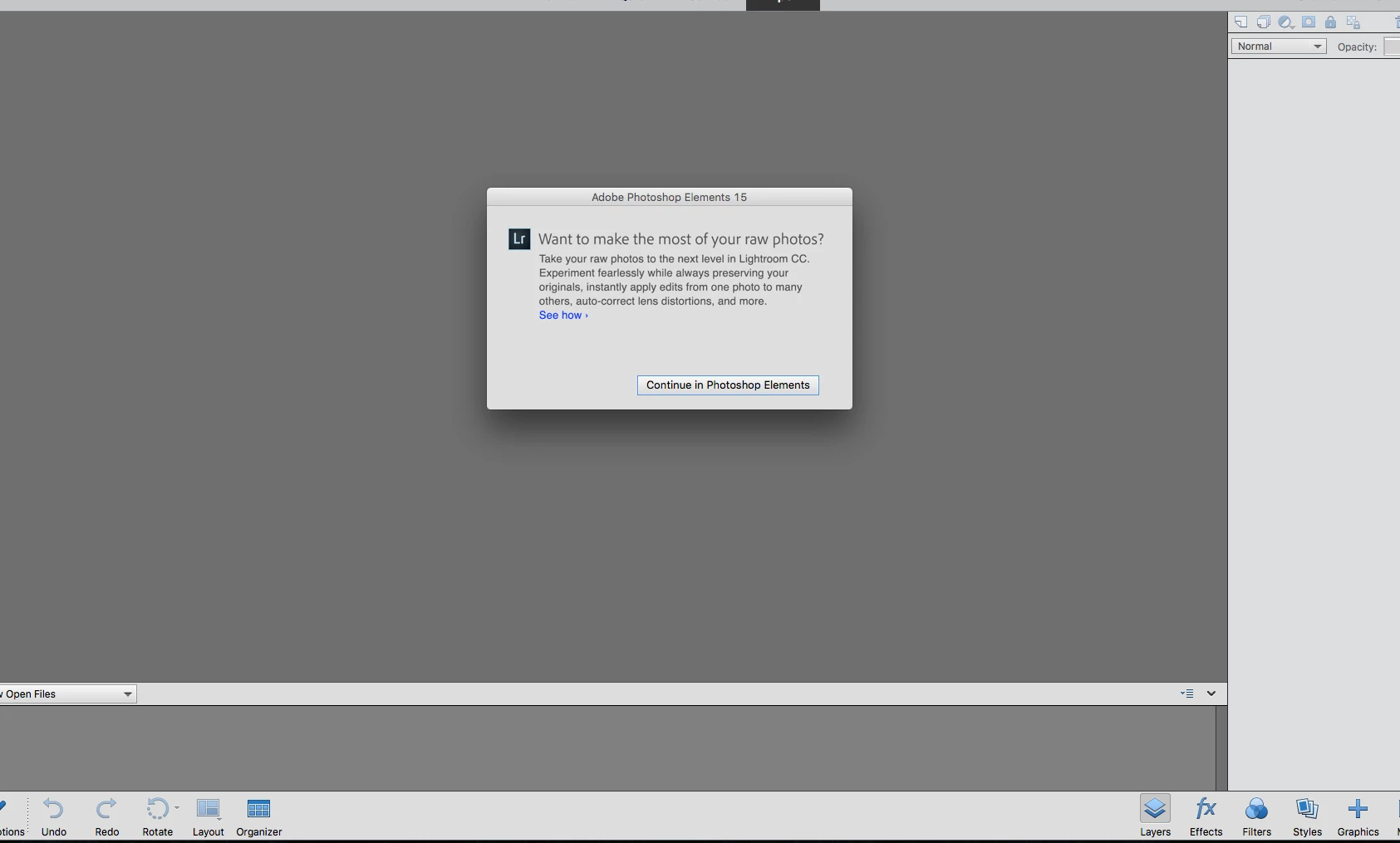
 AdChoices