
January 2, 2017
Question

Photoshop Elements 2015

  • January 2, 2017
  • 1 reply
  • 526 views

Hi all, I just downloaded the apps (Adobe Photoshop Elements 2015) from App store.

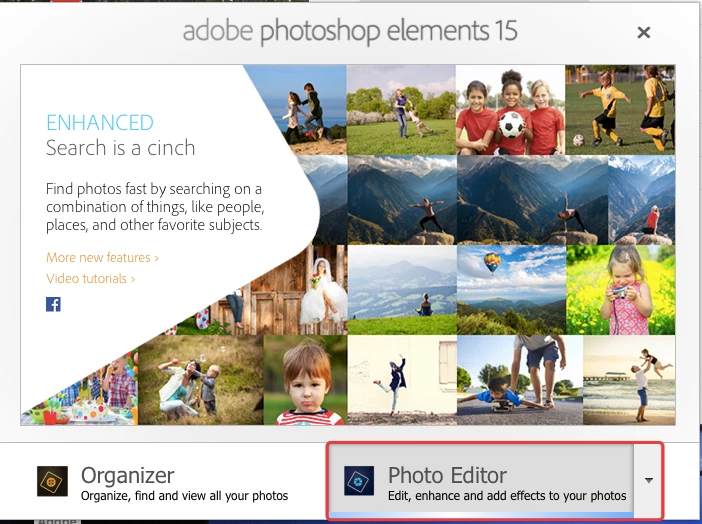
When I open the apps and click the Photo Editor or Organiser, the color bars keep running but no further respond.

I also attached the print screen photo for your easy reference.
    This topic has been closed for replies.

    1 reply

    99jon
    Legend
    January 2, 2017

    Can you try launching and trashing the saved prefs.

    Hold down the three keys Cmd+Optn+Shift while simultaneously clicking on the Photo Editor button.

    After two or three seconds release the three keys and when you see a delete settings dialog click “Yes”

    January 2, 2017

    There are no dialog come out when i opened the apps together press Cmd + Optn + Shift.

    Any other suggestion?

    99jon
    Legend
    January 2, 2017

    I would suggest re-installing. Go to your purchases at the app store and start the download and installation again.