

Answered
Photoshop Elements 2018 - File opens in its own window
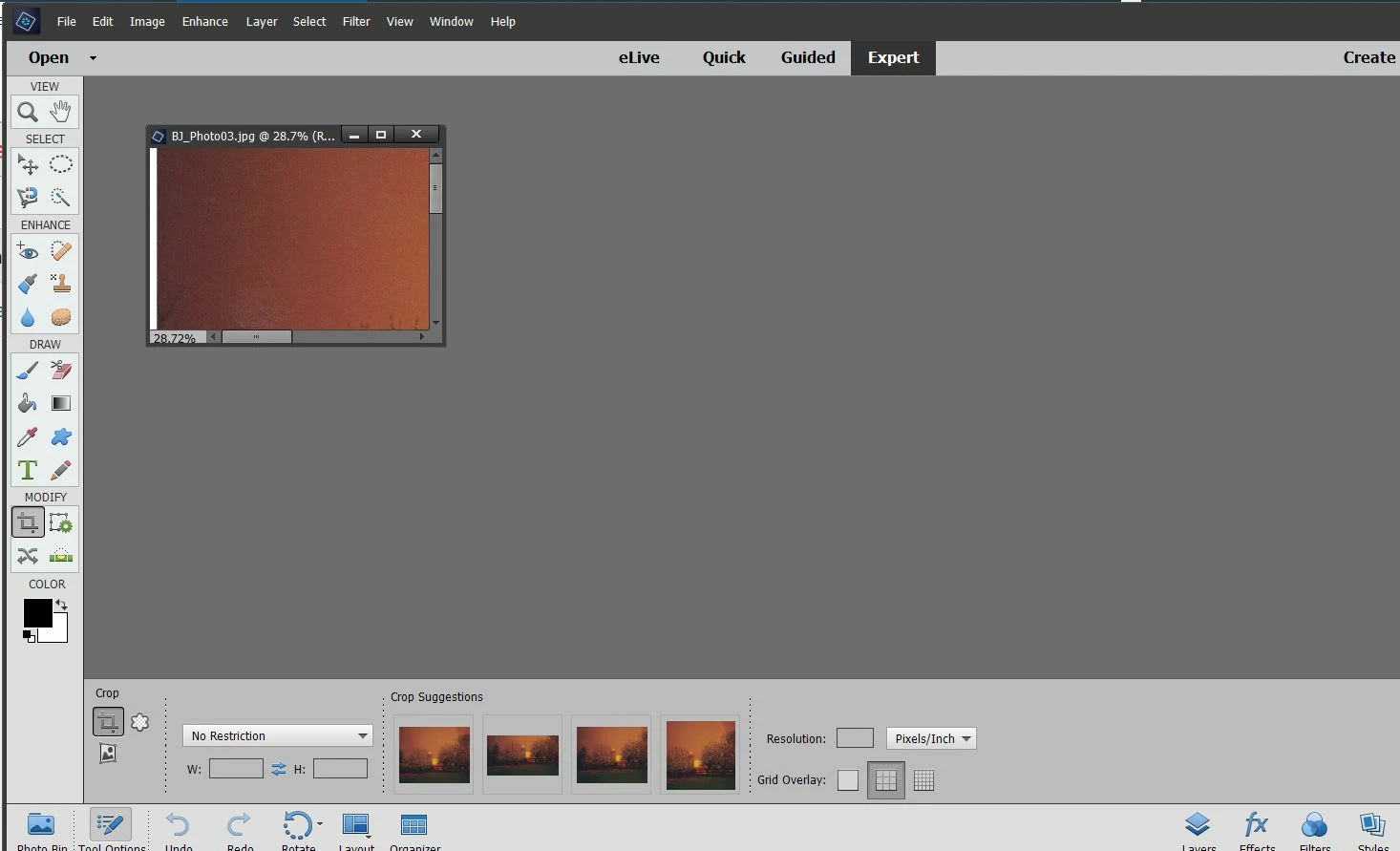
Not so sure how to describe this. Sometime in the past few monnths I apparently indadvertantly changed a setting and I would like to go back to where I was!
When I open a new file/image, it does not simply open in the screenspace of Elements, it opens in its own freefloating window. How can I change this, go back to the default? The small colored window in the screenshot below is what I want top do away with---I want the file to simply open in the main window.
Thanks, Gene, Elgin, IL
 AdChoices