
Participant
June 6, 2019
Question

Photoshop Elements 2019 doesn't launch on Windows 10

  • June 6, 2019
  • 1 reply
  • 335 views

After using "Photoshop Elements 2019" for 1-3 day the Program do not start again.

After reainstalling the Program ist will work agin for 1-3 days.

The starting screen shows only a white screen (here you see the "normal" screen).
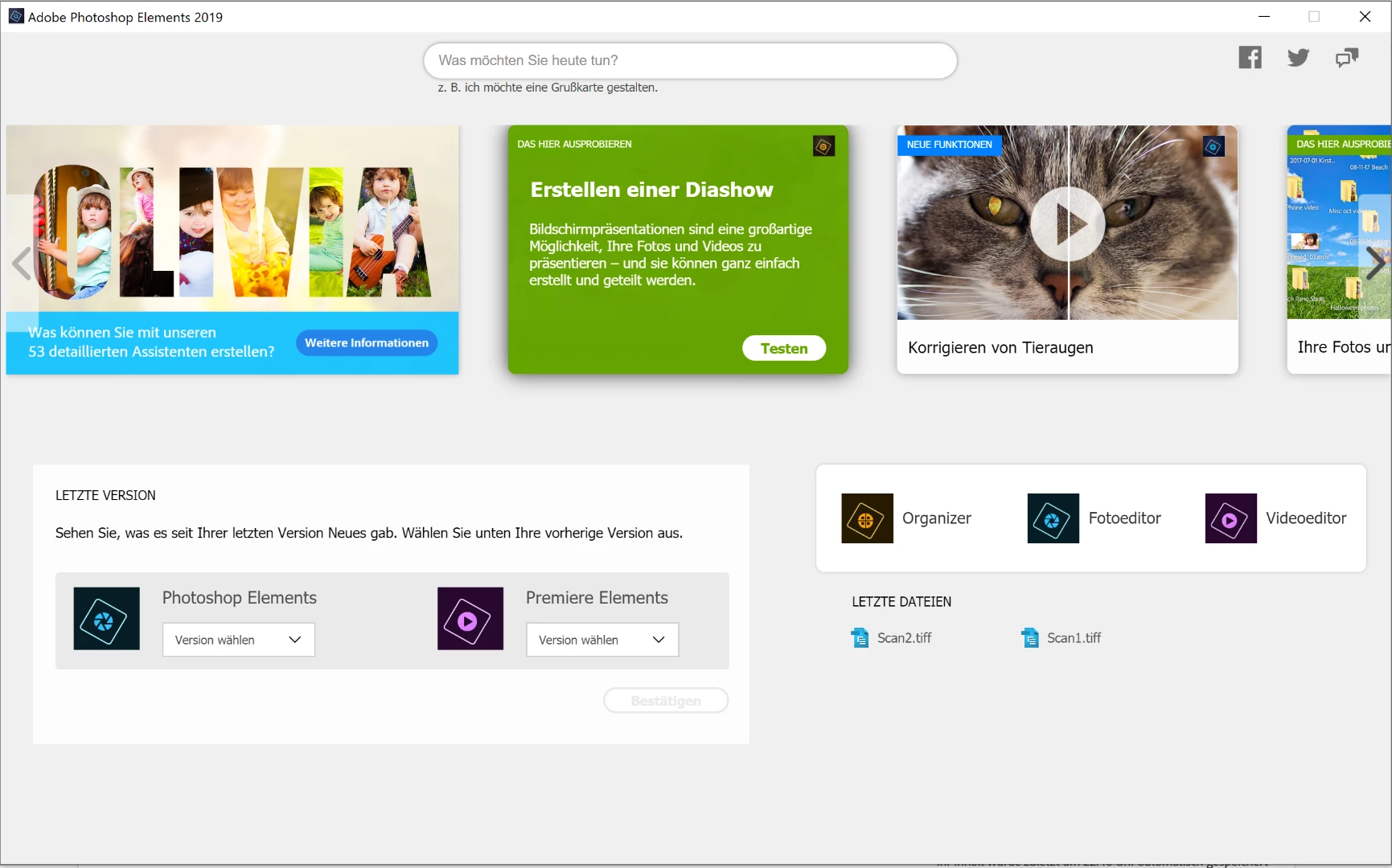
What can I do?

I use Photoshop Elements 2019 with Windows 10 (64Bit)

Thanks

{Thread renamed by moderator}

    This topic has been closed for replies.

    1 reply

    Sahil.Chawla
    Adobe Employee
    Adobe Employee
    June 6, 2019

    Hi there,

    This does not sound good, let's make it right.

    As Photoshop Elements is does not open, could you please navigate to C:\Program Files\Adobe\Photoshop Elements 2019 and launch PhotoshopElementsEditor.exe by double-clicking on it?
    You can also right-click on the exe file and choose Run as administrator.

    If that works, then you can pin it to the Taskbar or have its shortcut on the Desktop.


    Regards,
    Sahil

    Participant
    June 6, 2019

    Hi Sahil,

    Thanks a lot for you fast response.

    I reinstalled my Photoshop Elements, so currently it runs.

    I did a shortcut to my Desktop a will see if it works longer than three day.

    Thanks Thomas