
Photoshop Elements 2019 Slideshow Menus Disappear
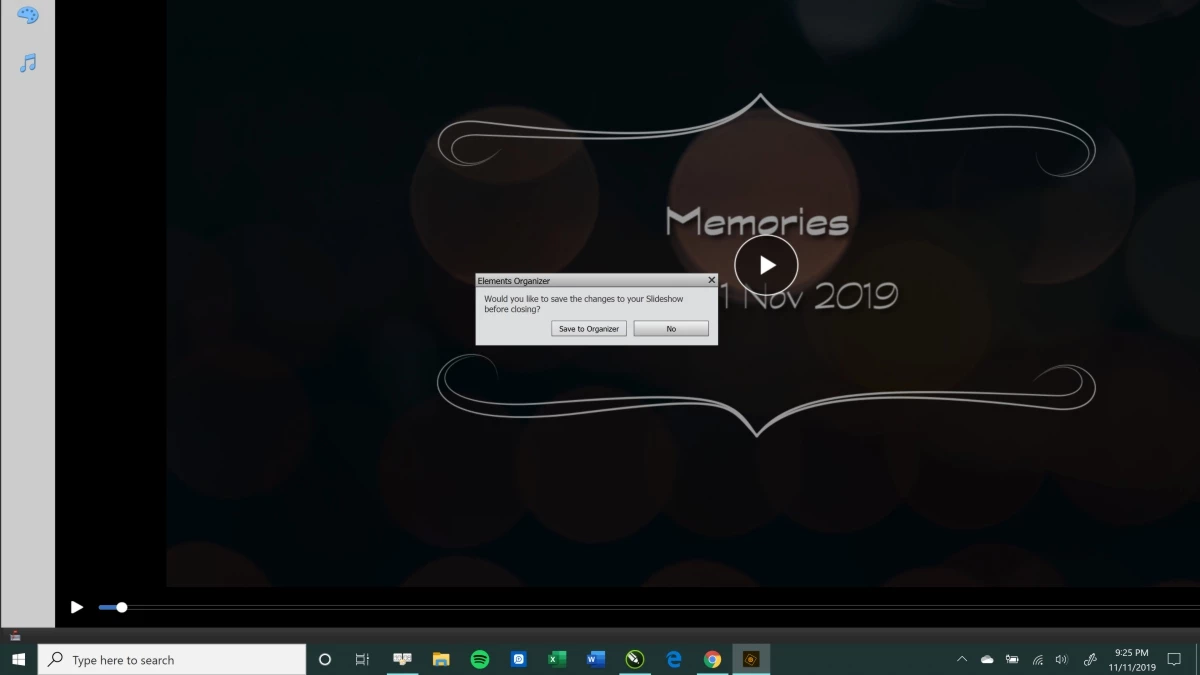
I am trying to create a slideshow in Photoshop Elements 2019 using Windows 10. When I select Create Slideshow, it automatically generates a preview and the top menu and the top portion of the side menu disappear; it seems as if the screen resizes too large for it all to be seen.
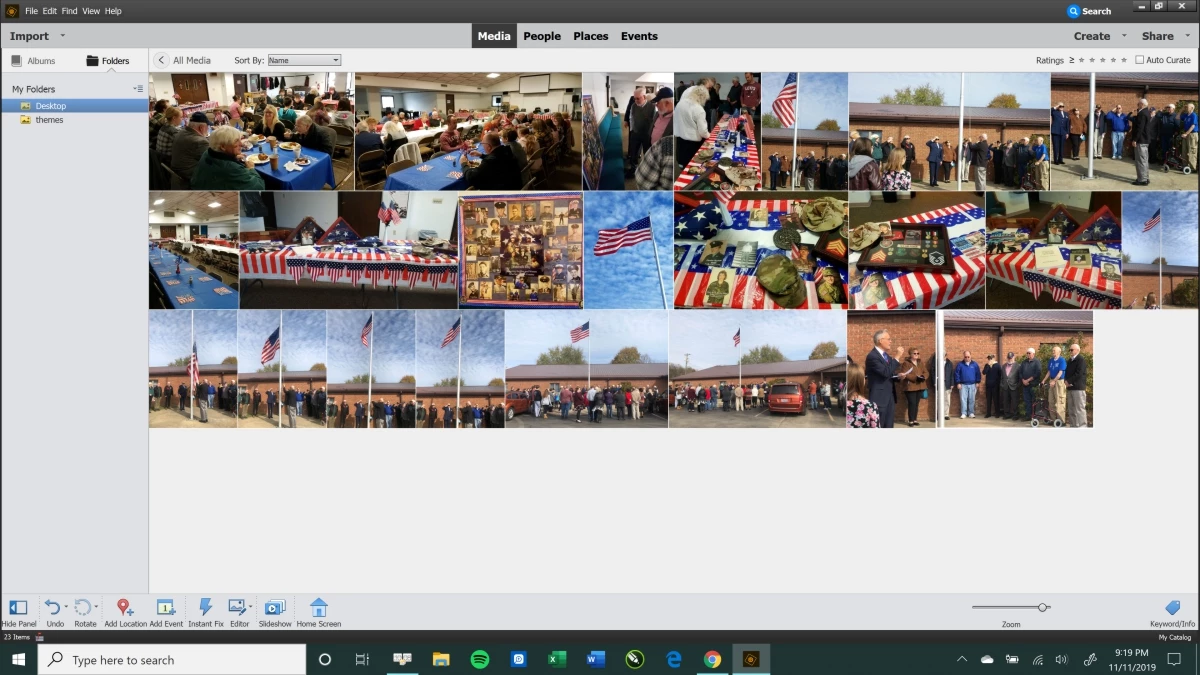
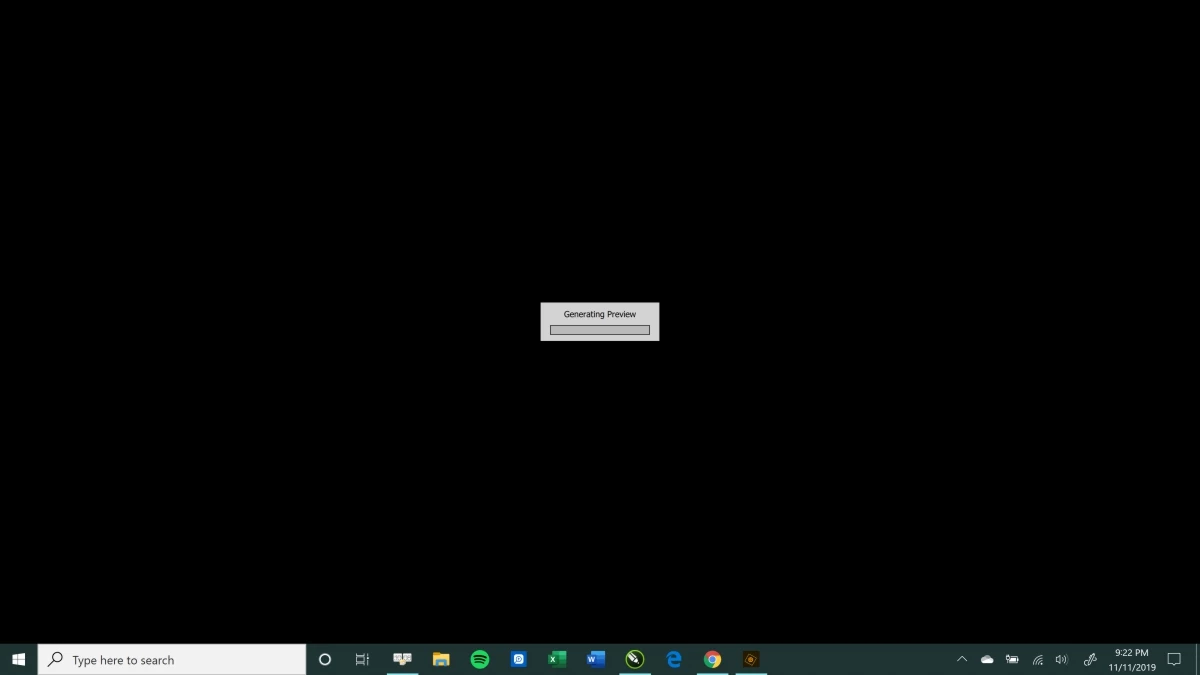
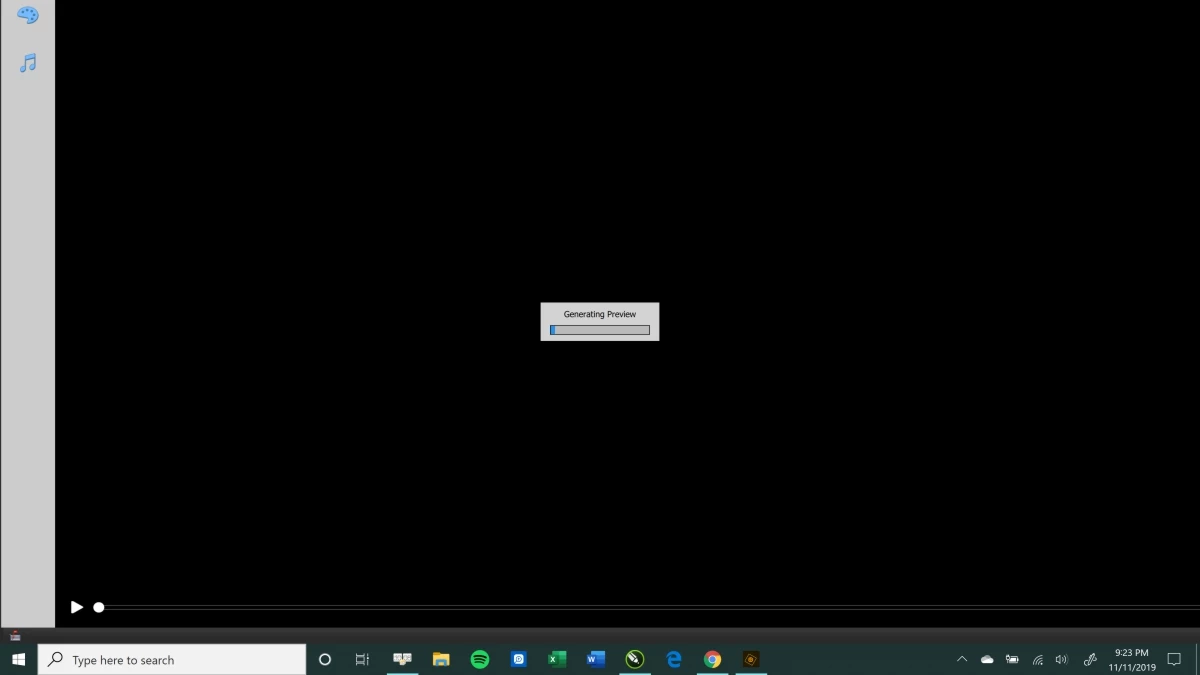
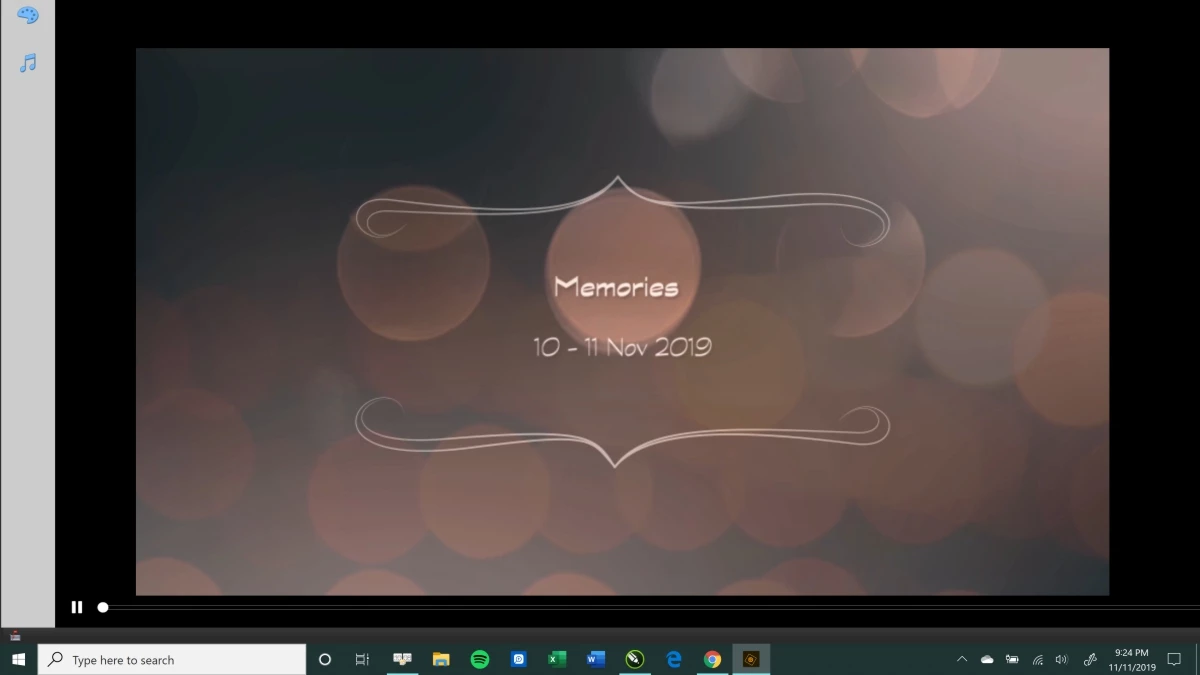
I'm attaching screen shots so that you can see that the menus at the top and top part of the left disappear when I select Create Slideshow.
In the first screenshot, you'll see the menus are there.
In the second screenshot--IMMEDIATELY upon selecting Create Slideshow--the menus are still there.
In the third and fourth screenshots, you'll see that the top menu and the top of the left menu disappear within a second of selecting Create Slideshow. It is as if the screen has resized too large to display it all.
The fifth screenshot is after I've pressed Esc, which is the only way to get out of the slideshow preview. Once I select No, then the screen appears as Screenshot 1 again.
I cannot edit any portion of the slideshow this way. Please help!


 AdChoices