
Question
Photoshop Elements 2019 won't open images in macOS Monterey
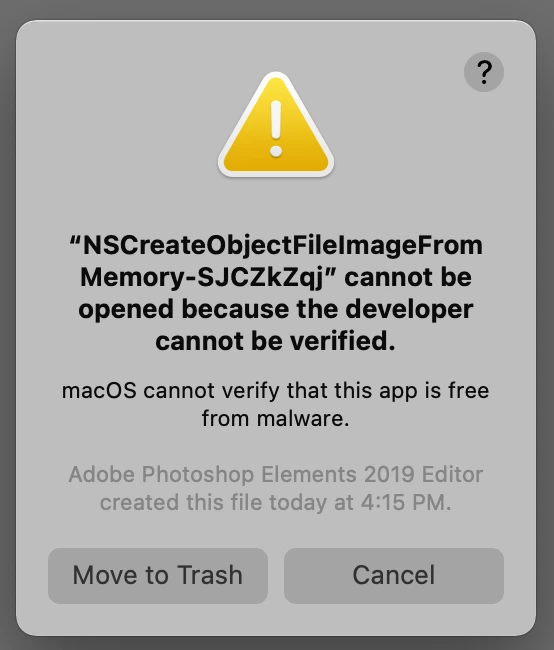
My wife and I both have Photoshop Elements 2019, which be got directly from the Apple App Store. I upgraded both machines to macOS Monterey. Now neither of us can open images. The app launches just fine. But when you try to open an image, it gives a "NSCreateObjectFileImageFromMemory-xxxxxxxx cannot be opened becaudse the developer cannot be verified" error.
Anyone know what's causing this or how to fix it?


 AdChoices