


Inspiring
December 6, 2020
Answered

Photoshop Elements 2021: Add information about location automatically

  • December 6, 2020
  • 2 replies
  • 808 views

Hello,


is it possible in Photoshop Elements 2021 to add information about the location automatically in all pictures using the meta data (e. g. via batch processing)? I have tons of pictures, so I don't feel like adding the location piece by piece.
This topic has been closed for replies.
Correct answer Somya_Agarwal

Hi,


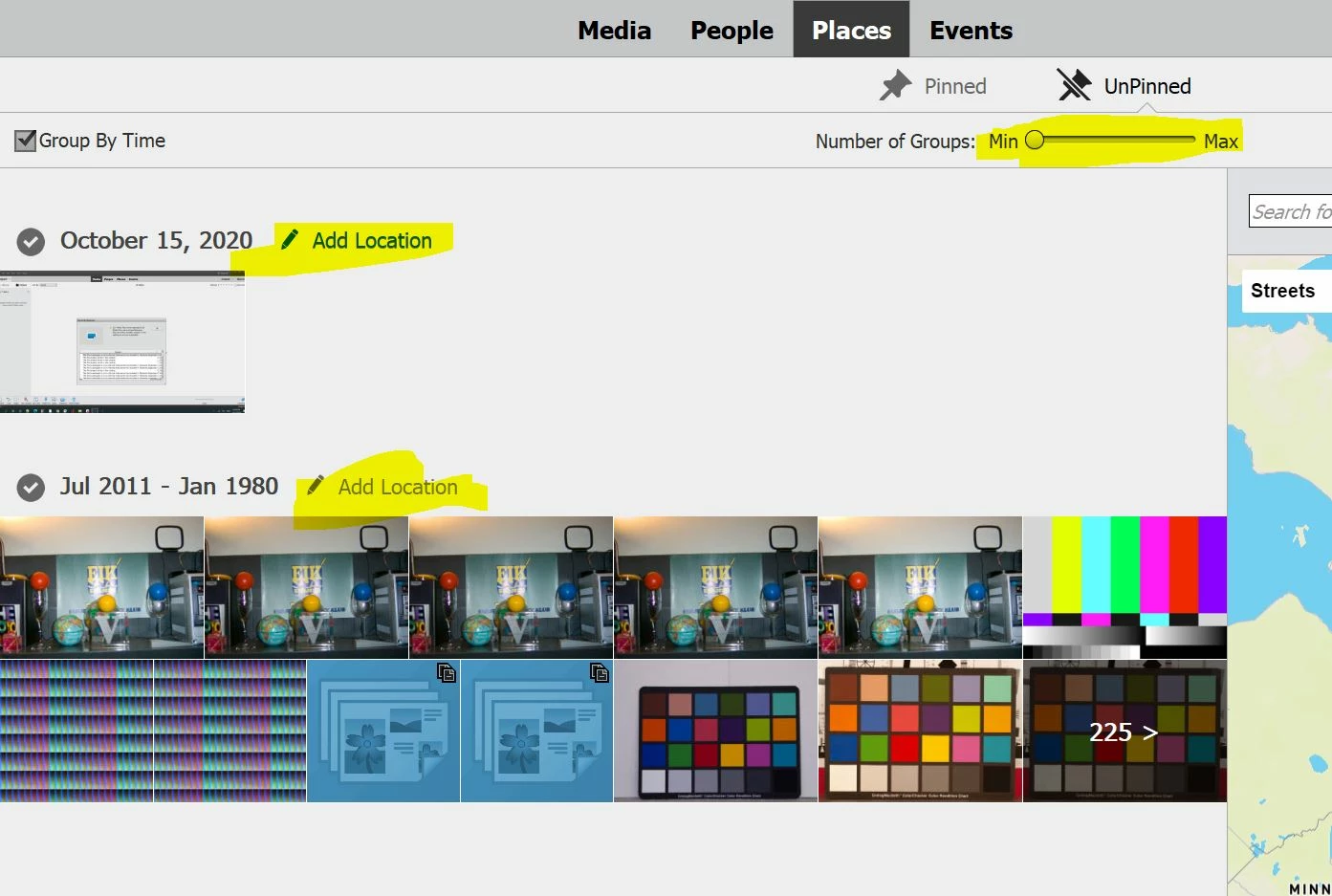
Do all your images belong to separate GPS location? Images appear grouped by date in Unpinned Places view where you can add a location to a particular group or drag the entire group to a pin on map.

You can change the size of the group by moving a slider at the top from Min to Max.


Thanks!

2 replies

Adobe Employee
December 7, 2020

Hi,

Firstly, 'Show existing pins on the map' in Unpinned view should be checked.


Also, after you check this option, the pins would be visible on the map, but location name won't be displayed. To display it, click on 'Get Location Name' on the pin on the map.


Thanks,

Somya

Inspiring
December 7, 2020

Thank you for your answer.


I noticed right now that some pictures do not have any GPS data, because GPS was turned off at that point of time. Is it also possible to add the location manually using the batch processing?

Somya_AgarwalCorrect answer
Adobe Employee
December 8, 2020

Hi,


Do all your images belong to separate GPS location? Images appear grouped by date in Unpinned Places view where you can add a location to a particular group or drag the entire group to a pin on map.

You can change the size of the group by moving a slider at the top from Min to Max.


Thanks!

jane-e
Community Expert
Community Expert
December 6, 2020

Hi

Since your question is about Photoshop Elements, I have moved this from the Photoshop forum where you posted to PS Elements.

~ Jane