
Answered
Photoshop Elements 2022 Error 11
Photoshop Elements 2022 will no longer open on my laptop using Windows 10. I am getting an error 11 message and being told to uninstall and reinstall. When I try and uninstall the program I get the following error message;
Windows cannot find C:\Program Files (x86)\Common Files\Adobe\Adobe Desktop Common\HDBox\Uninstaller.exe
I've tried installing the program without uninstalling but I just go round in circles and get the same error 11 message.
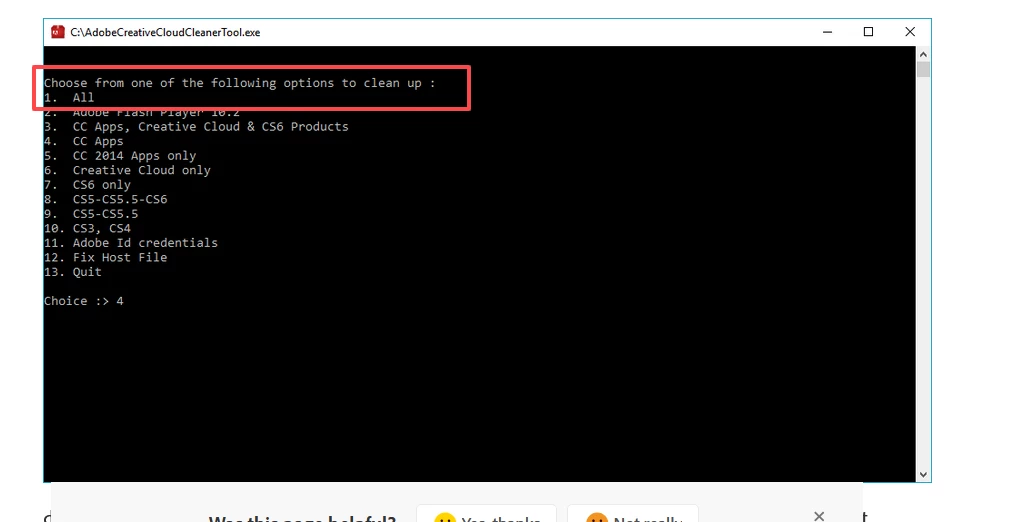
I've tried the Creative Cloud cleaner and that hasn't worked.
I've tried deleting the old Photoshop Elements 2022 files and folders but my system still seems to think I have an old version of the program and it's refusing to allow the installation to go ahead.


 AdChoices