
Photoshop Elements 2022: Error Opening Catalog
While there is a response to a similar issue on the forum, it did not help my issue.
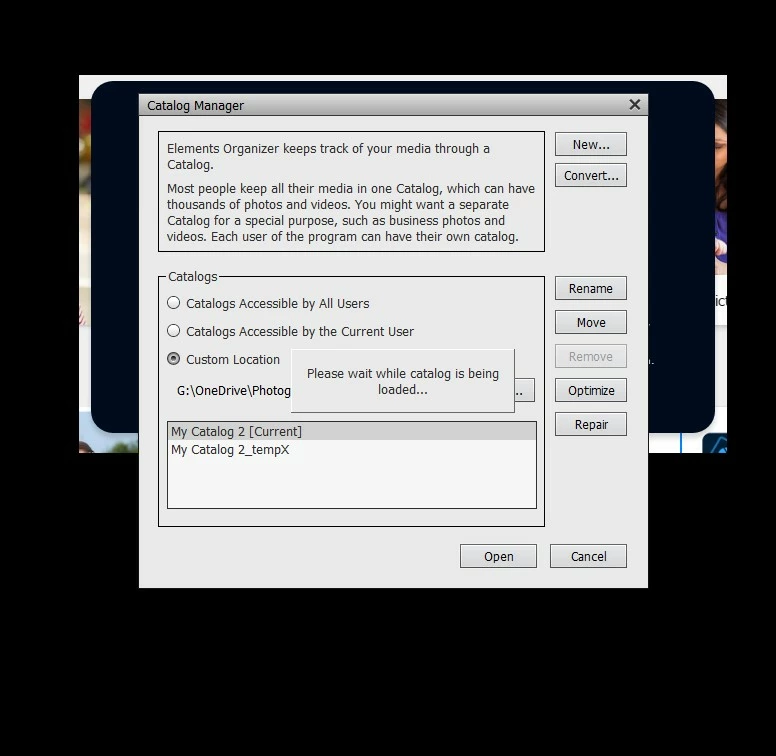
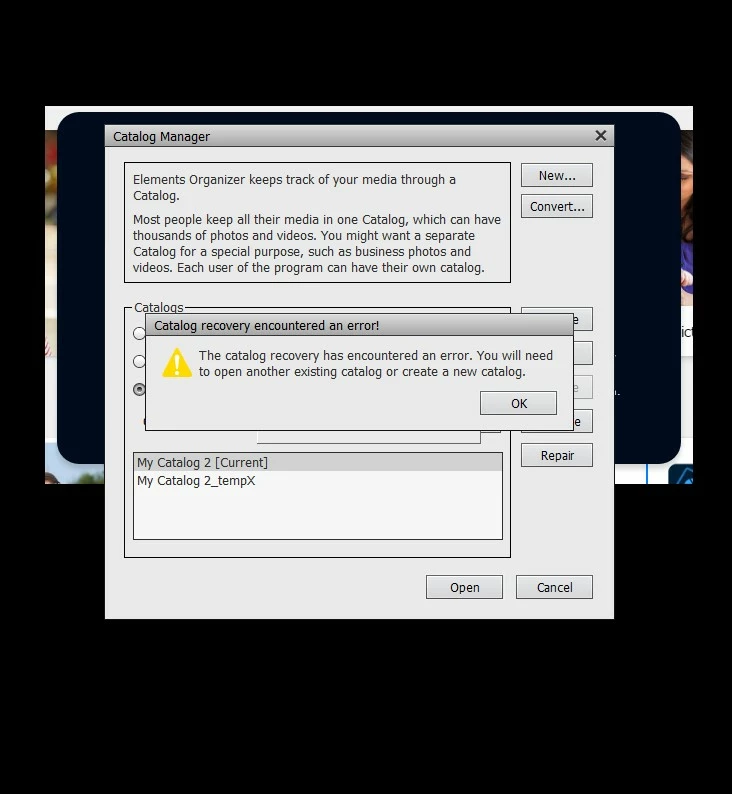
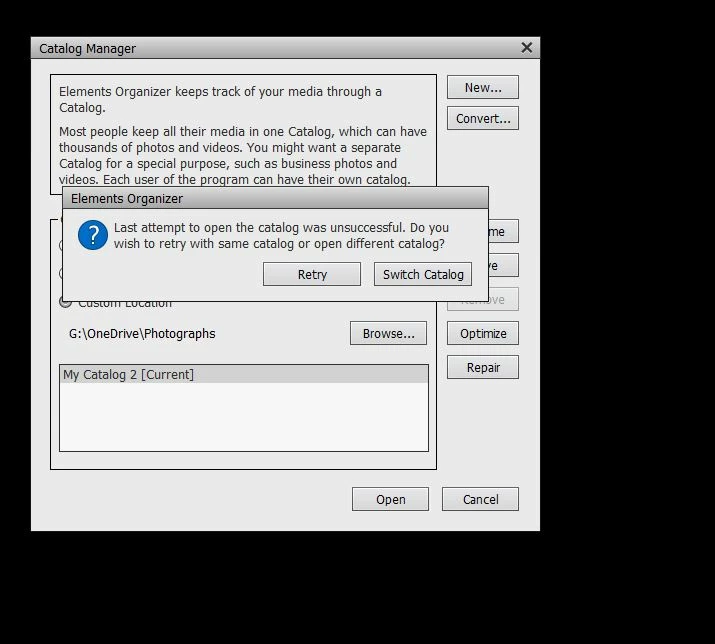
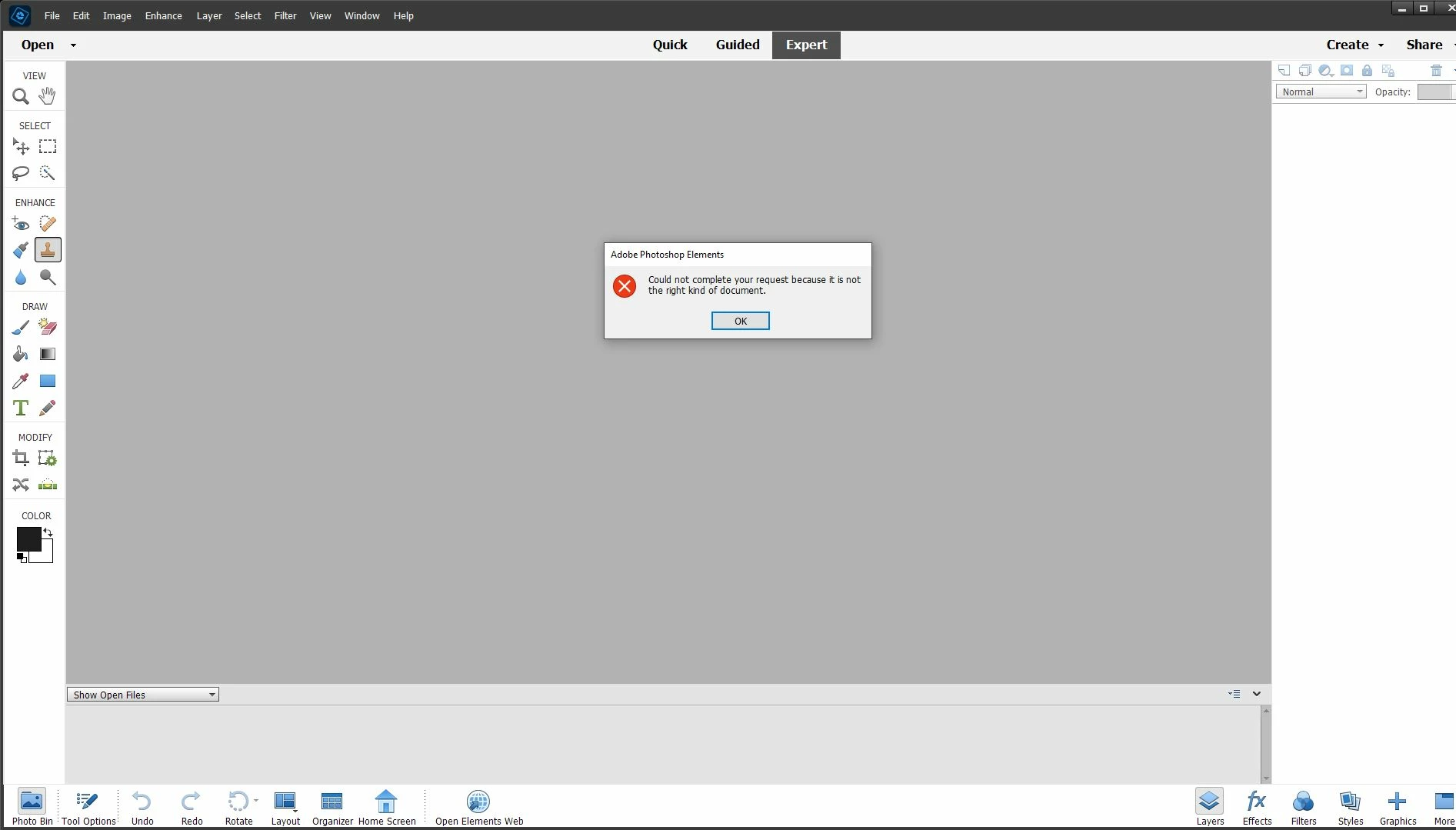
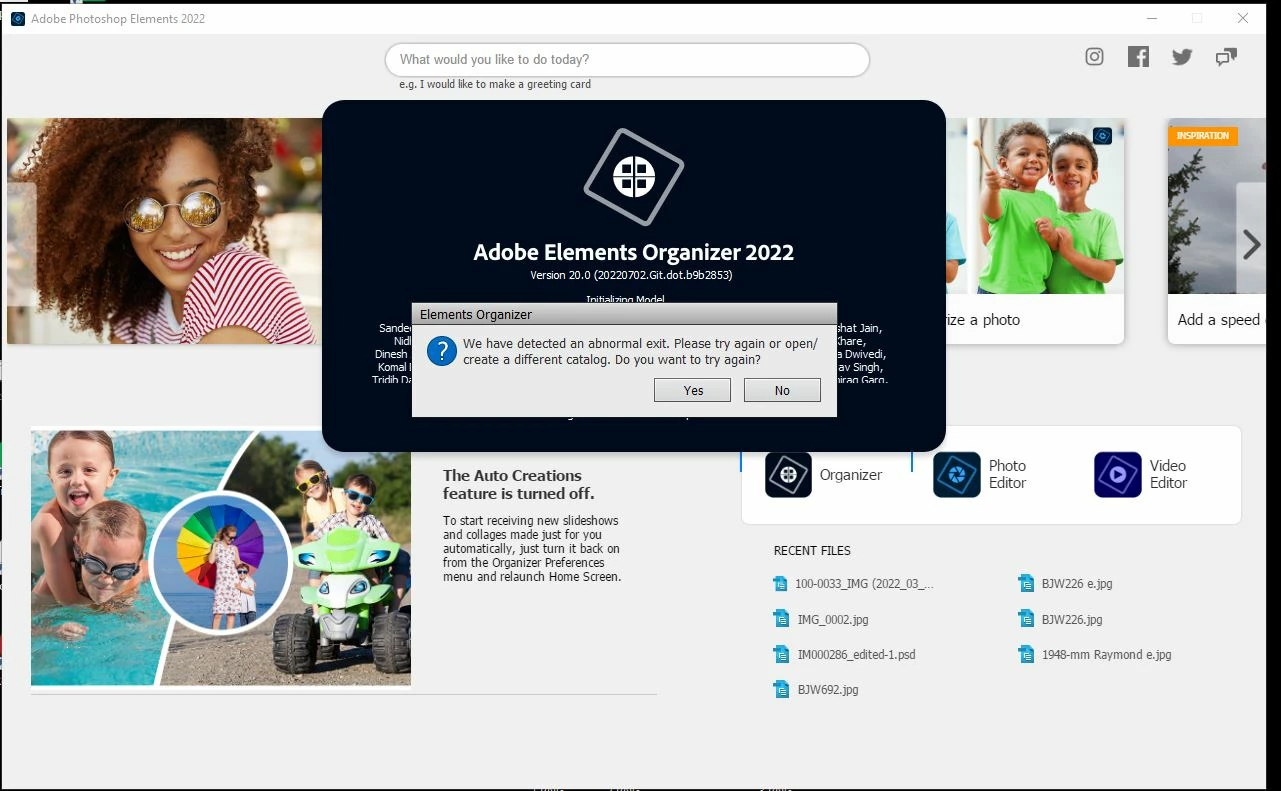
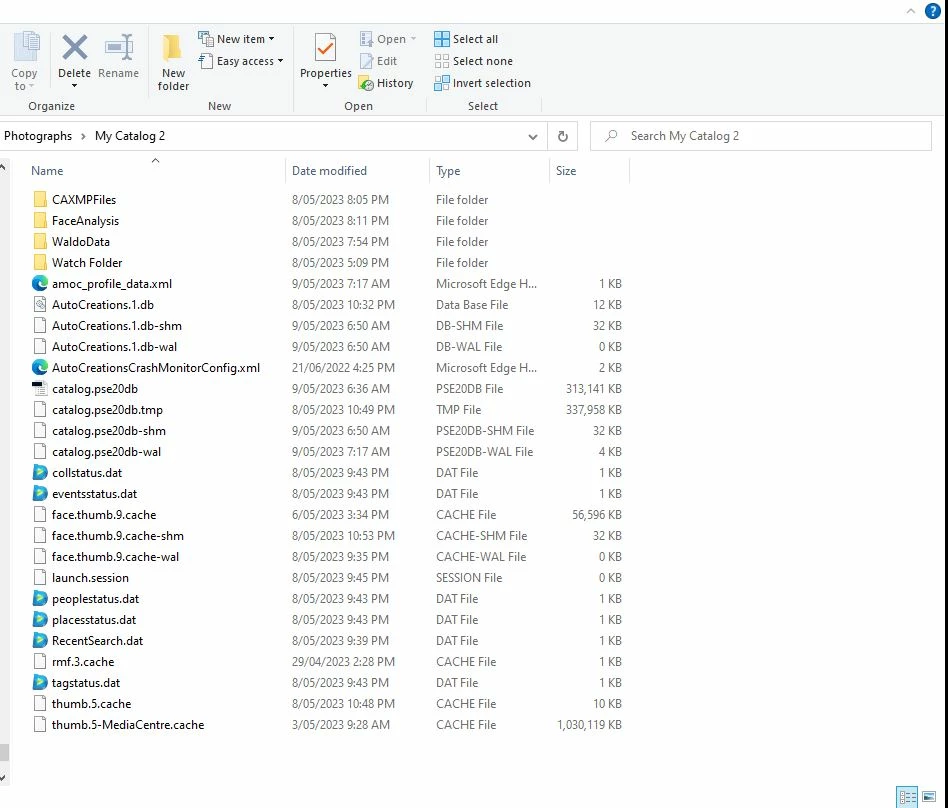
I have a large collection of photos (50k) in PSE2022 that I have been using for over a year on my Windows10 desktop computer, with multiple disks. Recently I added some photos to the collection and did some reorganising of the photos using PSE, then did a full backup. When I next started Organizer I received the message that there was an error opening Catalog (see screenshot PSE Error 1). I have three full backups on another disk. The recovery did not work either (see screenshots PSE Error 2 and 3). When I open Organizer now I get screenshot 4.
I can find catalog.pse20db, but when I click on that I get screenshot PSE Error 5
If I try to run Backup.tfy from my latest backup, I get PSE Error 5. If I try to run the earlier backups nothing happens.
I really do not want to have to start again, so I'm desparate to find a solution to this problem. I have no idea why it happened, and I'm a bit disturbed that despite three full backups I can't get Photoshop to work!
I still have all the photos in 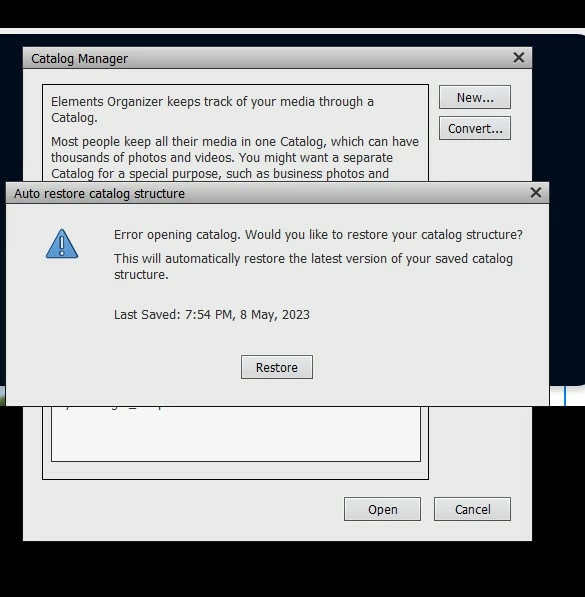


 AdChoices