
Participant
September 28, 2024
Answered
Photoshop Elements 2024
- September 28, 2024
- 3 replies
- 438 views

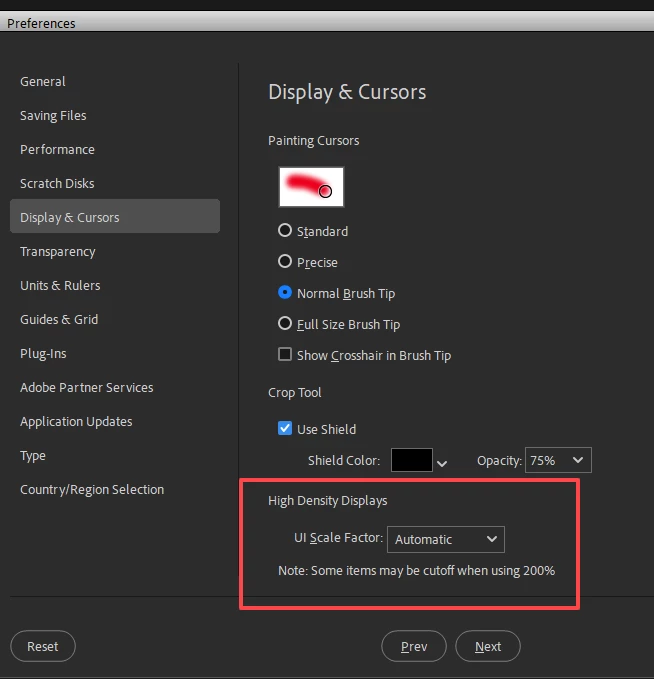
The only way i know of is to enlarge the whole Photoshop Elements interface by going to Edit>Preferences>Display & Cursors, set the UI Scale Factor to 200%-Large and restart the Photoshop Elements Editor.
Already have an account? Login
Enter your E-mail address. We'll send you an e-mail with instructions to reset your password.


 AdChoices