
Answered
Photoshop Elements 2024 16 bit problem
I have used Elements for many years and today decided to install Elements 2024.
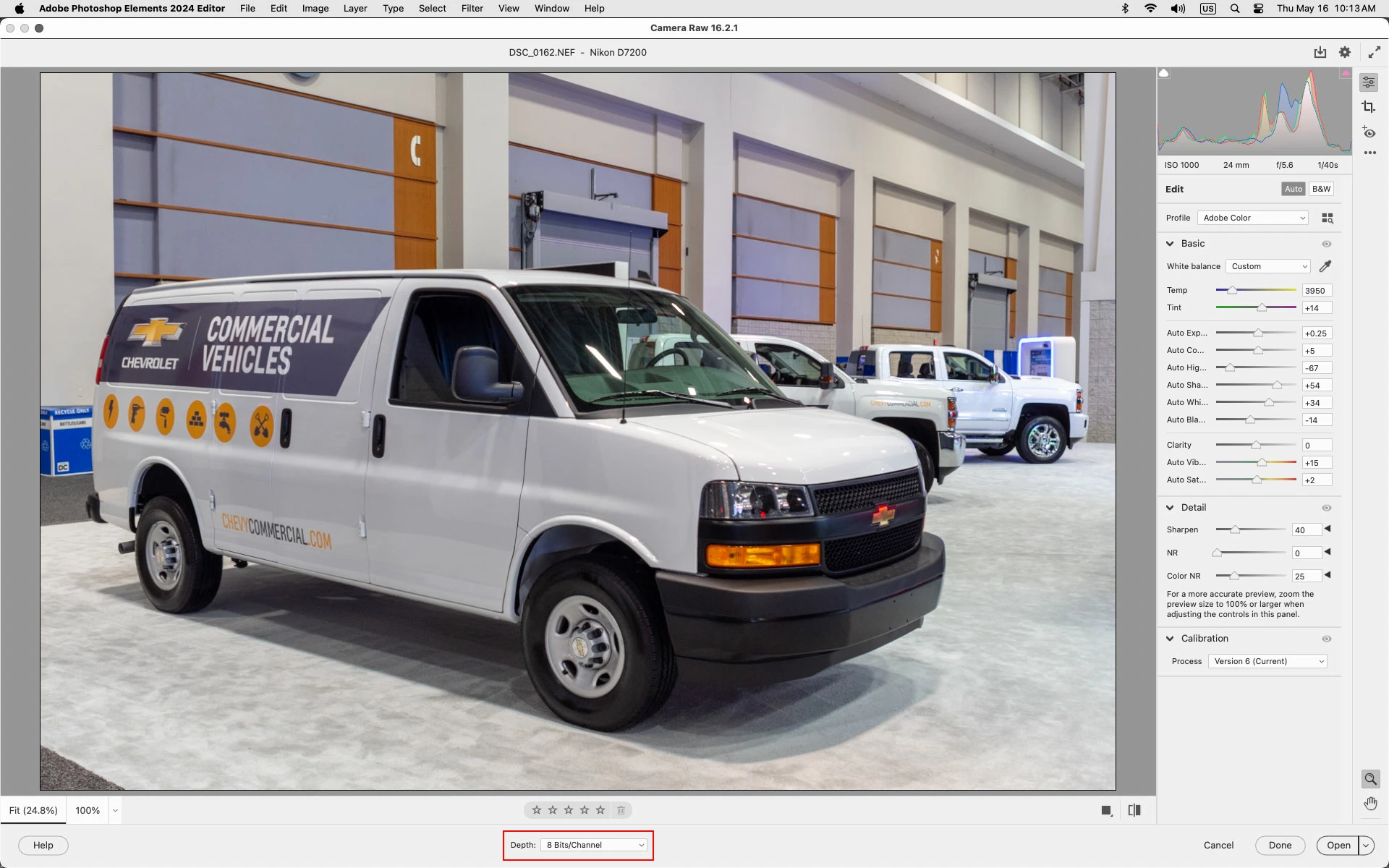
Now when I want to edit a RAW image from my Sony Alpha 1 I find that the image is partially locked and that all items in the Layer menu, with the exception of the Type and Layer Mask items are greyed out.
Apparently I need to click on the icon on the right of the layer and then click the Convert depth button to convert the image fro 16 bit to 8 bit.
This has never been necessary in previous versions of Elements and will be extremely irritating if I have to do this with every image I edit.
I have no idea why anyone would decide to introduce this annoyance.
Is there a way that I can overcome this problem without any inconvenience to me?


 AdChoices