

74CR125
Participating Frequently
July 1, 2024
Question

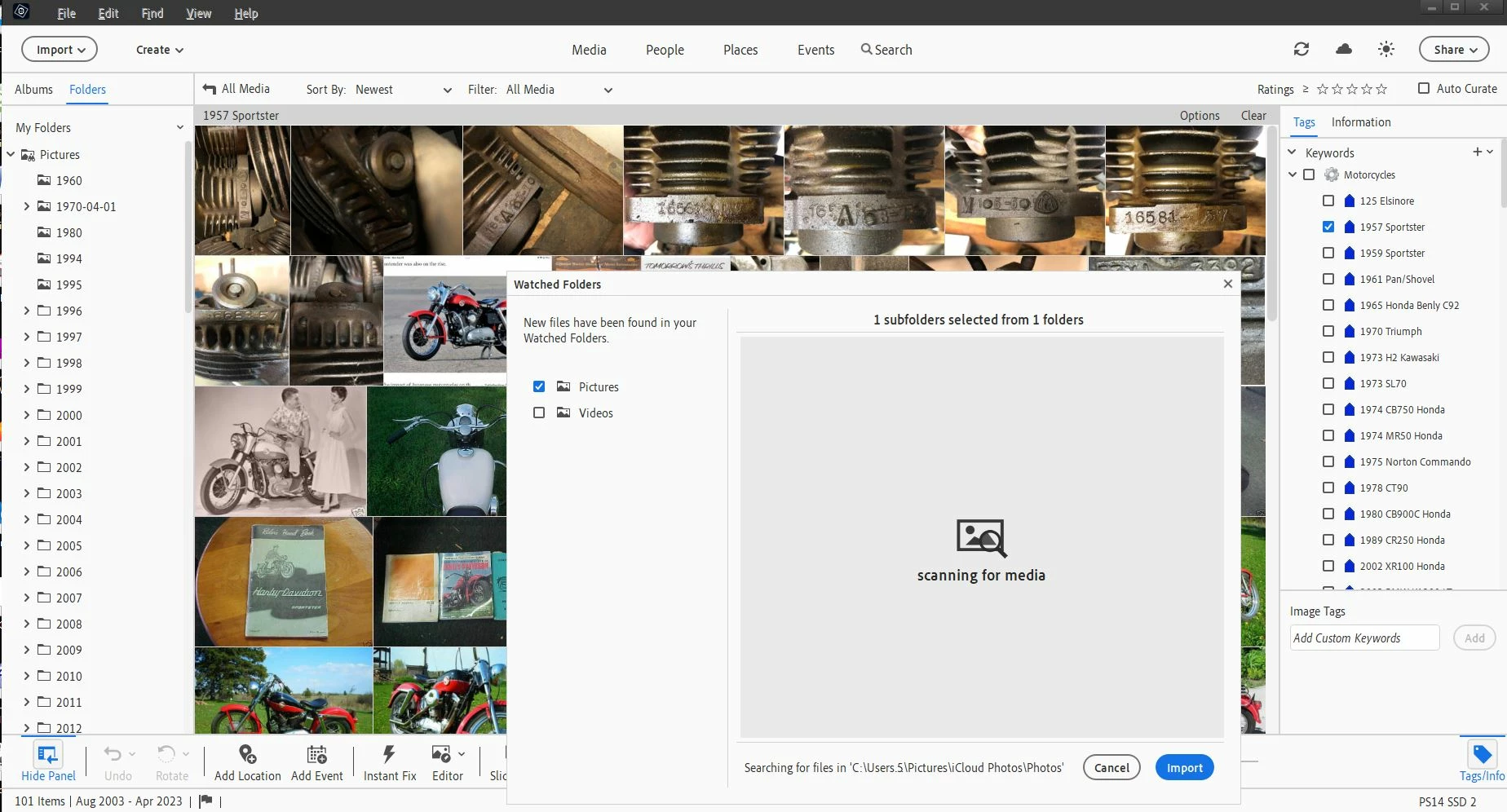
Photoshop Elements 2024 never stops scanning watch folder

  • July 1, 2024
  • 1 reply
  • 216 views

After clicking "Organizer" on startup page, scanning for media dosen't stop unless/until I click "Import". After clicking import , it does seem that all the pics it displays are new. Also, I forget what I did but it does finally recognize my iPhone pics (.heic). All my previous versions of PS would find all the new pics in the watch folders, display only them, and I would choose to keep or delete, etc. Can anyone help with this?

This topic has been closed for replies.

1 reply

99jon
Genius
July 3, 2024

You have a large number of sub-folders in Pictures. If you are currently putting all new photos into a 2024 folder  you could mark that as the watch folder, and uncheck the pictures folder. Start from the menu:

File > Watch Folders

Then click the Add button. Let us know if that reduces the amount of scanning.

74CR125
74CR125Author
Participating Frequently
August 1, 2024

Thank you 99jon,

That did help.

In my previous version (PS18), I had set the entire picture folder being watched. Never had an issue with it. I was use to importing pics from Win 10 Explorer right in to a dated folder (month/year) or opening photoshop and letting the program do the work. Either way worked fine. PS24 has given me a couple headace's I'm sorting through. HIEC files was another but I think I got that working.  Thanks again for your help!

Do it once, do it right..