

Photoshop Elements 2024 Premiere won't open all my .mov files
Windows 10 - 2024 version Photoshop Elements
After opening Photoshop 2024 and Organizer finishes scanning for new files, I get the following when trying to import new .MOV files
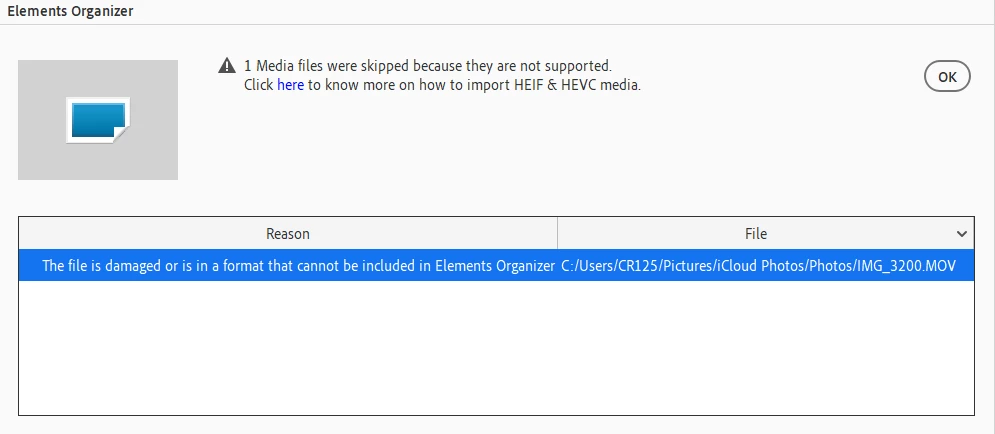
I've clicked "here", paid for and downloaded the extention.
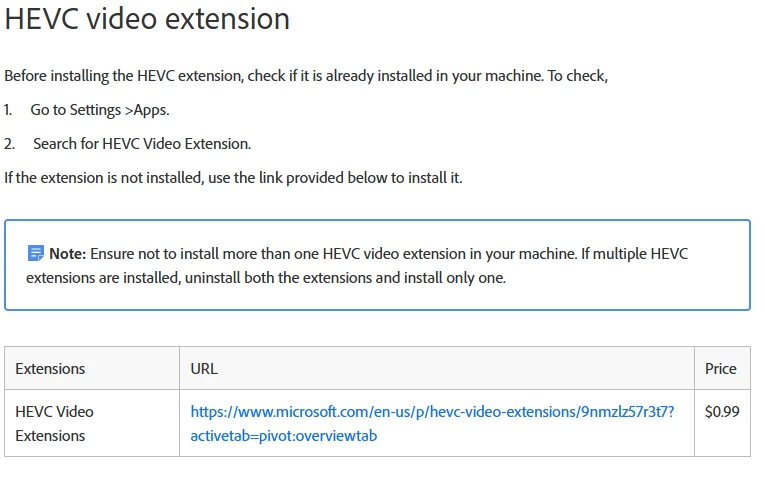
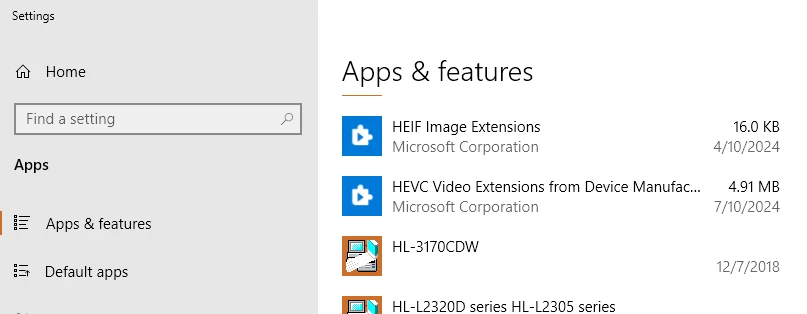
Both HEIF and HEVC extentions are installed.
It's then suggested to close PS2024 Elements.
Delete all files in the Media Cache - Adobe "Common" folder
Then relaunch the application.
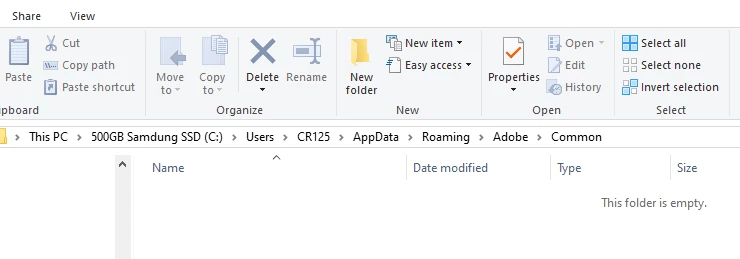
No change.
I cannot get Elements to import any new .MOV files
I've tried opening Video Editor then opening a new .MOV file, same error.
I've tried right clicking on the new .MOV file in Explorer and chossing Open with - "Adobe Premiere Elements 2024 Editor"
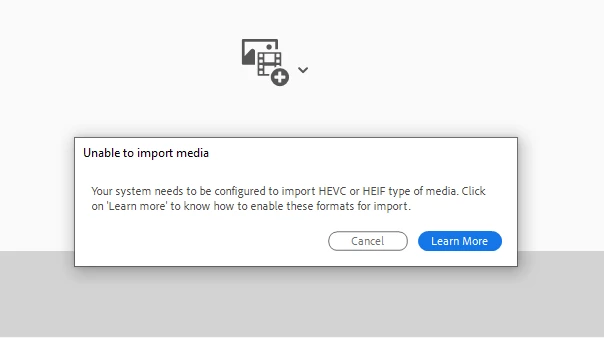
No luck.
I mention that I can't open or edit new .MOV files because .MOV file that were importeda couple months ago or before upgrading to PS2024 open and play just fine.
Anyone that can help, I would very much appreciate it. It's very frustrating.


 AdChoices