
Terry Frederick
Participant
May 2, 2024
Question

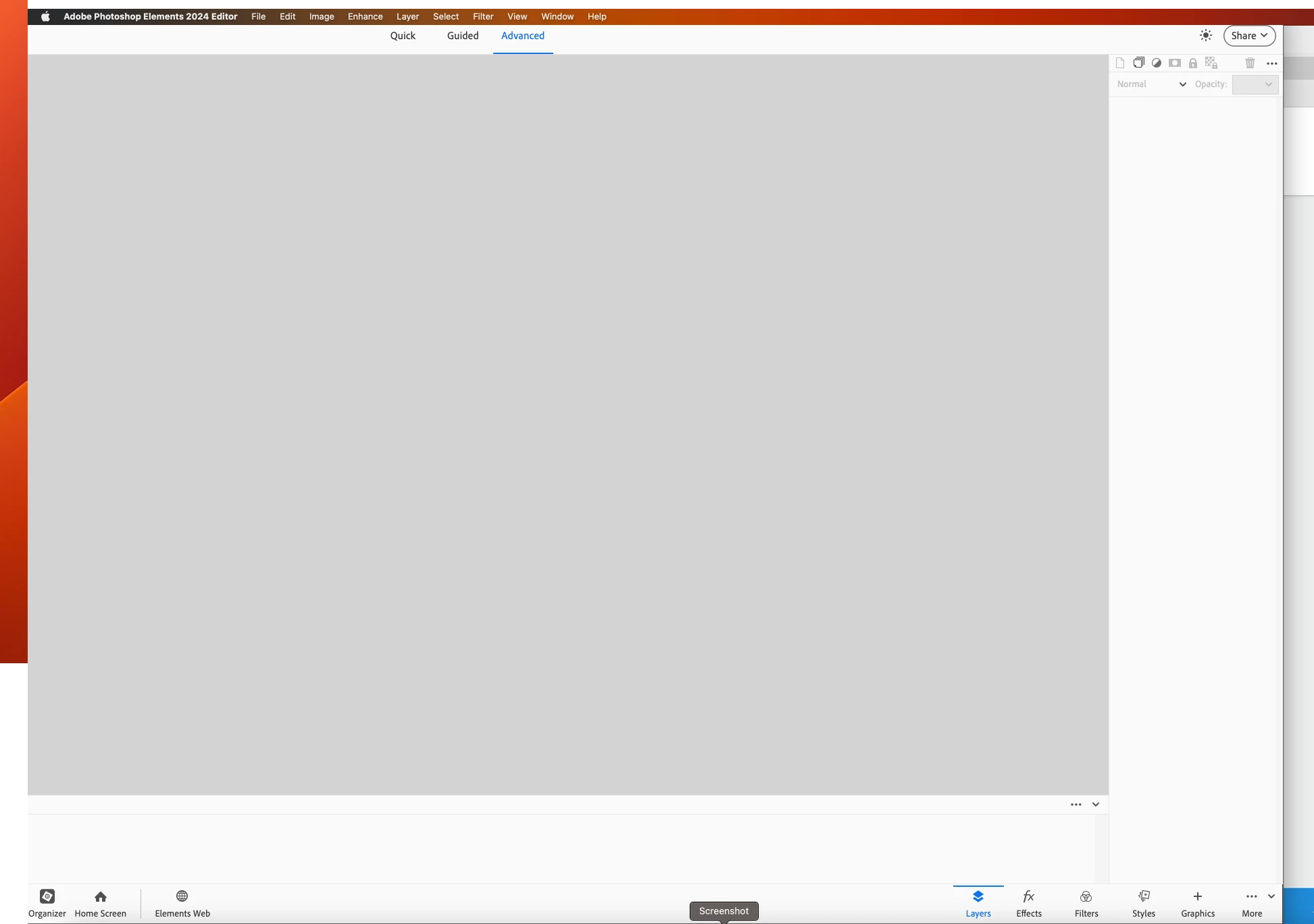
Photoshop Elements 23 and 24 Mac home screen is off screen to left & can't be moved;
  • May 2, 2024
  • 3 replies
  • 239 views

 The problem is the Pref file. here is a video on how to reinstall Pref file to correct problem. Note the problem will keep comoing back untill Adobe fixes SW. This is my 3rd time to do this.

This topic has been closed for replies.

3 replies

Participant
May 9, 2024

Just press small green button,on screen top left. It work for me

Jeff Arola
Community Expert
Community Expert
May 4, 2024

What version of macOS are you using?


Do you work with the pse 2023/2024 interface Maximized?


Are you using an external monitor?

Jeff Arola
Community Expert
Community Expert
May 2, 2024


What version of macOS are you using?


Do you work with the pse 2023/2024 interface Maximized?


In addition you might try trashing the whole preferences folder in

Macintosh HD/Users/UserName/Library/Preferences


Adobe Photoshop 2023 Settings

Adobe Photoshop 2024 Settings


and the

Adobe Photoshop 2023 Paths

Adobe Photoshop 2024 Paths


and finally the

com.adobe.PhotoshopElements.plist


Terry Frederick
Participant
May 4, 2024
I have also tried deleting ps and reinstalling. It worked each time but did not last. Keeps rehappening.
Sent from my iPad