
shareeg39867639
Participant
March 8, 2018
Question

Photoshop Elements 4.0

  • March 8, 2018
  • 1 reply
  • 472 views

All of a sudden our Adobe Photoshop Elements 4.0 won't open..... We haven't updated our computer!

The wheels just keep spinning and the screen remains as follows;
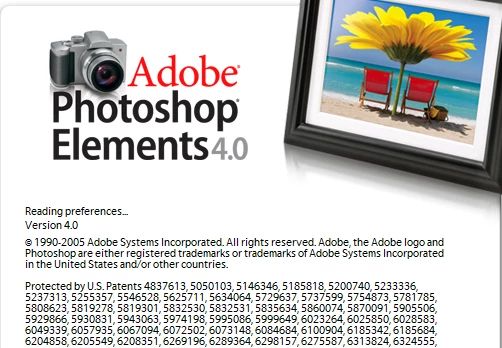
We used the 7 day trail of a new version to get us out of trouble at work but then Acrobat stopped working also

Can anyone help me????

    This topic has been closed for replies.

    1 reply

    Jeff Arola
    Community Expert
    Community Expert
    March 8, 2018

    What operating system are you using?

    shareeg39867639
    Participant
    March 8, 2018

    Windows 7

    Jeff Arola
    Community Expert
    Community Expert
    March 8, 2018

    I would reset the pse 4 editor preferences by going to

    C:\Users\User Name\AppData\Roaming\Adobe\Photoshop Elements\4.0

    and trashing the

    Editor folder.