

Photoshop Elements 7 no longer working
Hi
I realise I'm probably using a very old program now, but I've been using Elements 7 for 8 years without any issues. Until today.
I have a horrible suspicion that the latest windows 10 'security centre' major update may be responsible for this, otherwise it's just terrible coincidence. Basically, having updated my laptop, I try to load PE7 only for the screen to load with a pink and green bar at the top, where the toolbar should be. Sometimes the toolbar icons load, but then they flash grey, and the loaded app eventually just looks like this:
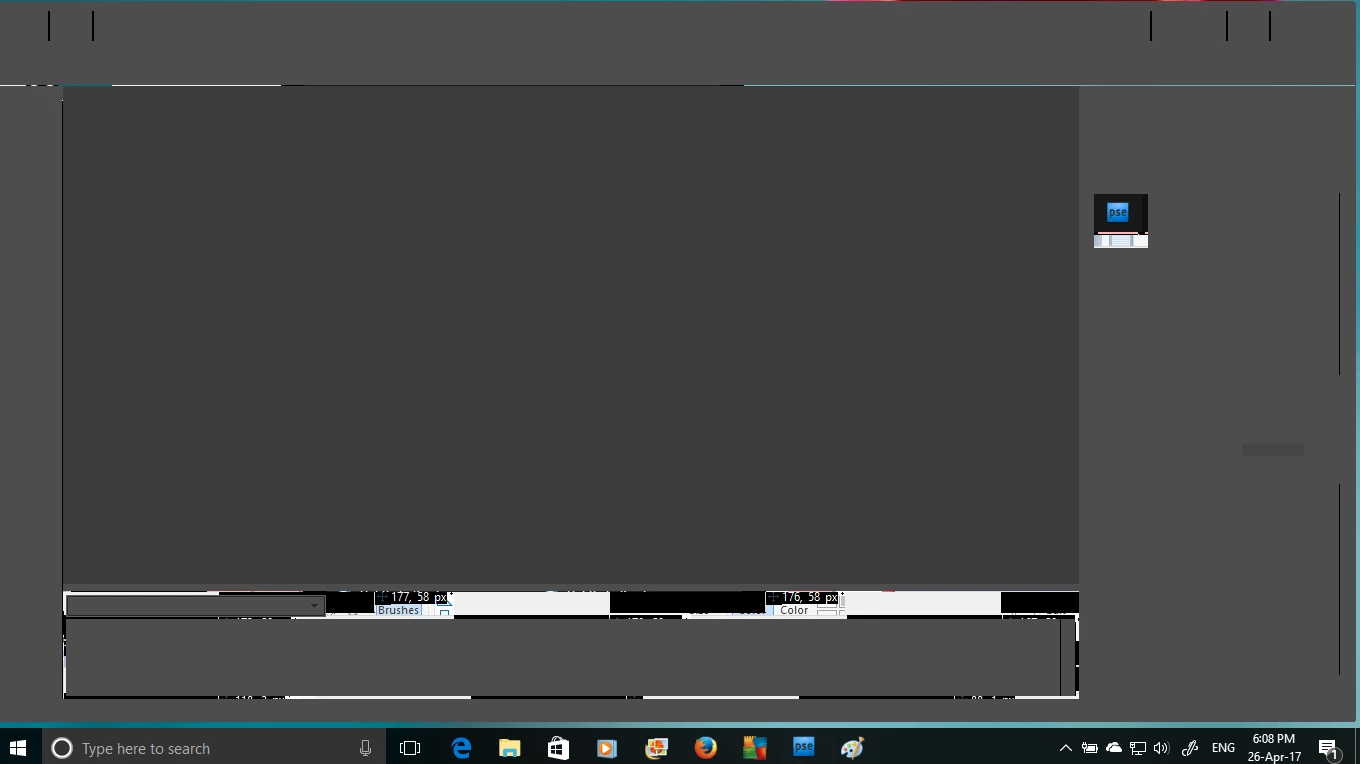
I've tried everything mentioned on other forums. I deleted my preferences, and I've even uninstalled and reinstalled the program. Unfortunately, the problem persists!
It's really annoying that this should happen suddenly now, because as I've said, I've literally had ZERO issues with PE7 over the years. I also can't find anything else on the web that describes this issue.
Help anyone?
 AdChoices