
Participant
November 4, 2017
Question

Photoshop Elements 7 on 13" screen

  • November 4, 2017
  • 1 reply
  • 315 views

Hi there,
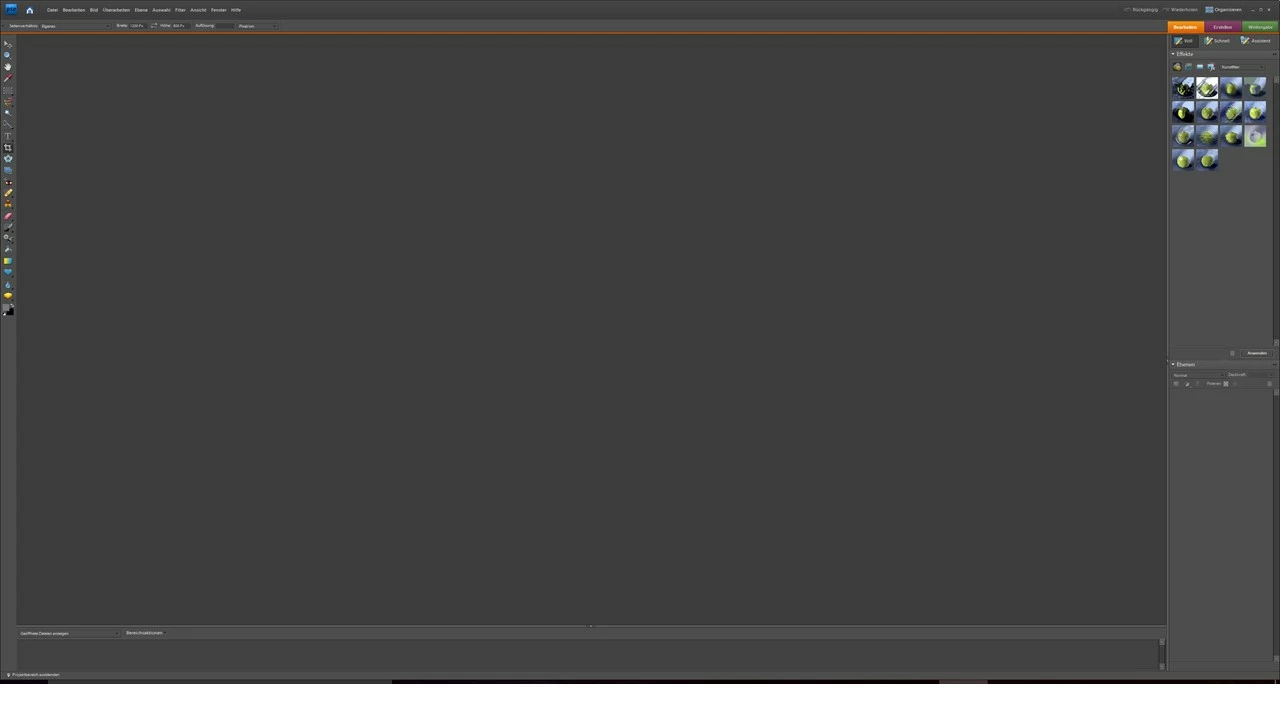
I've got an elderly version of Photoshop Elements, version 7. I bought a new Laptop which has a screen size of only 13". Now the size of the menu is so tiny that I can't read it anymore. Is there a way to change a setting to make Photoshop Elements 7 useable on a small screen?

Thanks so much for your help!
This topic has been closed for replies.

1 reply

MichelBParis
Legend
November 4, 2017

marion987654321  wrote

Hi there,
I've got an elderly version of Photoshop Elements, version 7. I bought a new Laptop which has a screen size of only 13". Now the size of the menu is so tiny that I can't read it anymore. Is there a way to change a setting to make Photoshop Elements 7 useable on a small screen?

Thanks so much for your help!

The only way is to use Windows options (or your display driver) to set the display to a lower resolution, something under 1080 x 1080.

The size of the screen in inches is irrelevant if you don't state the width or height in pixels. What is happening is that your display has 'high resolution', which is a display technology which appeared after Elements 7. Only recent Elements versions from PSE13 can set the size of the fonts to 200% to deal with the new 'HiDpi' or '4k' displays.