
Participating Frequently
July 5, 2017
Question

Photoshop Elements 7 - Stopped Working

  • July 5, 2017
  • 3 replies
  • 2585 views

Hi there

I hope you can help?

My Photoshop Elements 7 has stopped working. I have uninstalled and reinstalled it (from the CD/DVD I have) and it is still the same.


The PC is a High end Dell machine running Windows 10 and should have no issues running this programme (well hasnt done for many years)


Now when I start the programme I get the first (smaller) window open that gives me 4 options, Organise, Edit, Create & Share


When I click say Edit, the screen opens to full window and then freezes - Please see below what it looks like (excuse the sun glare on the left of the screen)
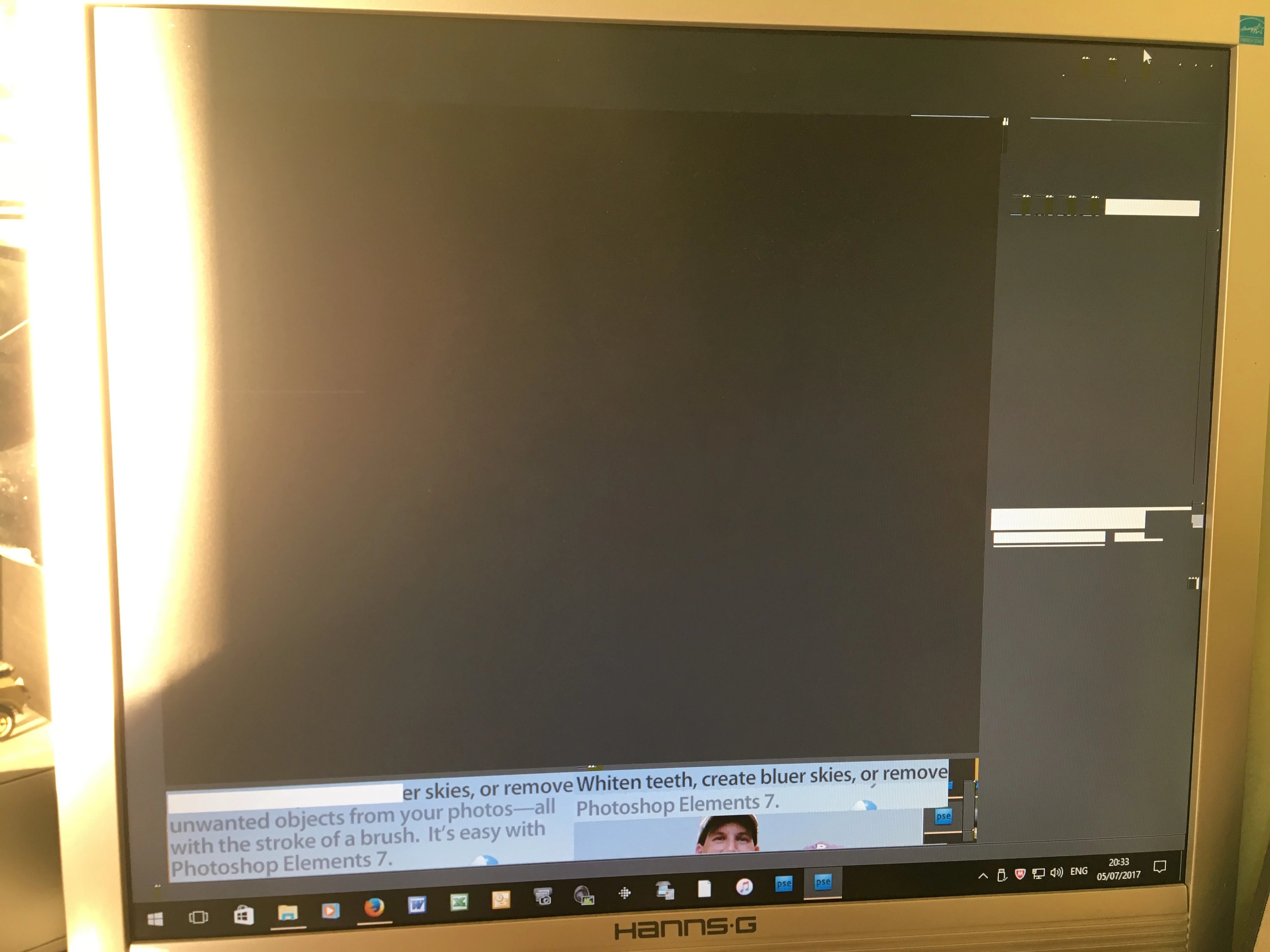

It will sit there like this all day

I have no idea where to start tryong to resolve this issue?

    This topic has been closed for replies.

    3 replies

    Participant
    July 11, 2017

    I'm having exactly the same problems and I have been through all these solutions. Seems like Adobe don't want to provide any support.

    99jon
    Legend
    July 11, 2017

    Adobe only provides support for the current version PSE15.

    hatstead
    Inspiring
    July 5, 2017

    markw61897751  wrote

    The PC is a High end Dell machine running Windows 10 and should have no issues running this programme (well hasnt done for many years)


    I have no idea where to start tryong to resolve this issue?

    There was a recent automatic update to WIN10, and since then there have been reports that PSE is not working properly.

    Suggest that you go to a restore point at a point in time when PSE was functioning properly.

    Have a look at this thread from earlier today:

    Photoshop Elements 10 just stopped working properly in Windows 10

    Participating Frequently
    July 6, 2017

    Hi hatstead

    Thanks for the reply also - I've done 2 system restores now and neither time has this resolved the issue

    stumped now....

    hatstead
    Inspiring
    July 6, 2017

    Perhaps you can get help over at the Microsoft Windows 10 forum.

    99jon
    Legend
    July 5, 2017

    Some windows users have found that they need to switch on legacy components. Here is one thing you could try.

    Go To

    Control Panel >>Programs >> Programs and Features >> Turn Windows Features on or Off

    Then choose Direct Play under Legacy Components – see images below

    Participating Frequently
    July 5, 2017

    Hi 99jon
    Thanks for the swift reply - I have checked this and the Legacy Components are already turned on as you describe