
Participant
October 18, 2024
Question

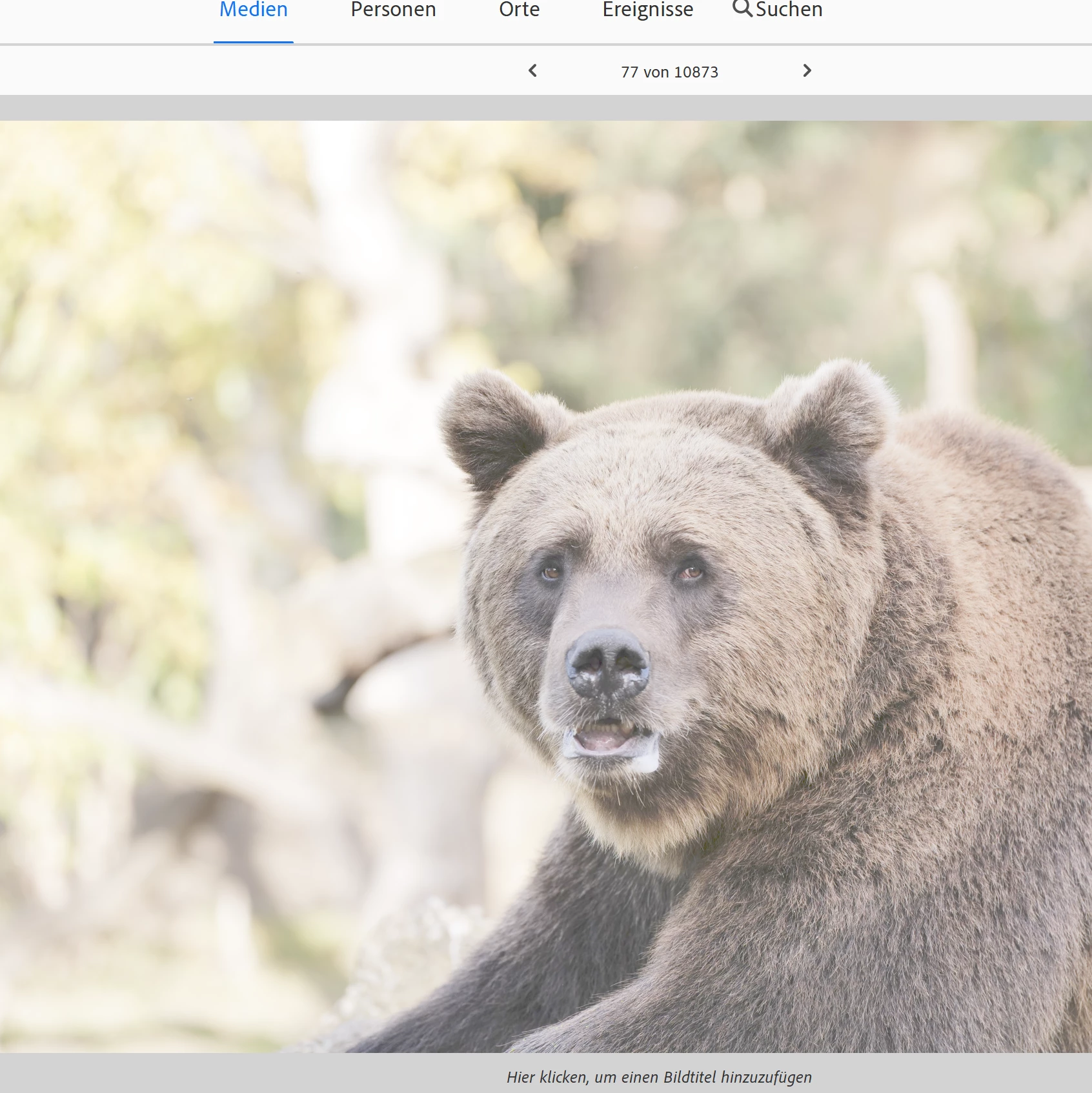
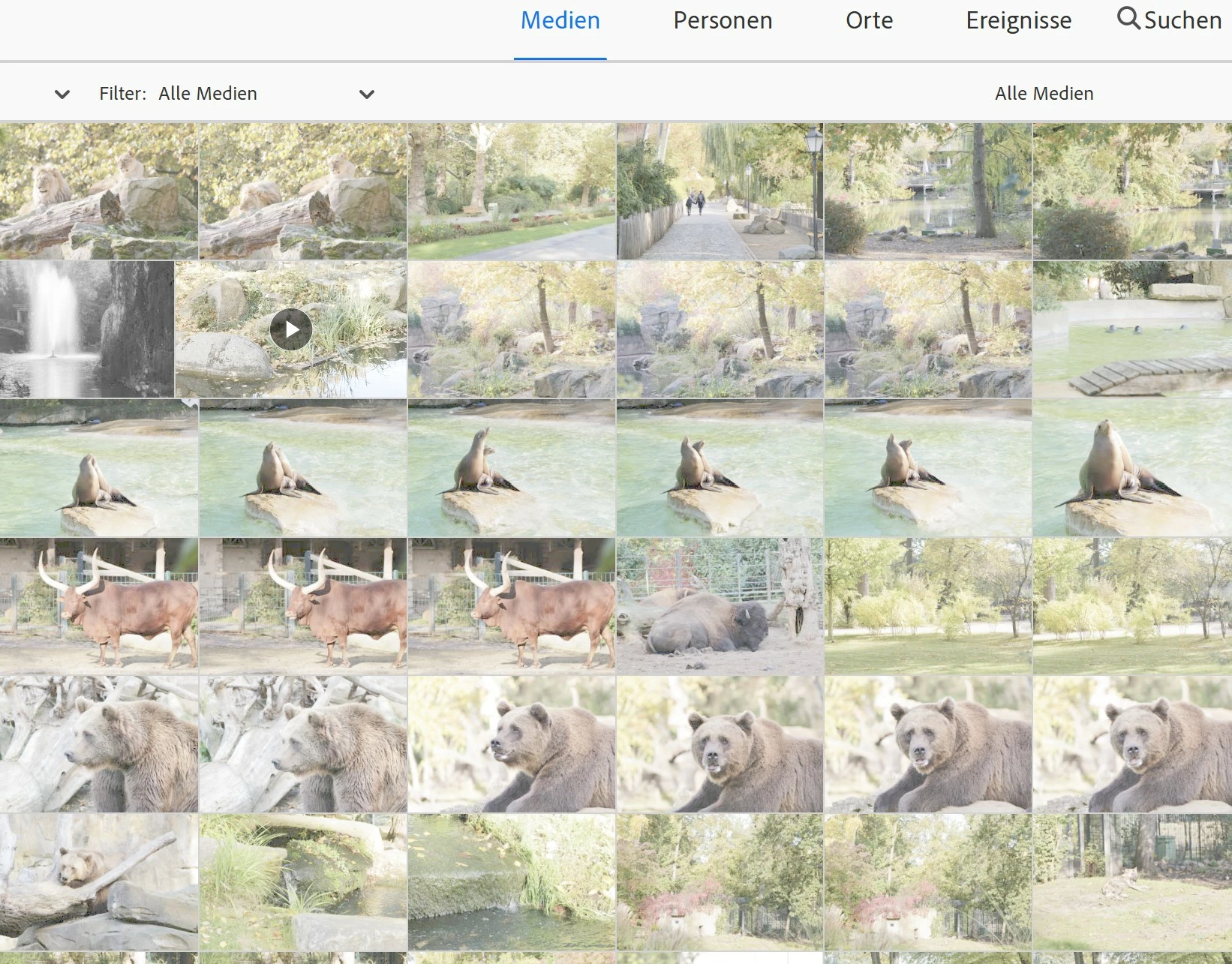
Photoshop Elements and Organizer 2025 - All thumbnails and Photos look fuzzy and blurry

  • October 18, 2024
  • 2 replies
  • 583 views

I've been having an issue with Photoshop Elements 2023 and now 2025. Previously, thumbnails and photos looked clear. However, now they appear fuzzy and blurry. When I open these photos in other programs, they look sharp and normal. The problem only occurs within Elements. My computer is running Windows 11 with a 4K monitor and is fully updated. Any help would be greatly appreciated! Greetings from Berlin, Max.
This topic has been closed for replies.

2 replies

Adobe Employee
October 21, 2024

Hi Max,

Could you please try to recaliberate your display referring to:
https://support.microsoft.com/en-us/windows/color-management-settings-in-windows-849b10b4-8347-4217-acb0-69a87432c075


Also, if that doesn't work, do you mind sharing a sample media for us to check this issue on our end?

Participant
October 22, 2024

Many thanks! I did it in a different way, but this was the right path. Used X-Rite Color Assistant, deactivated HDR and reactivated the default configuration. It's working fine again.

Monte307
Inspiring
October 20, 2024

You can try selecting the images, then hitting Ctrl+Shift+U to refresh the thumbnails.  

Participant
October 20, 2024

Thank you for your message. I've tryed it and it didn't work, really strange...