

thisisirrational
Inspiring
August 11, 2019
Question

Photoshop Elements: Don'rt have permission to write to this location

  • August 11, 2019
  • 2 replies
  • 977 views

I selected all images to back up to a dvd. In the box that asks for destination I clicked os (D ). A message came up telling me I did not have permission to access that location. Why? It is my computer. I should be able to go anywhere I want. Why did I get this message. ( I then clicked on destination F which was the right thing to do after all, my images were recorded to the disc. But why Do I not have permission to get into my computer.
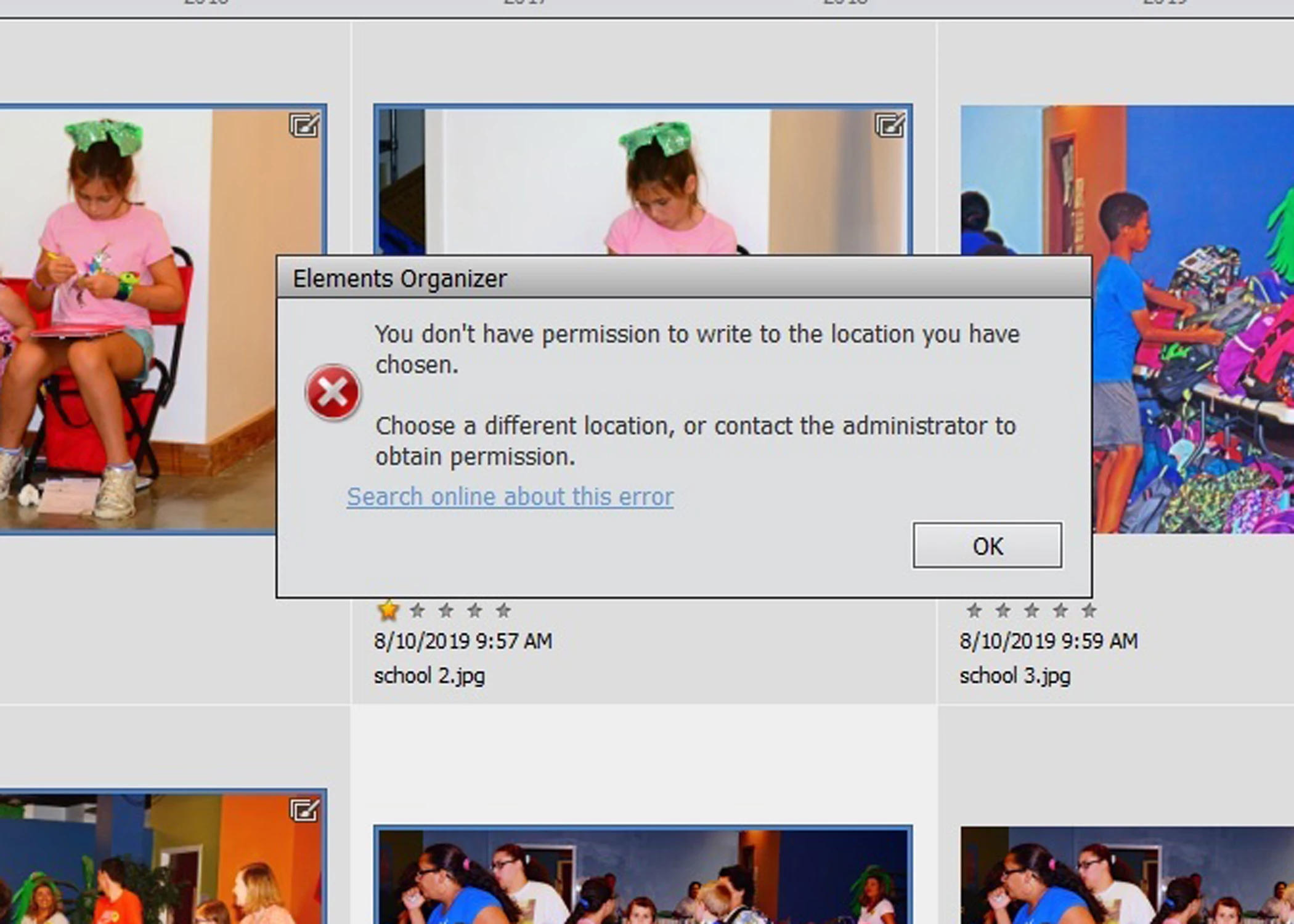
Message was edited by: Akash Sharma

    This topic has been closed for replies.

    2 replies

    Akash Sharma
    Legend
    August 12, 2019

    Hi there,

    Sorry that you're getting an error message saying you do not enough permissions to save on your D drive using Photoshop Elements Organizer. Let us help make this right.

    Which version of Photoshop Elements are you using?

    Let us know how it goes.

    Thanks,

    Akash

    thisisirrational
    Inspiring
    August 15, 2019

    thank you but in doing some reading on your link provided, I was not able to do anything. I was supposed to search for PE then select properties, click security, etc. The problem is that I could not find anywhere to get "properties" to show up on the screen so could not proceed.   I am using PE 14 on windows 10.

    thisisirrational
    Inspiring
    August 15, 2019

    I don't know it it will work, I am not going to waste a dvd to find out, but I just went into PE by typing PE in the search box. PE came  up with choices and I chose to open PE as Administrator. I then went to select a few images in the organizer and proceeded to copy to a dvd. I chose os (d) destination   AND I THINK IT IS GOING TO LET ME DO IT.  Maybe that's the answer. just log into PE as administrator instead of clicking on the short cut icon on the windows screen?

    Peru Bob
    Community Expert
    Community Expert
    August 11, 2019

    Have a look here:

    windows+permissions

    thisisirrational
    Inspiring
    August 15, 2019

    thank you but I have not been able to correct the problem yet.