


Position of windows in the editor
Good evening, community,
I'm using PSE 2020 V18.0.
There is a problem I have dealing with the position of the windows in the editor (expert mode).
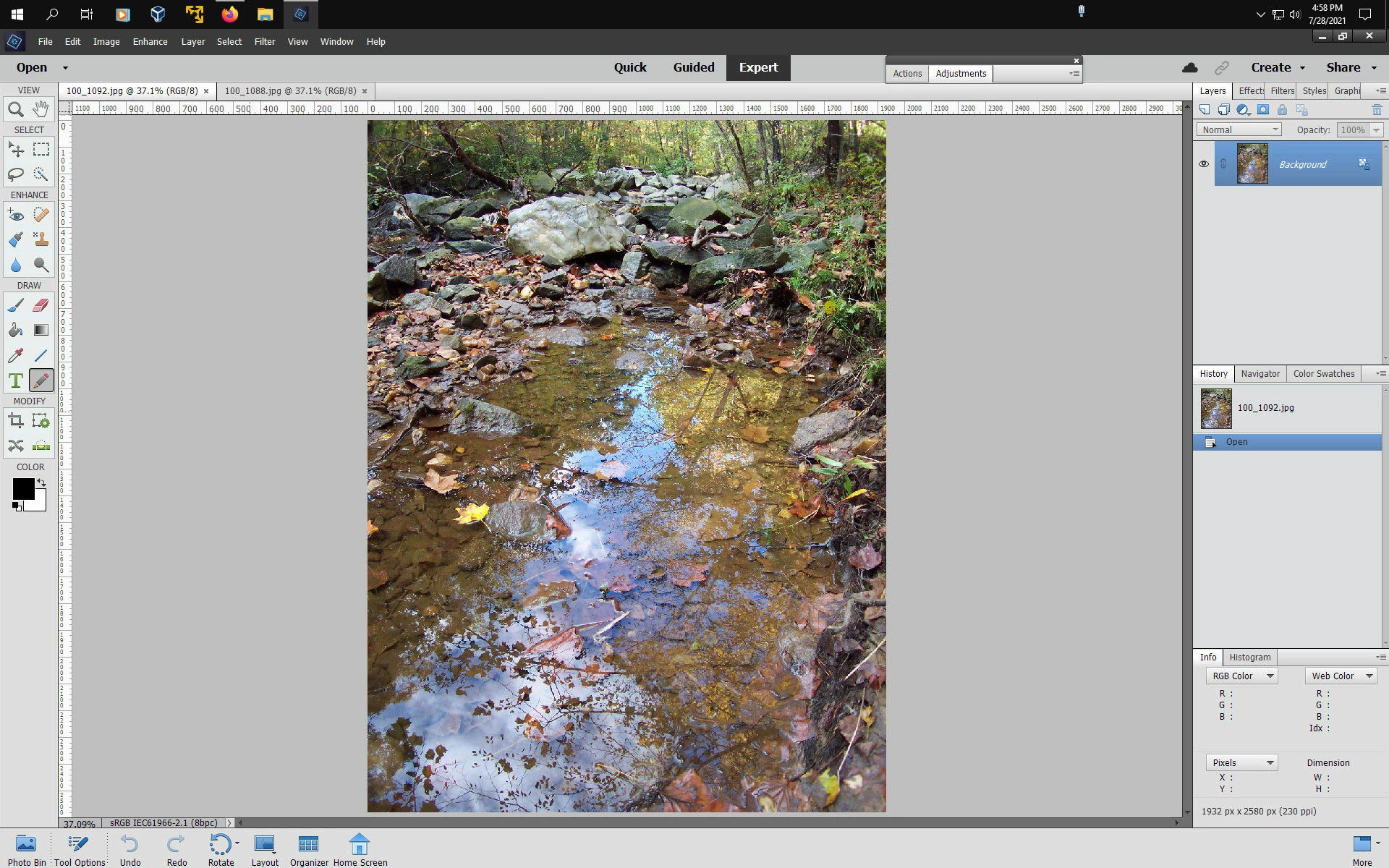
Say, I'm working with 2 documents. You always see and work with one of them, and when you need the other one you click on the it's tab above.
Allright so far.
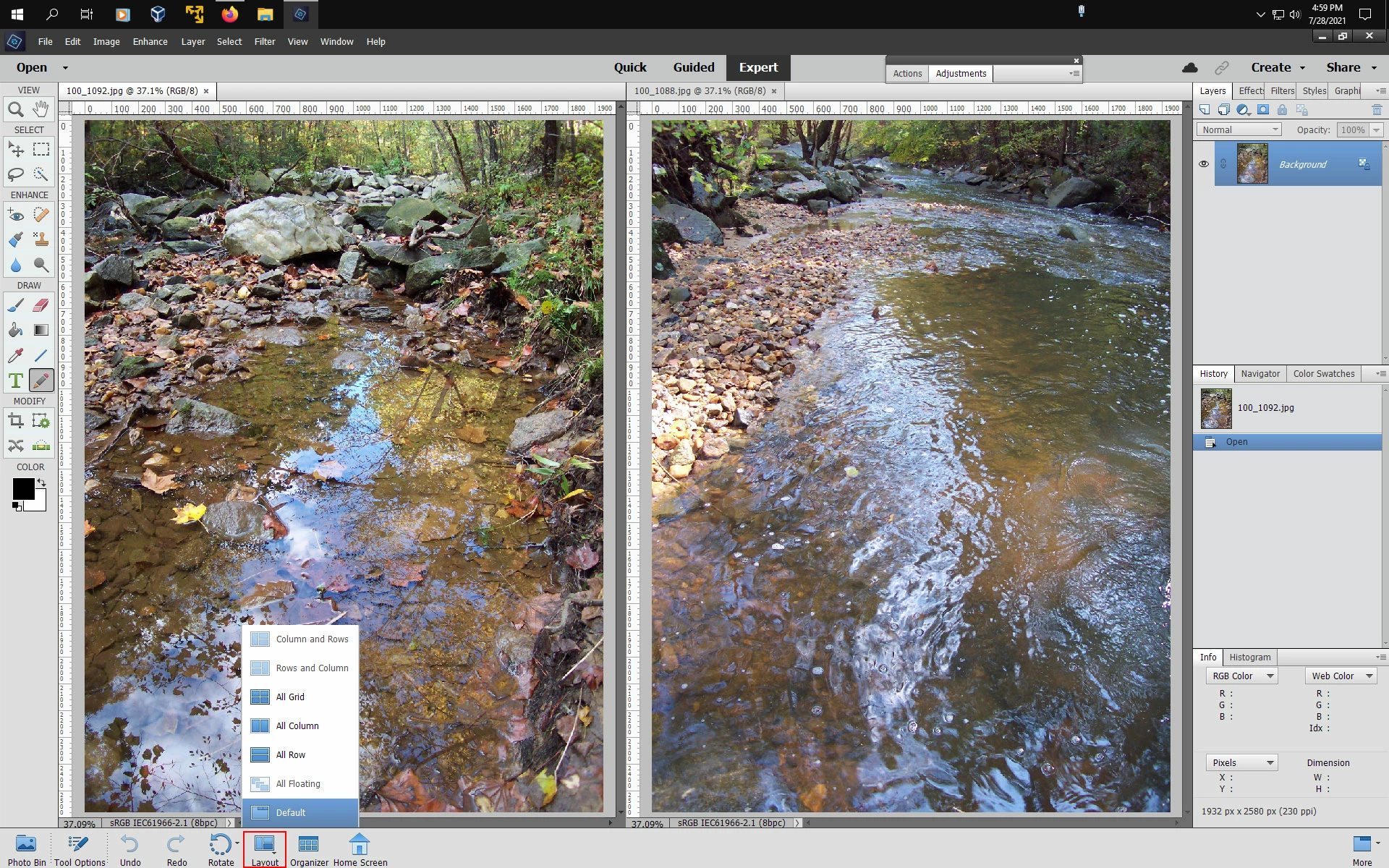
Now I want to compare both pictures, so I click "window-->pictures-->side-by-side. Ok, everything works fine.
But now I want to return to the beginning, that is to work with one picture in full sight and shifting to the second by clicking the tab. (to close one document and open it again or to drag the size to zero would be no convenient solution).
There is no corresponding choice in the "window" menue, unless you choose the "all join in tabs", but this is grayed out.
So what can I do?
Reinhart

 AdChoices