
Question
Preparing to Transfer Photos to External Drive on a MacBook PRO
I want to transfer my photos to an external hard drive because my scratch disk is full,. But something funny has been going on with my photos for awhile. Even when I import them once, they are imported again and again. I usually don't erase them from my memory card until I make my final edits.
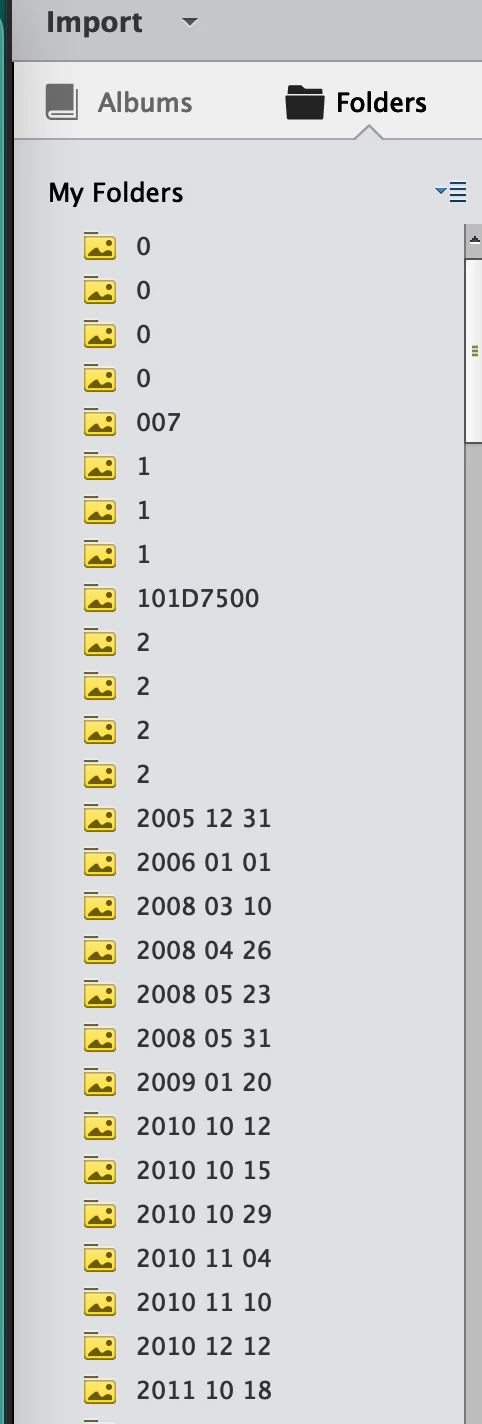
I'm using a MacBook Pro, Monterey OS and Photoshop Elements 2020. Maybe it will help to look at the screenshot I have attached that lists my folders. Some of folders have no images in them.
Will this "funny stuff" with the folders affect my transferring images (25 GB) to a hard drive and then later trying to import certain folders to work with them?


 AdChoices