


Inspiring
April 28, 2025
Answered

print an image according to percentage scale

  • April 28, 2025
  • 1 reply
  • 376 views

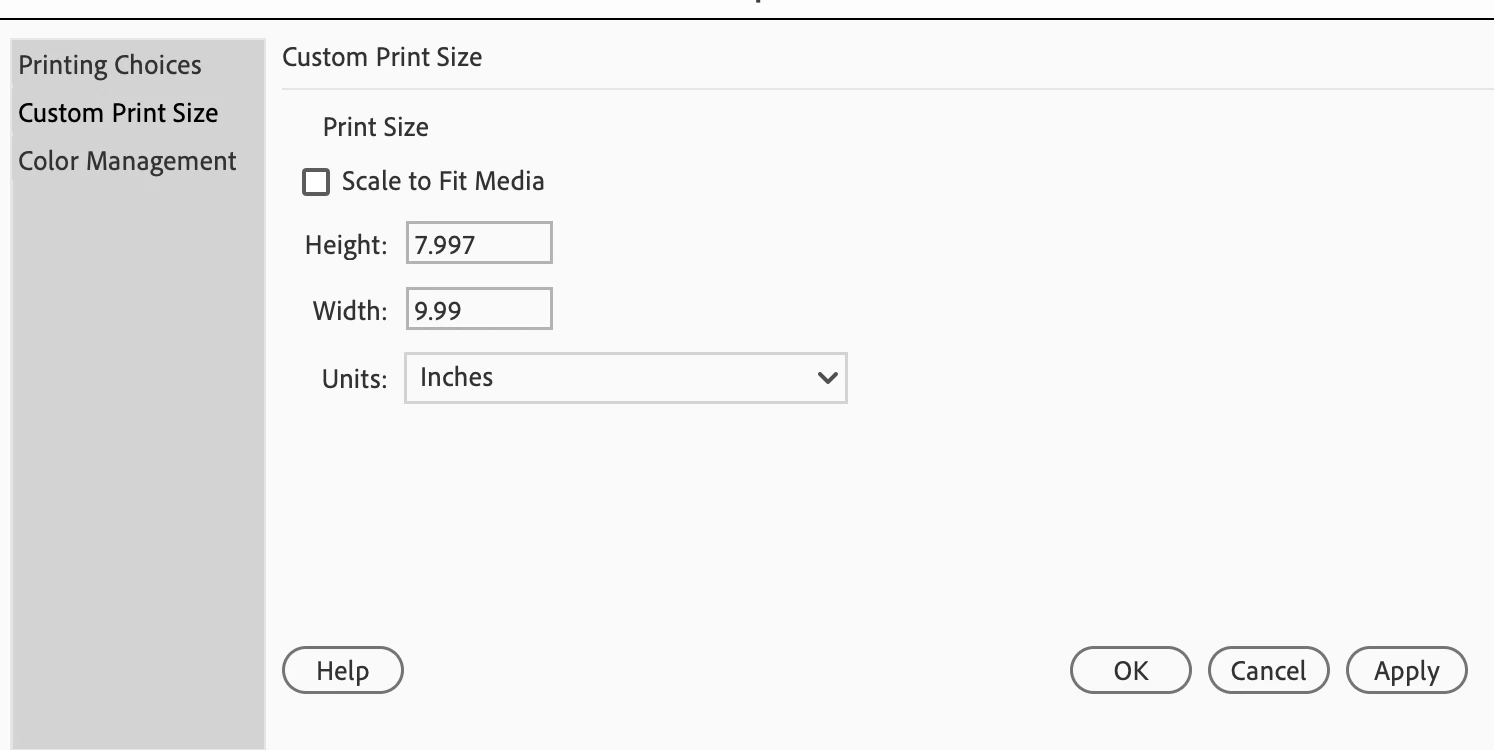
Hello, i am working in Photoshop elements 2024, using the "advanced" tab/mode. I'm trying to print out an image at 77%.  There is no scale option in the Print Dialogue box. How do i do this? Surely there must be an easy way? thank you

Correct answer hatstead

You have ro resize prior to sending it to the printer.

Go to Image>resize>image size and you will see  % scale in the drop-down. This process is contingent on resampling. Be sure that "constrain proportions" is checked.

The alternative is to crop the picture to desired specs.

1 reply

hatstead
hatsteadCorrect answer
Inspiring
April 29, 2025

You have ro resize prior to sending it to the printer.

Go to Image>resize>image size and you will see  % scale in the drop-down. This process is contingent on resampling. Be sure that "constrain proportions" is checked.

The alternative is to crop the picture to desired specs.

Inspiring
April 29, 2025

when i crop the image as you suggested, whats the difference between the canvas size and the image size? i just printed it out and it was totally the wrong size. it seems if the "print size" on the print dialogue box is set to 8x10, it will size the image to be 8x10 no matter what size you've scaled it down to (using the resize function.)