
Inspiring
June 22, 2024
Question

print an image via percentage

  • June 22, 2024
  • 1 reply
  • 565 views

Can someone PLEASE explain how to print an image at a specific percentage - i.e. 59%? I have seached high and low to find a dialog box in PSE that offers a field where you can fill in the percentage rather than the desired dimensions- no luck. 

Here's the closest I can get, but its not what I need...  thanks for any help 
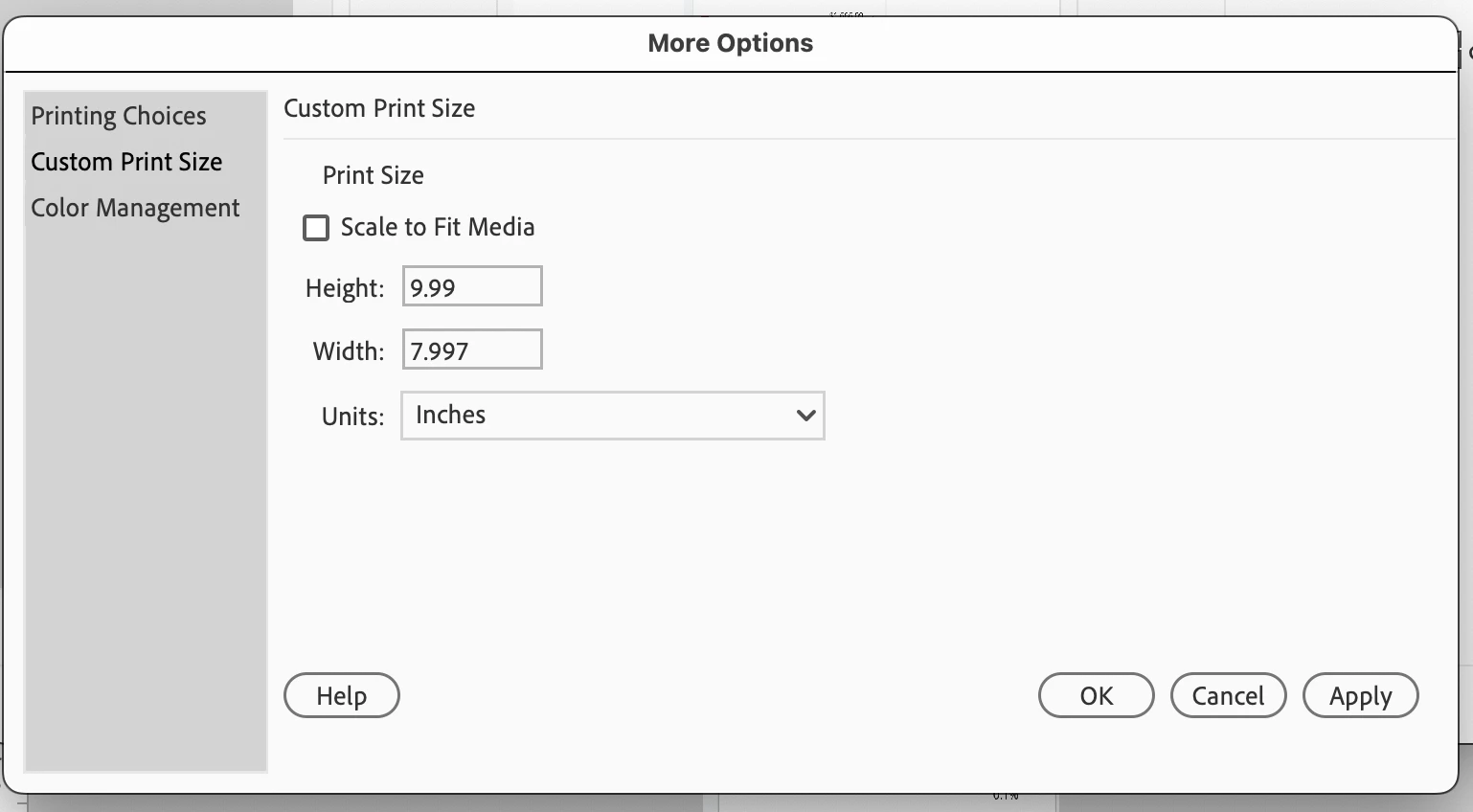
This topic has been closed for replies.

1 reply

Glenn 8675309
Legend
June 22, 2024

DO THIS FIRST then print.   I'd make a copy of the image scaled down to 59% SAVE and PRINT that.
Try not to wrap your head around printing at an exact size- all the information is in the image- make it whatever sze you want.

for example:  If you are printing up a greeting card- just add the image then grab a cornerr control node- the little whit box on a corner and make it whatever size you need. 

Your options are based upon the printer you have.   

You have two printer interfaces:  the one built into the program- which is somewhat limited, and the one which all your programs uses, a system printer interface.  

I have two printers:  a color lazerjet- which allows scaling on a print, and an inkjet, which does not. 

I would just save the image to a place you can find, and then print it using your system printer interface (which is the one I show just above this comment)--- choices and options vary based upon the printer you have.

Below is how you might want to do it from within the program.   Do whatever makes you happy.


Inspiring
June 24, 2024

Thanks for your answer but how do I navigate to my System printer within PSE? I don't see a way to choose my system. Can you tell me how to get there - i've clicked every button but can't find a way to navigate to it - thank you!

Inspiring
June 24, 2024

I open all images in PSE, and my dialog box doesn't allow me to choose the system - am i missing something? TY